User Manual corpuls
3
Data Management
ENG - Version 2.1 – P/N 04130.2 197
7. Select a destination with the jog dial and confirm by pressing the jog dial.
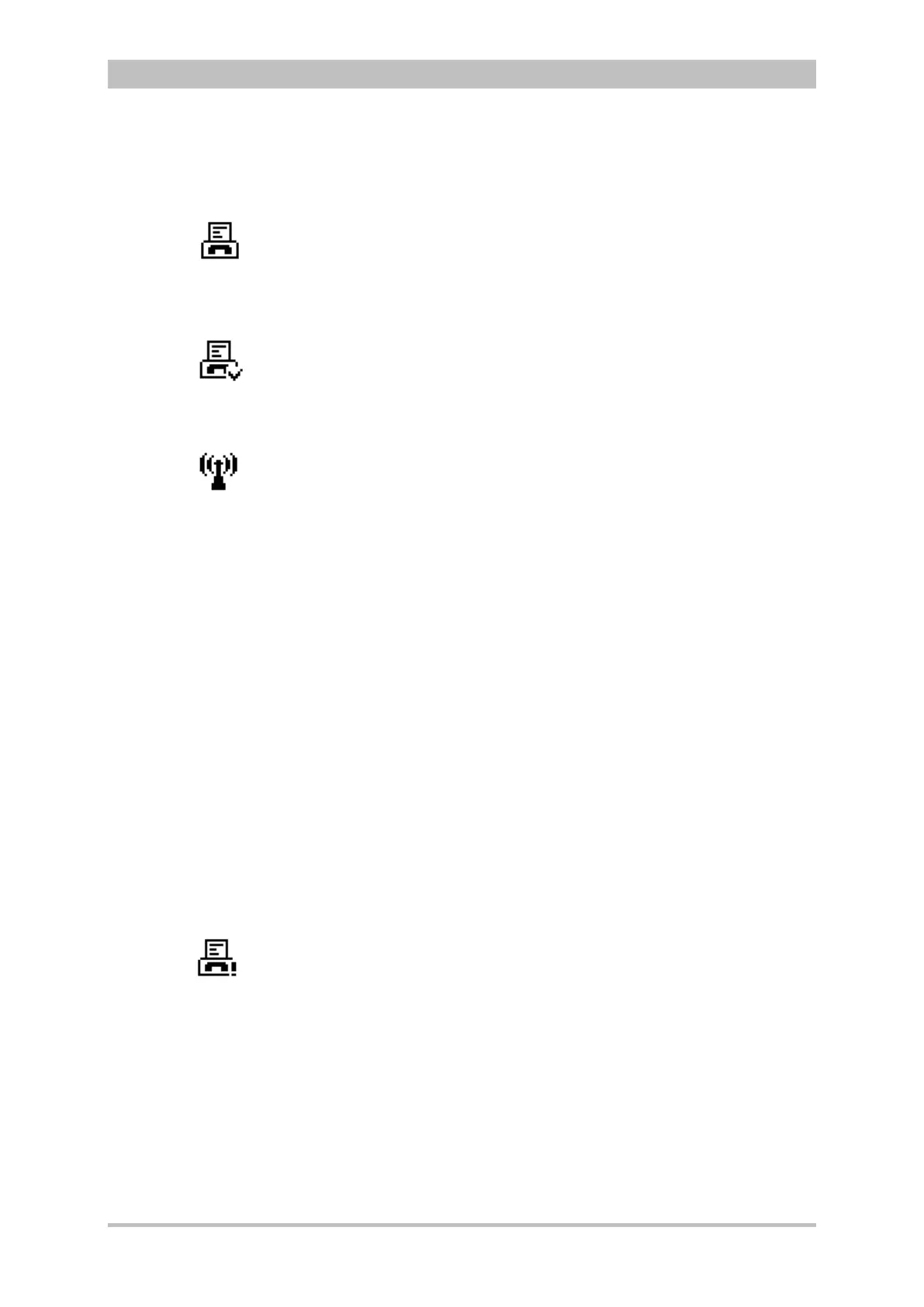
8. The connection is being established. In the status line the status symbol of
a flashing fax machine is displayed.
9. By pressing the softkey [Cancel] the monitoring mode for patient monitoring
can be called up again. The fax transmission is carried out in the
background.
10. When the fax transmission starts, the symbol is displayed permanently. As
soon as the fax transmission is finished, this is indicated by the
confirmation tick on the fax symbol.
For sending the fax to a manually entered destination, proceed as follows:
1. Activate the preview of the D-ECG in monitoring mode and start recording.
2. If the LAN interface was selected in the configuration menu, proceed with
step 5. To configure the LAN interface, see chapter 7.4.8 Configuration of
Telemetry (Persons Responsible for the Device), page 170.
3. The GPRS connection is being established. In the status line the status
symbol of a radio mast is displayed whose radio waves are flashing.
4. The GPRS connection is established, if the symbol is displayed
permanently.
5. After the message “D-ECG recorded“ is displayed in the message line,
press the softkey [Send].
6. Select the destination “Manual destination” in the phonebook and confirm.
7. Enter the destination/number with the jog dial and confirm by pressing the
softkey [Enter].
8. Select the fax machine type of the recipient.
9. After confirming with the jog dial, the connection will be established.
Additionally displayed in the status line is a flashing symbol of a fax
machine.
10. By pressing the softkey [Cancel] the monitoring mode for patient monitoring
can be called up again. The fax transmission is carried out in the
background.
11. When the fax transmission starts, the symbol is displayed permanently. As
soon as the fax transmission is finished, this is indicated by the
confirmation tick on the fax symbol.
If the fax transmission is interrupted for technical reasons (e.g. insufficient
reception quality or interruption of the radio connection) the alarm message
“Fax transmission failed“ is displayed. In case of malfunctions see also
chapter 10.2 Troubleshooting and Corrective Actions, page 250, and
Appendix A Symbols, page 272.
To abort the current fax transmission, select „Telemetry“ ► „Abort Fax“ with the
jog dial in the main menu.
The protocol records status messages of the fax transmission as event. For
information on possible events see chapter 10.3 Notifications Message Line and
Information in the Protocol, page 263.
Entering the
destination
manually
successful
Aborting fax
transmission
failed



 To Next Page