User Manual corpuls
3
General Operating Instructions
ENG - Version 2.1 – P/N 04130.2 49
4.3.3 Main Menu
To select the main menu of the device and adjust settings, proceed as follows:
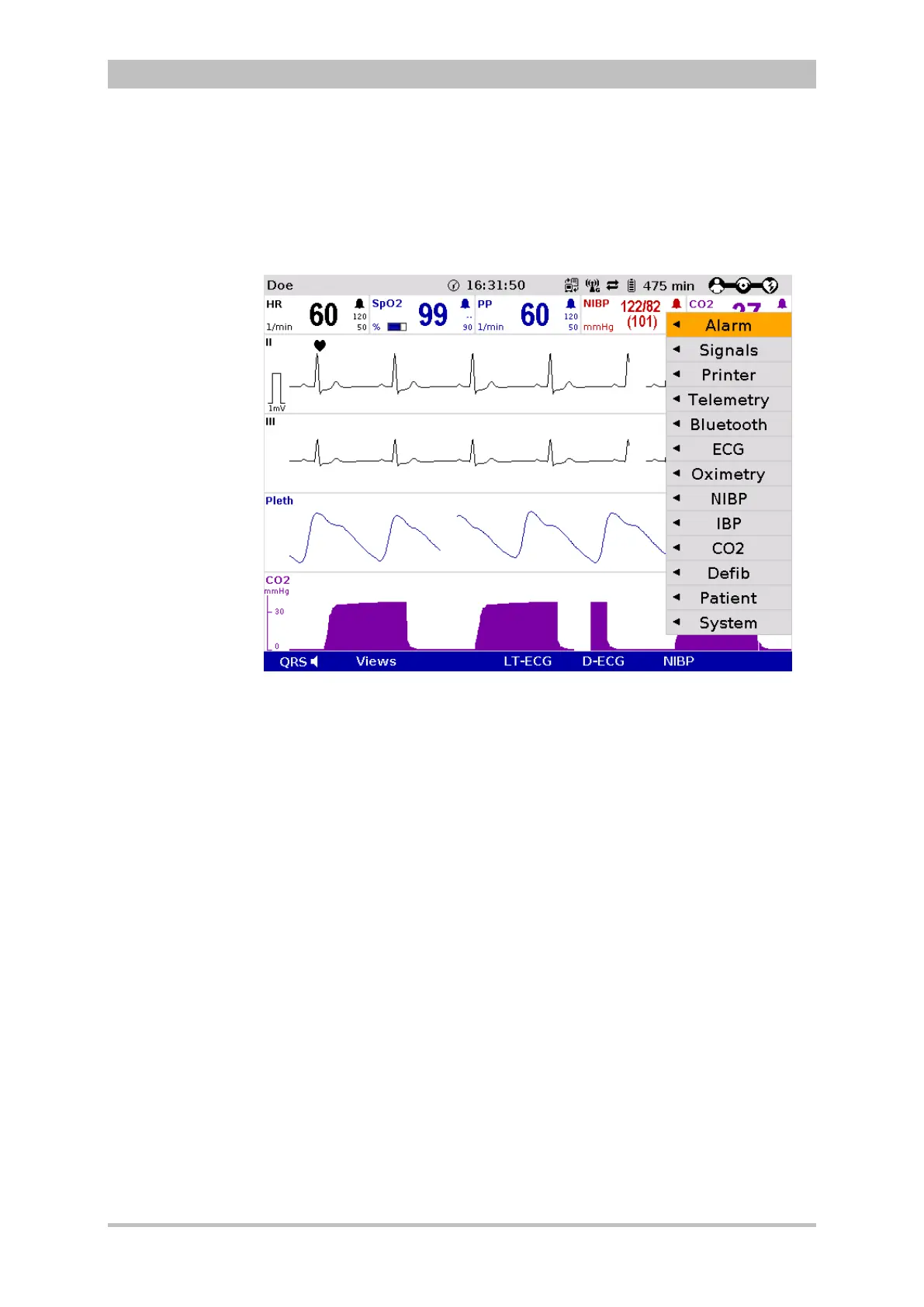
1. Press the jog dial to open the main menu of the device.
Fig. 4-15 Main menu
2. Select the required item in the main menu by rotating the jog dial and
confirm by pressing the jog dial.
3. Select the required menu item in the submenu by rotating the jog dial and
confirm by pressing the jog dial.
4. The corresponding configuration dialogue opens.



 To Next Page