Data Management
User Manual corpuls
3
198 ENG - Version 2.1 – P/N 04130.2
Via the mission browser, D-ECGs from the current mission can be sent again,
see chapter 8.5.2 Mission Browser, page 192.
Depending on the volume of data and the signal level, it may take a few minutes
to send the fax.
If the D-ECG has been successfully sent to the fax server, the connection will
be closed. In the protocol printout the event D-ECG fax sent appears.
Before sending the ECG to a fax machine, the patient data should be entered.
So, the faxes received at the location of the fax recipient can be clearly
assigned to the patient treated.
In areas near national borders the mobile communications networks may
overlap, so it may be necessary to enter the international area code as well to
be able to contact the fax recipient. In this case, adapt to your country-specific
settings (e.g. “+49 9876 54321“ or “0049 9876 54321“).
At locations where radio signals are shadowed for technical reasons (e.g. inside
a flat), low signal levels may occur in mobile phone reception. In this case,
select a better position for the monitoring unit, e.g. near a window.
8.8.3 Starting Live Data transmission with
To carry out a live data transmission proceed as follows:
1. Select „Telemetry“ ► „Connect“ in the main menu.
2. If the LAN interface was selected in the configuration menu, proceed with
step 5. To configure the LAN interface, see chapter 7.4.8 Configuration of
Telemetry (Persons Responsible for the Device), page 170.
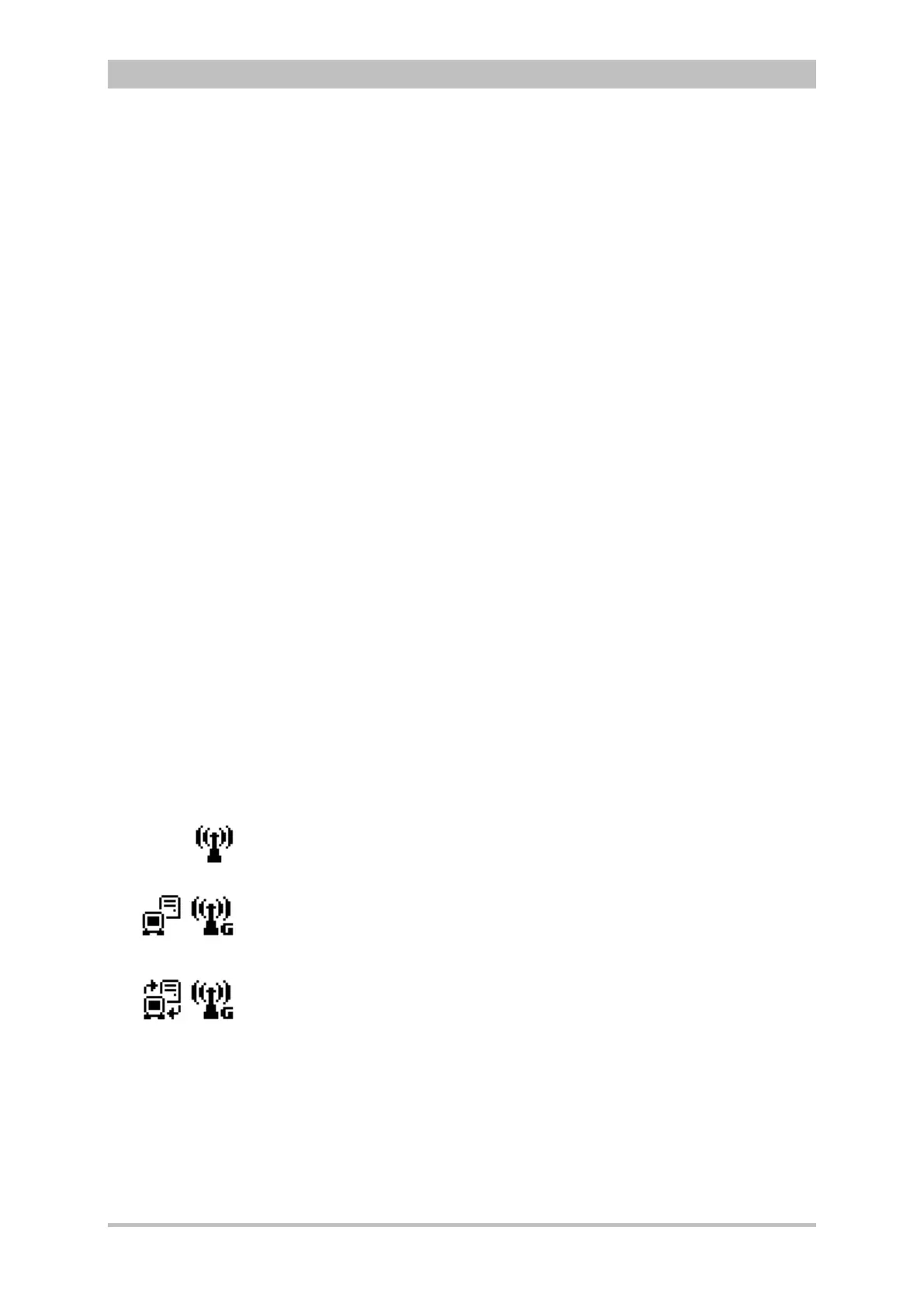
3. The GPRS connection is being established. In the status line the status
symbol of a radio mast is displayed whose radio waves are flashing.
4. When the GPRS connection has been established (radio mast symbol
shows a „G“ at the bottom right), the user has to log in to the
corpuls.web server. Additionally displayed in the status line is a flashing
symbol of a corpuls
3
with a server.
5. The data connection between the corpuls.web server and the corpuls
3
is fully established, as soon as the symbol is displayed permanently and
has two additional arrows. Now all data mentioned above are transferred
live.
6. To abort the current live data transmission select „Telemetry“ ►
„Disconnect“ with the jog dial in the main menu.
During the live data transmission all therapeutic and monitoring functions of the
corpuls
3
can be used without limitations. The observer of the live data using
the PC program corpuls.web on the other side can see the same parameters
and curves that are currently displayed on the connected corpuls
3
.



 To Next Page