User Manual corpuls
3
Introduction
ENG - Version 2.1 – P/N 04130.2 25
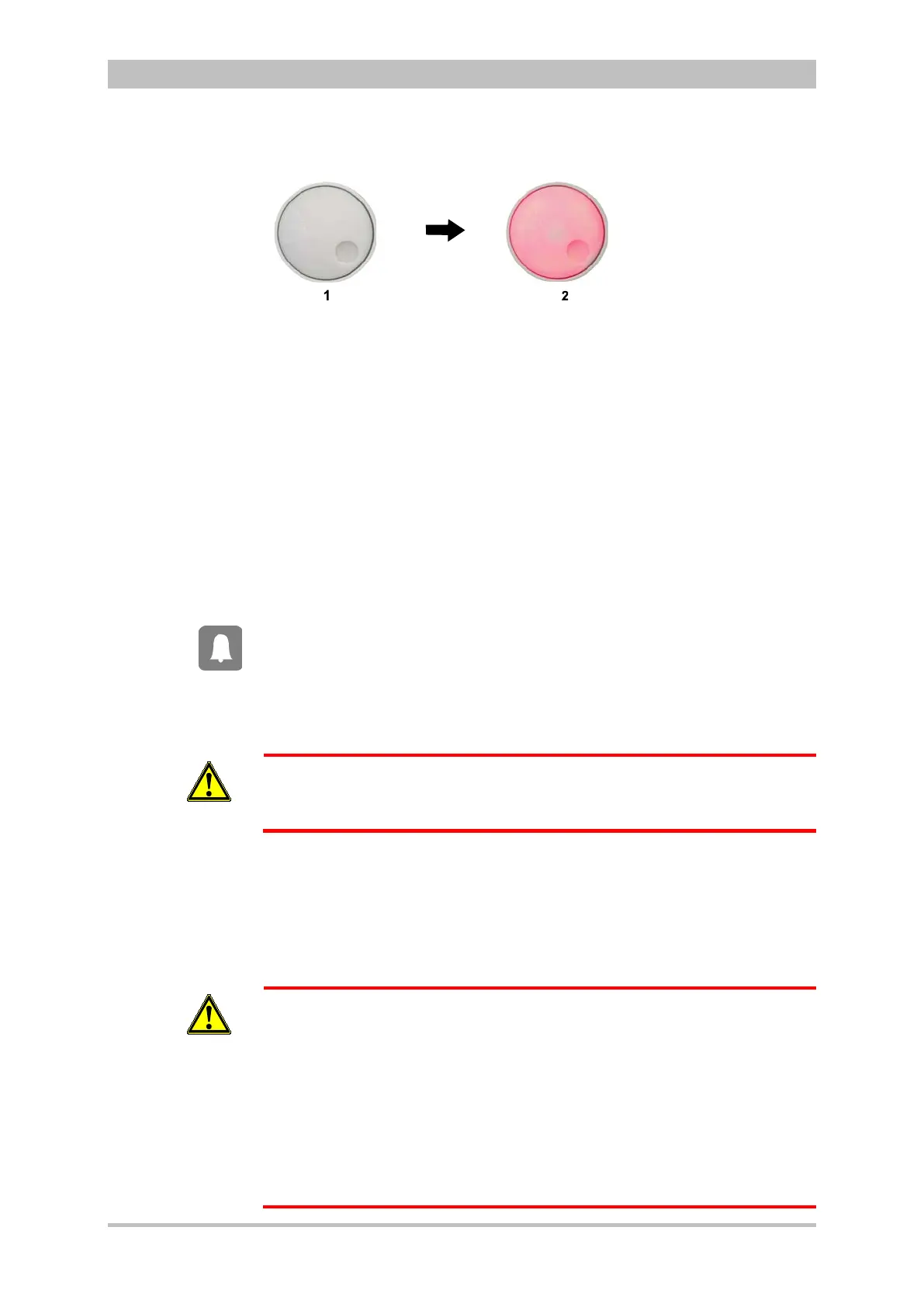
Alarm signal via the jog dial:
Fig. 3-17 Jog dial
1 Not illuminated
2 Illuminated to indicate an alarm
− The alarm with the currently highest priority is indicated by the colour blue,
yellow or red (in older devices only red) as well as by the flashing speed
of the jog dial.
− The priority of the alarm determines the flashing speed. The flashing speed
increases with the priority.
The acoustic alarm sounds:
− The alarm with the highest priority is signalled acoustically.
− The type of sound helps the user to differentiate between low-, medium-
and high-priority alarms.
If the Alarm key is pressed for more than 3 s, physiological alarms can be
suspended briefly or, depending on the configuration set by the operator, also
permanently. Prerequisite is that this has been configured accordingly in the
settings (see chapter 7.4.5 Alarm Configuration (Persons Responsible for the
Device) , page 166).
Only technical alarms are displayed in defibrillation mode. Physiological alarm
limits are not monitored.
No physiological alarm events are saved in defibrillation mode.
WARNING
The patient must not be left unattended when defibrillation mode is selected.
Manual and automatic configuration as well as all further settings (saving,
volume, etc.) with reference to the alarm function of the monitoring unit can be
found in chapter 7.3 Alarm Configuration, page 155.
After switching on, the settings entered by the person responsible for the device
apply. Differing alarm settings are only saved permanently if the user has the
appropriate authorisation.
WARNING
Night vision goggle (NVG/NVIS)-compatible monitoring units differ from the
above description as follows:
• The illumination of the jog dial for signalling an alarm is not red but
cyan (light-blue).
• The maximum brightness of the illumination of the jog dial is only 5%
of the regular configuration.
• The signalling of an alarm via the jog dial is not visible in daylight and
difficult to see in the twilight.
• The representation of colours on the screen differs. Due to this, signal
colours may not be recognised as such.
Situation after
switching on



 To Next Page