User Manual corpuls
3
Data Management
ENG - Version 2.1 – P/N 04130.2 205
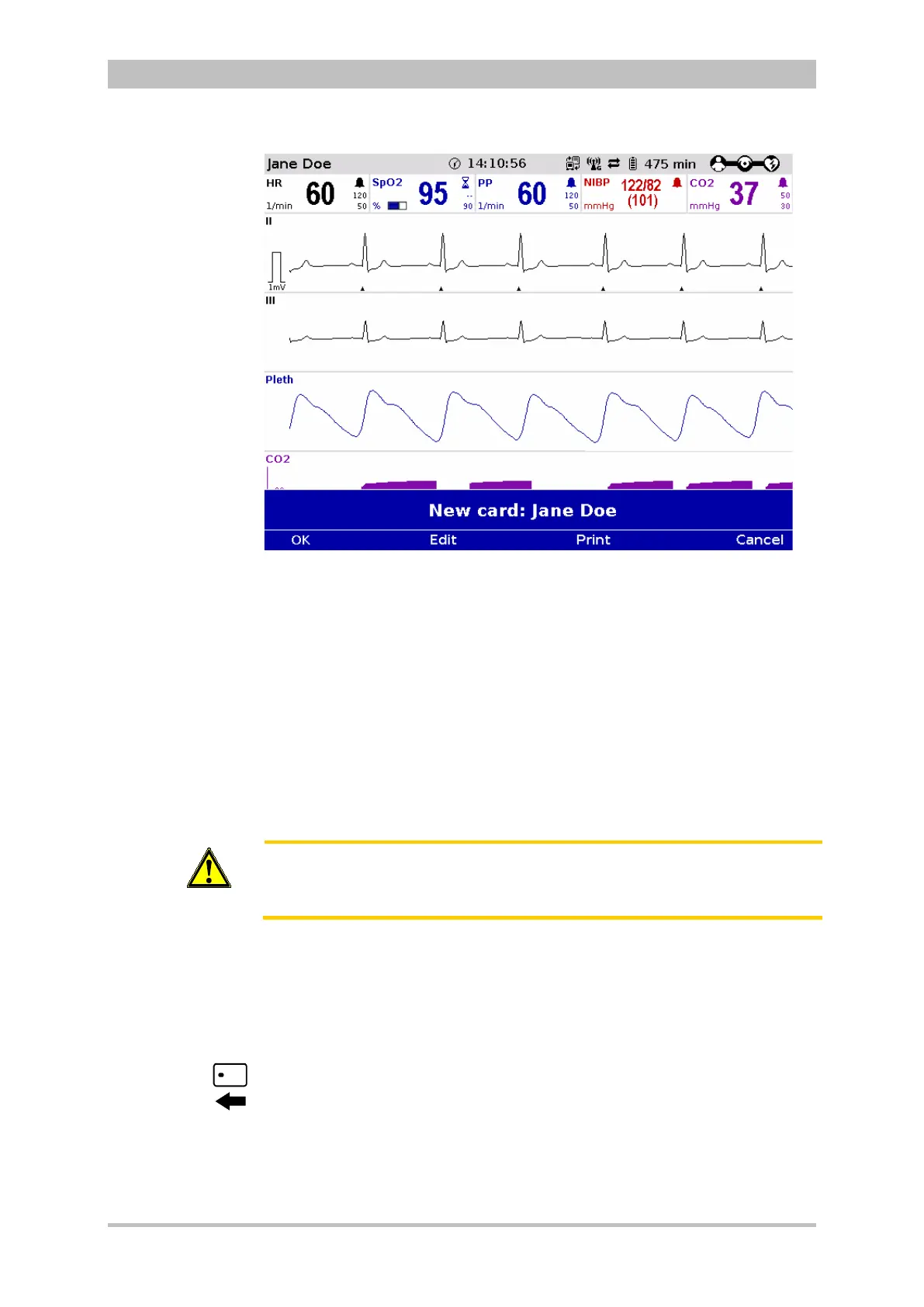
Fig. 8-10 Readout of patient information from insurance card reader
2. With the softkeys [OK] and [Edit] the data set from the insurance card can
be accepted or edited.
3. Press the softkey [Print] to print out the data set from the insurance card
and save the data set.
Alternatively, patient data that are not greyed out, can also be entered manually.
Select "Patient" ► "Edit data" in the main menu.
The data set from the insurance card can be deleted from the corpuls
3
. Select
"Patient" ► "Erase data" in the main menu.
Caution
Patient and insuree have to be one person, otherwise the results of the ECG
analysis can be misinterpreted.
The insurance card reader is currently only available for customers in Germany,
Austria, Switzerland and Belgium. Further countries are available upon request
A monitoring unit that is equipped with an insurance card reader (optional) can
be recognised by the card symbol at the card slot.
Symbol
insurance card
reader



 To Next Page