General Operating Instructions
User Manual corpuls
3
32 ENG - Version 2.1 – P/N 04130.2
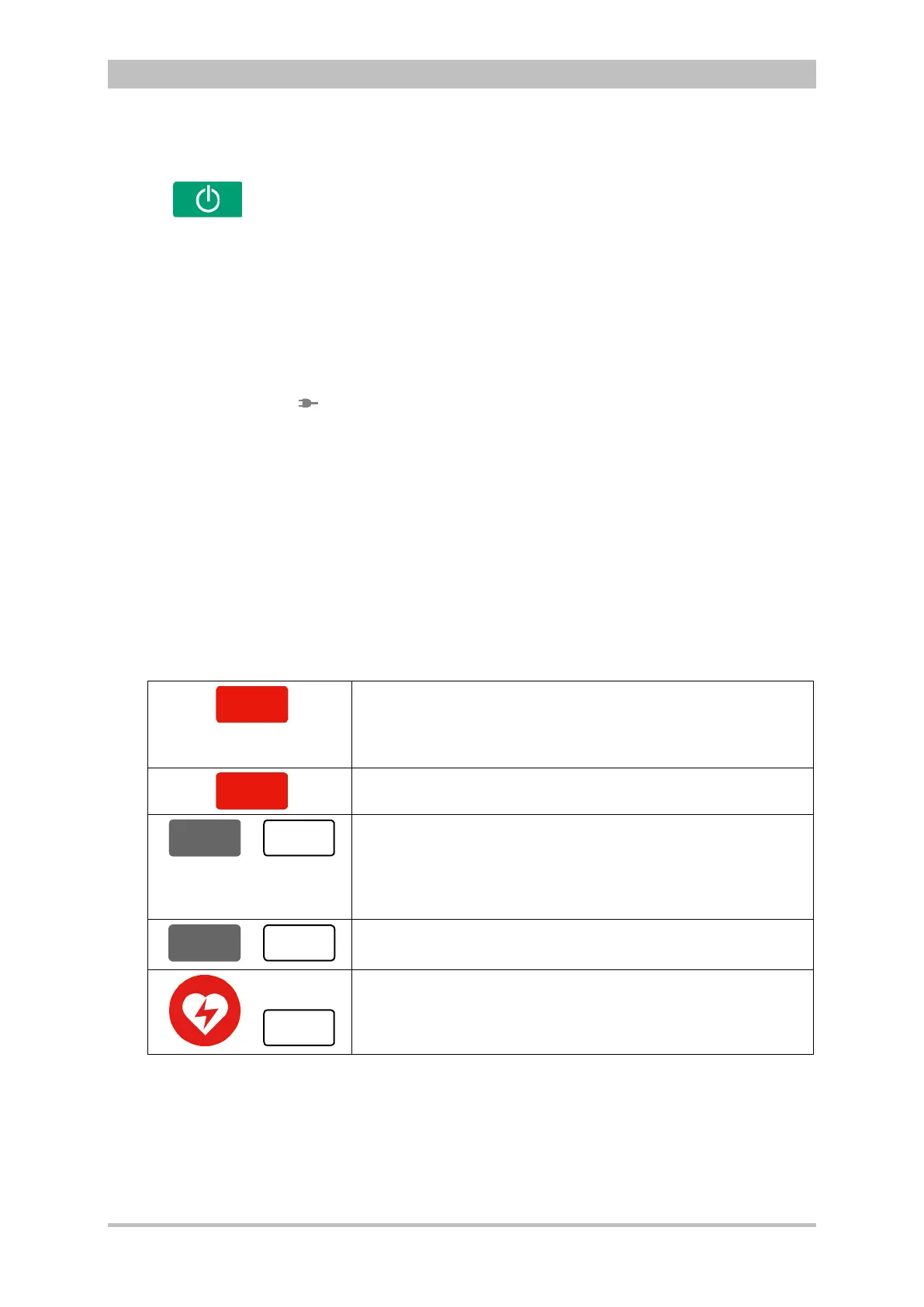
The following modules are switched on or off by pressing the On/Off key on the
monitoring unit:
• all modules during use as a compact device;
• the monitoring unit and all the modules connected mechanically to the
monitoring unit during semi-modular use;
During modular use only the monitoring unit is switched on with the On/Off key,
but all modules are switched off with it. Chapter 4.2 Switching On and Off,
page 43 contains further information on switching on and off.
The status LEDs of the monitoring unit indicate the power supply or the state of
charge of the batteries in addition to the operating status of the device:
power supply/
state of charge (item 4)
battery is fully charged
device is connected to the mains
battery is being charged
LED operating status (item 5)
device is switched on
When the device is equipped with night vision goggle (NVG/NVIS)-compatibility,
the LED power supply/charging status and the multifunctional LED glow yellow
instead of orange.
The defibrillation and cardioversion functions are called up by pressing the
defibrillation mode function keys (item 6) (see also chapter 5 Operation –
Therapy, p. 63).
AED key selects the operating mode “automated external
.
corpuls
3
can be switched on by pressing the AED key. So
this operating mode is immediately available.
Analyse key starts ECG analysis.
or
Manual key selects the operating mode “manual
corpuls
3
can be switched on by pressing the Manual key.
This operating mode is immediately
available in this case.
or
Charge key initiates the charging process.
or
Shock key triggers a defibrillation shock in AED- or manual
is positioned centered, as it is valid for both modes.
4-1 Keyboard layout defibrillation keys (modifications possible)
Function keys,
defibrillation mode



 To Next Page