EasyManua.ls Logo

HP 262SA - Page 224

HP 262SA
390 pages
Print Icon
To Next Page IconTo Next Page
To Previous Page IconTo Previous Page
Loading...
Escape Codes
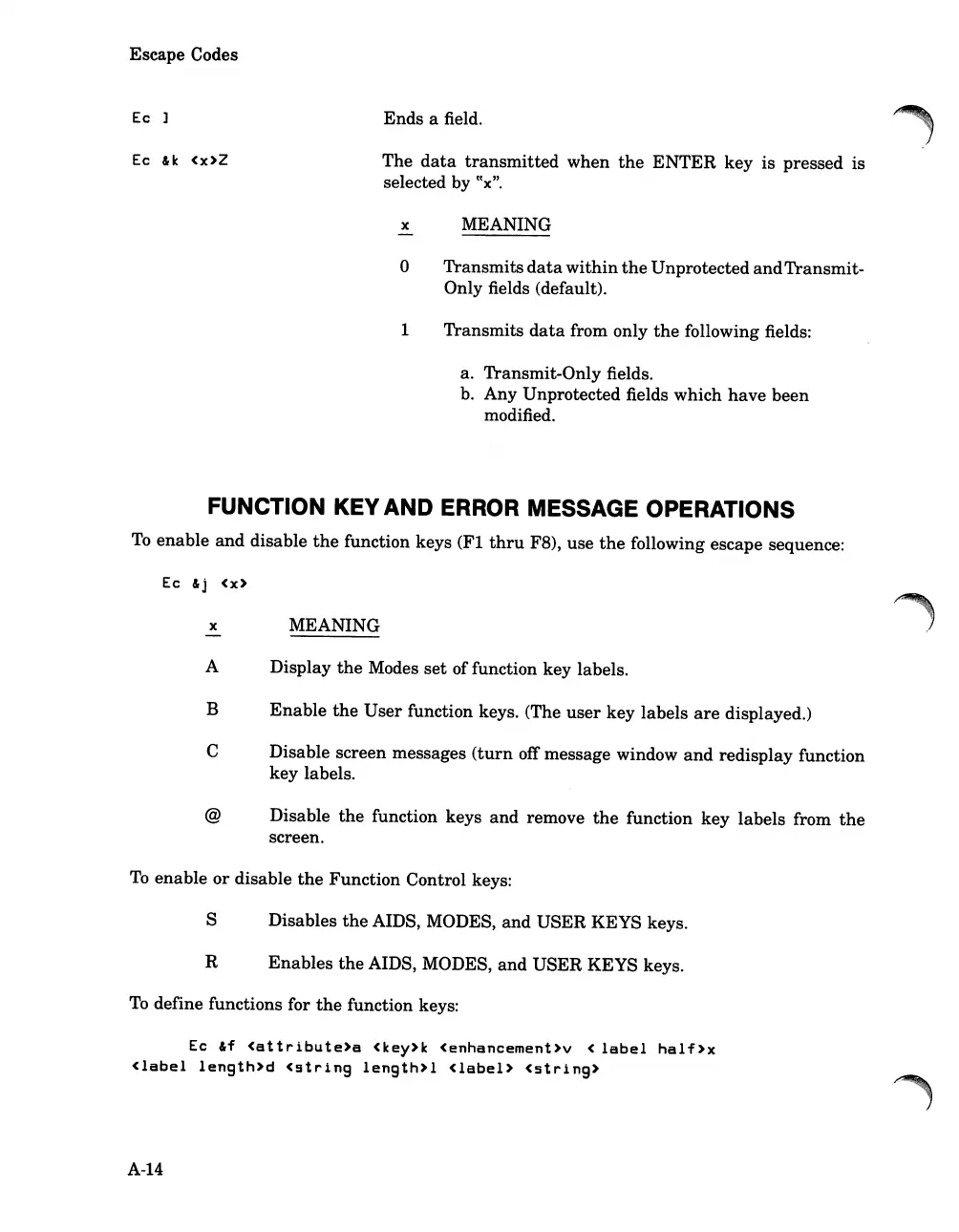
Ec
Ec
&k
<x>Z
Ends
a field.
The
data
transmitted
when
the
ENTER
key
is
pressed
is
selected by
tc
x
".
x MEANING
o
Transmits
data
within
the
Unprotected
and
Transmit-
Only fields (default).
1
Transmits
data
from only
the
following fields:
a. Transmit-Only fields.
b.
Any
Unprotected fields
which
have
been
modified.
FUNCTION KEY AND ERROR MESSAGE OPERATIONS
To
enable
and
disable
the
function keys
(Fl
thru
F8),
use
the
following escape sequence:
Ec
&j
<x>
x
-
A
B
C
@
MEANING
Display
the
Modes
set
of function key labels.
Enable
the
User
function keys. (The
user
key
labels
are
displayed.)
Disable screen messages
(turn
off message window
and
redisplay
function
key
labels.
Disable
the
function keys
and
remove
the
function
key
labels
from
the
screen.
To
enable
or
disable
the
Function
Control keys:
S Disables
the
AIDS, MODES,
and
USER
KEYS keys.
R
Enables
the
AIDS, MODES,
and
USER
KEYS keys.
To
define functions for
the
function keys:
Ec
&f
<attribute>a
<key>k
<enhancement>v
<
label
half>x
<label
length>d
<9tring
length>l
<label>
<string>
A-14

Table of Contents

Related product manuals