Graphics
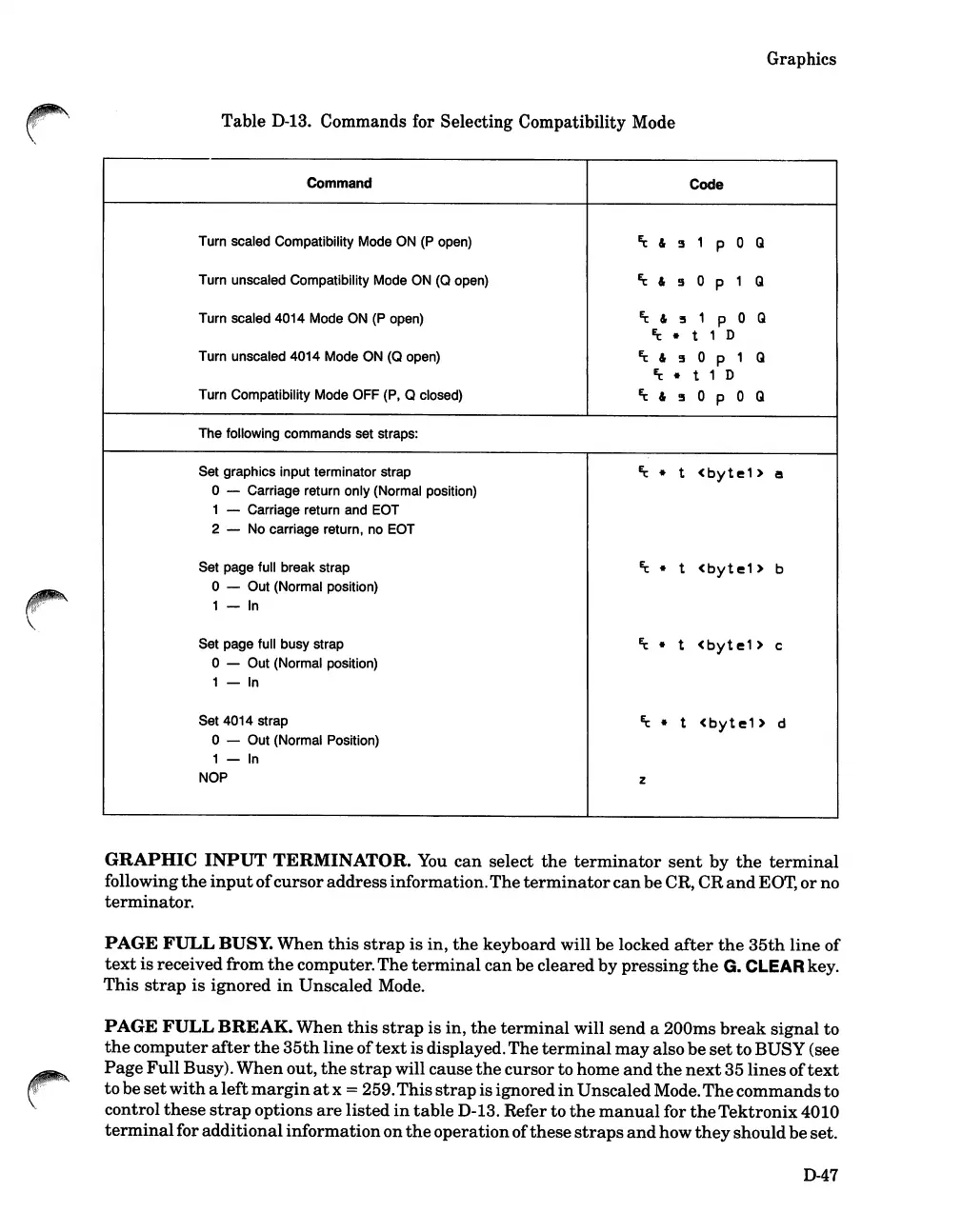
Table
D-13.
Commands for Selecting Compatibility Mode
Command
Code
Turn scaled Compatibility Mode
ON
(P
open)
Et
&
~
1
P
0
Q
Turn unsealed Compatibility Mode
ON
(0
open)
Et
&
~
0
P
1
Q
Turn scaled 4014 Mode ON
(P
open)
Et
&
!5
1
P 0 Q
Et
•
t
1 D
Turn unsealed 4014 Mode ON
(0
open)
~
&
~
o P
1
Q
Et
•
t 1 D
Turn Compatibility Mode OFF (P, 0 closed)
Et
&
~
o p
0
Q
The following commands set straps:
Set graphics input terminator strap
Ec
•
t
<byte1>
a
o - Carriage return only (Normal position)
1 - Carriage return and EOT
2 - No carriage return, no EOT
Set page full break strap
Ec
•
t
<byte1>
b
o - Out (Normal position)
1 -
In
Set page full busy strap
Ec
•
t
<byte1>
c
o - Out (Normal position)
1 -
In
Set 4014 strap
Ec
•
t
<byte1>
d
o - Out (Normal Position)
1 -
In
NOP
z
GRAPHIC
INPUT
TERMINATOR.
You
can
select
the
terminator
sent
by
the
terminal
following
the
input
of
cursor
address
information.
The
terminator
can
be
CR, CR
and
EOT,
or
no
terminator.
PAGE
FULL
BUSY.
When
this
strap
is in,
the
keyboard will be locked
after
the
35th
line
of
text
is received from
the
computer.
The
terminal
can
be cleared
by
pressing
the
G. CLEARkey.
This
strap
is
ignored
in
Unsealed Mode.
PAGE
FULL
BREAK.
When
this
strap
is in,
the
terminal
will
send
a 200ms
break
signal
to
the
computer
after
the
35th
line
of
text
isdisplayed.The
terminal
may
also
be
set
to
BUSY (see
Page
Full
Busy).
When
out,
the
strap
will cause
the
cursor to home
and
the
next
35
lines
of
text
to
be
set
with
a
left
margin
at
x = 259.
This
strap
isignored
in
UnsealedMode.
The
commands
to
control
these
strap
options
are
listed
in
table
D-13. Refer to
the
manual
for
the
Tektronix
4010
terminal
for additional
information
on
the
operationofthese
straps
and
how
they
should
be
set.
D-47













 To Next Page