990400 Rev C 2010 May 1
Detail Screens
9-3
image rotates the 3D image in the direction of the cursor.
Double right click-and-hold the mouse button horizontally
rotates the image. The mouse scroll wheel is active to scroll
through the slices.
• Cross Section Views (lower right) shows cross section
details of the anatomy of interest as specified on the axial
slice position view and the panoramic map view. The mouse
scroll wheel is active to scroll through the slices.
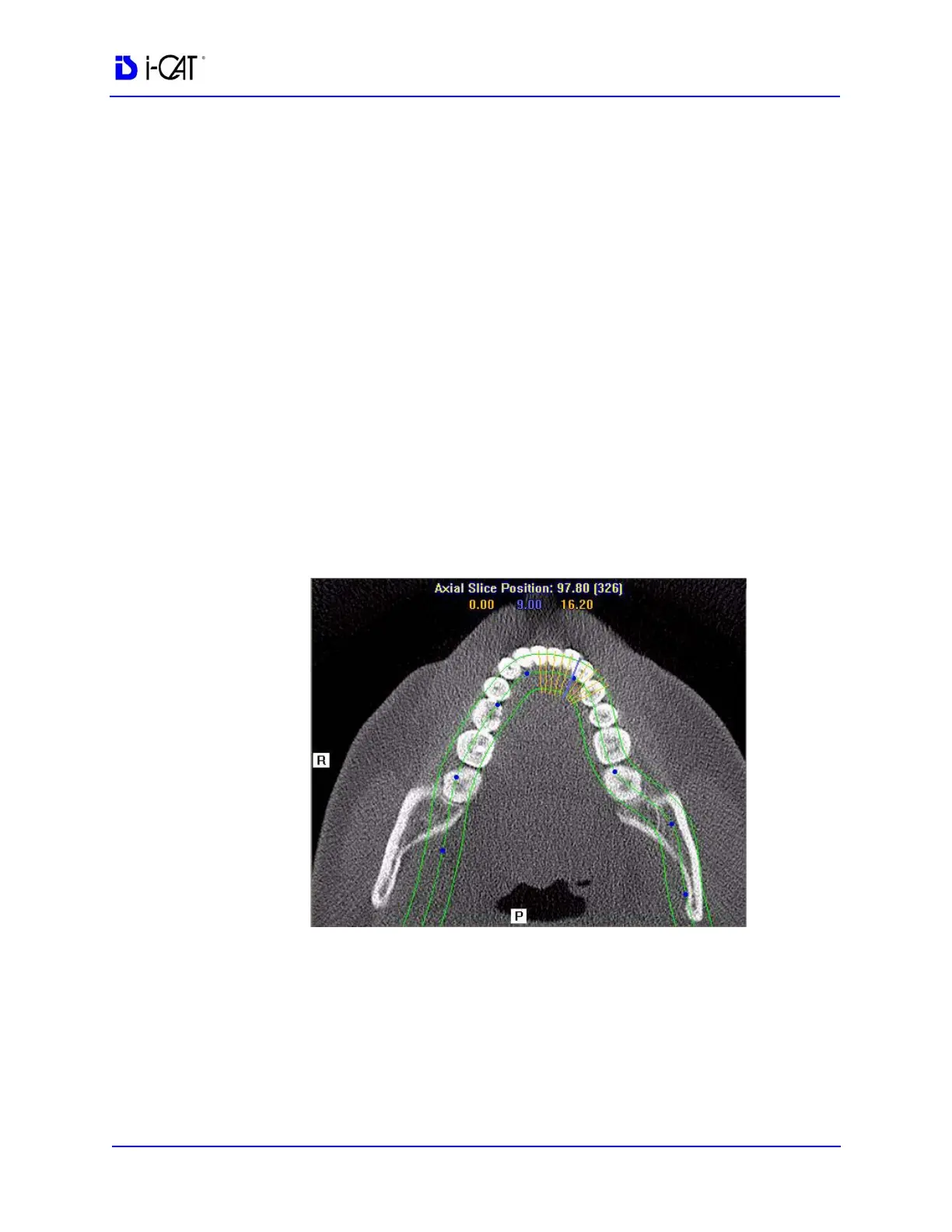
Patient position indicators are used on the Implant Planning Screen
to indicate the orientation of the displayed data. These are:
R = Right Side
P = Posterior
B = Buccal
To use the Implant Planning Screen:
1. Click and drag the blue dots on the axial slice position view to
adjust the image displayed on the panoramic map view.
To correlate the mouse position on the axial slice position view to
the panoramic map view, hold down the C key on keyboard and
move the mouse. A yellow mark shows the correlated position.



 To Next Page