17-19 Operators’ Manual
990400 Rev C 2010 May 1
9-12
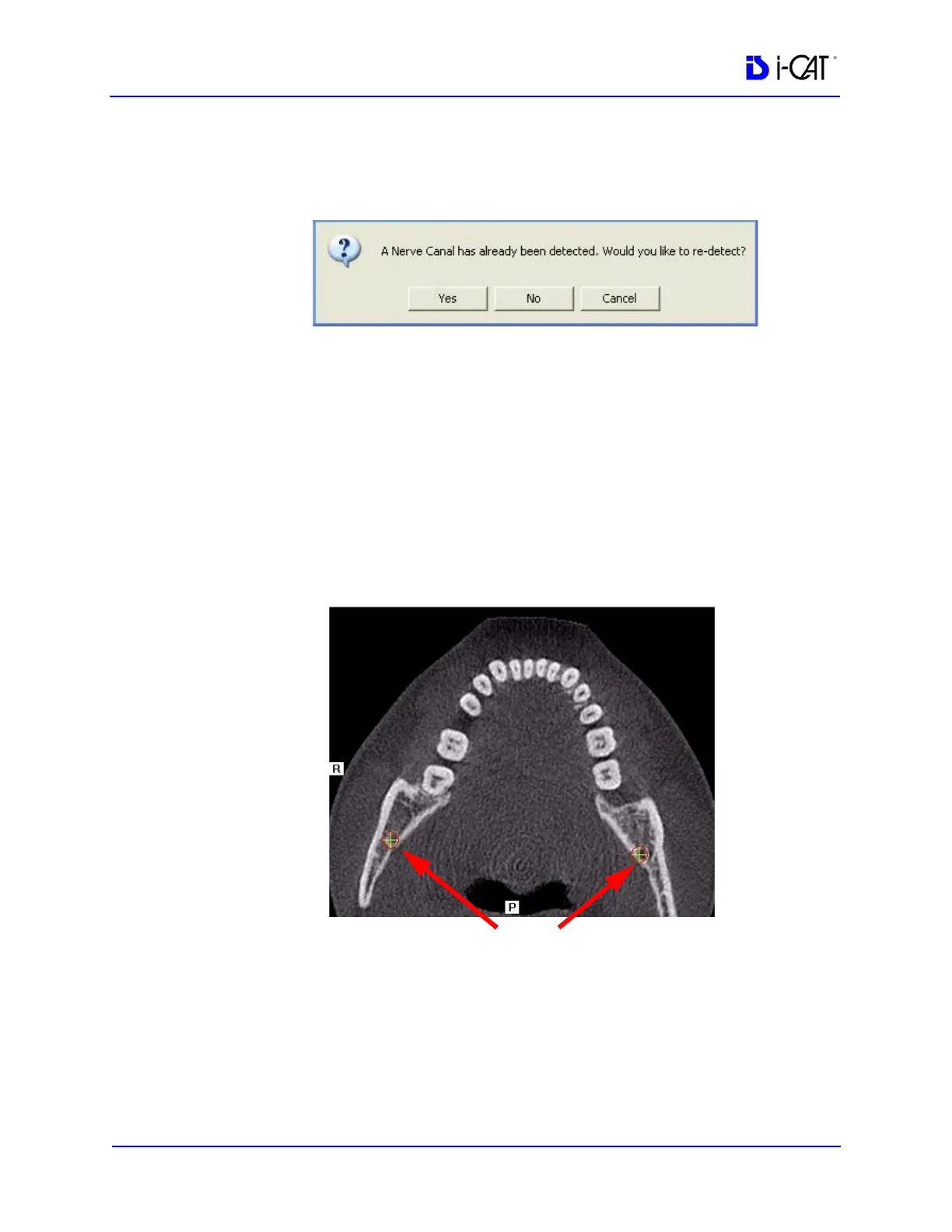
NOTE: If a previous nerve canal estimate is detected by the system
when the Estimate Nerve Canal option is selected, a dialog is
displayed:
Click Yes to remove current estimation and begin nerve canal
estimation from scratch or click No or Cancel to cancel the action.
NOTE: When using the mouse wheel to scroll through slices, you can
hold down the Shift key or Ctrl key to change the sensitivity of the
mouse wheel.
2. On the axial slice position view, use the mouse wheel to scroll
through the axial slices to locate the posterior position of the
nerve canal(s). Right-click to mark each point. A cross is
displayed on both the axial slice position and panoramic map
views.
3. Use the mouse wheel to scroll through the axial slices to locate
the anterior position of the nerve canal(s). Right-click to mark



 To Next Page