17-19 Operators’ Manual
990400 Rev C 2010 May 1
9-14
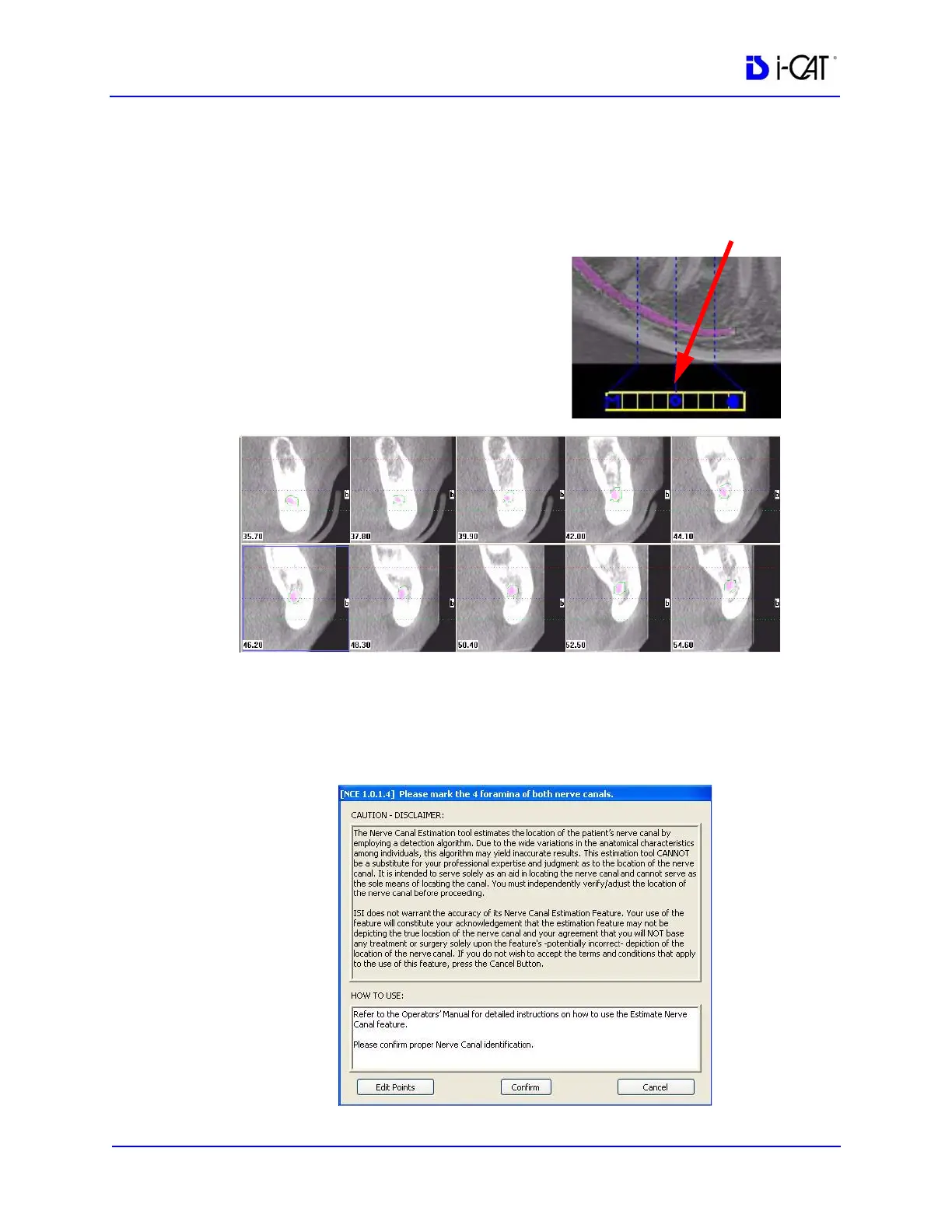
6. View and check the marked nerve canal(s) on the cross section
view:
a. Click and drag the center
O on the horizontal slice
control to display the
desired cross section.
b. On the cross section view,
check that the nerve canal
markings are roughly in
the center of the cross
section of each tooth.
7. To change the nerve canal estimate by adding or removing
points:
a. Click Edit Points. The points previously selected on the
panoramic map view can be edited.



 To Next Page