17-19 Operators’ Manual
990400 Rev C 2010 May 1
10-16
Add Page
12. Select Insert > Page from the Main menu or right-click a report
page and select Add Page.
The new page appends to the end of the report.
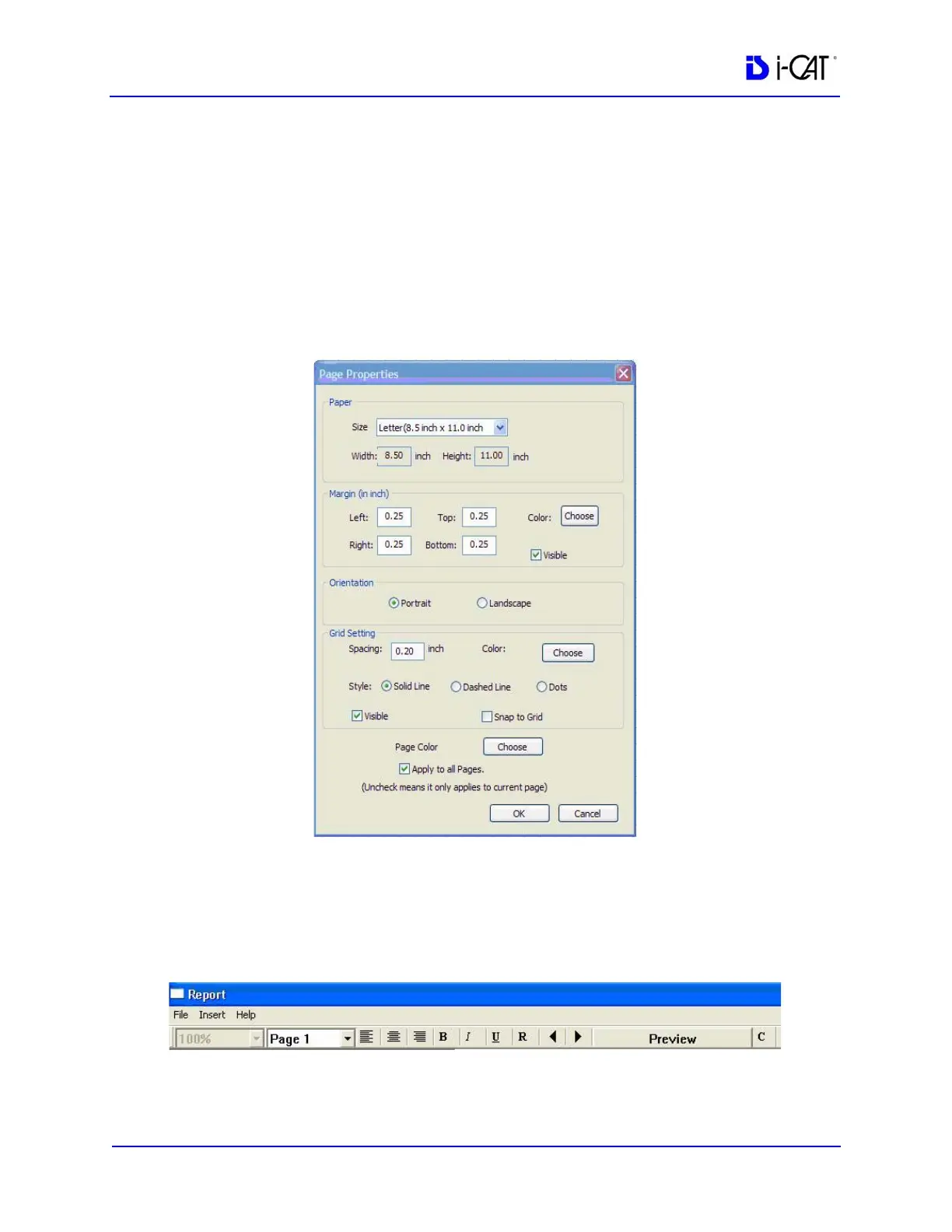
13. To change the page properties, select File > Page Setup from the
Main menu or right-click the page and select Page Properties.
14. Select required parameters and click OK.
Toolbars
The toolbar at the top of the screen can be used to manipulate the
text, scroll through pages and preview the report.



 To Next Page