990400 Rev C 2010 May 1
Quality Assurance
12-11
13. Press the Scan button on the Control Box when prompted. An
audible alarm is sounded and the X-ray ON light is illuminated
during radiation exposure.
14. Select Cancel at the Contourline Setup prompt, if displayed.
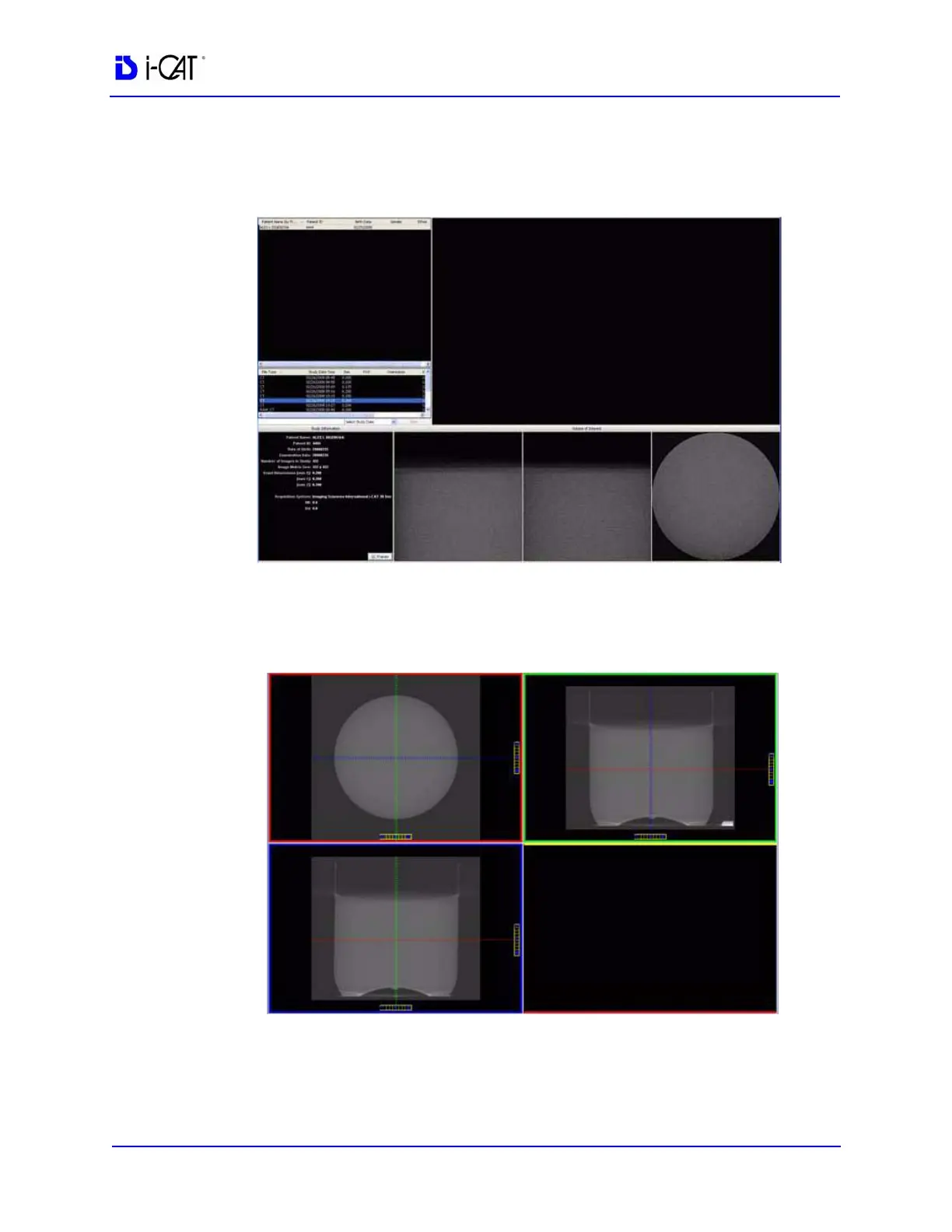
15. Access the HU measurement image for evaluation by double
clicking Coronal View (bottom image, 2
nd
from the right).
16. The red dotted line, in the upper right screen, should appear in
the middle of the water height. Use the Center Line Positioning
tool to make the height adjustment.



 To Next Page