17-19 Operators’ Manual
990400 Rev C 2010 May 1
12-16
10. The system moves approximately 1/4 rotation to the Home
Position and then displays the scan parameters.
11. Click OK to start the scan process.
12. Press Scan button on Control Box. An audible alarm is sounded
and the X-ray ON light is illuminated during radiation exposure.
13. The PAN scan runs a few minutes and then displays the
reconstructed image.
14. Adjust the Brightness/Contrast by dragging the cursor across the
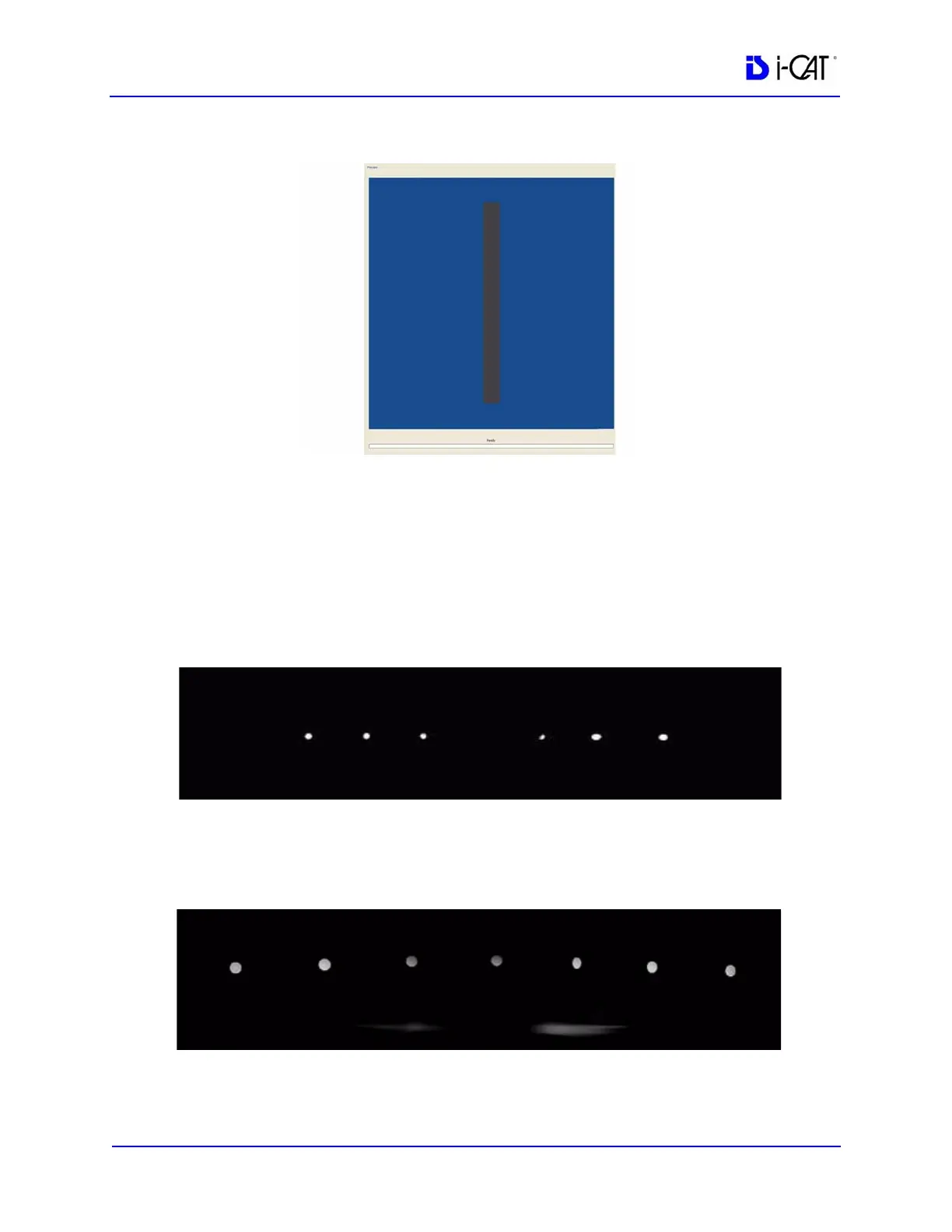
image (vertical/horizontal). All seven metal balls should become
visible as shown below.



 To Next Page