990400 Rev C 2010 May 1
Remote System Import and Export
16-9
• Select Use Existing Connection to use the same connection
for sending a Storage Commitment request and receiving a
Storage Commitment response from the PACS server.
- or -
• Select New Connection to receive Storage Commitment
responses on a new connection initiated by the PACS. In the
Configuration section, enter the IP Address and Port for the
server that will send the Storage Commitment response.
A Storage Commitment request is sent after all the DICOM files
of a study are sent successfully. The status of a Storage
Commitment operation is displayed in the Study List under the
PACS heading.
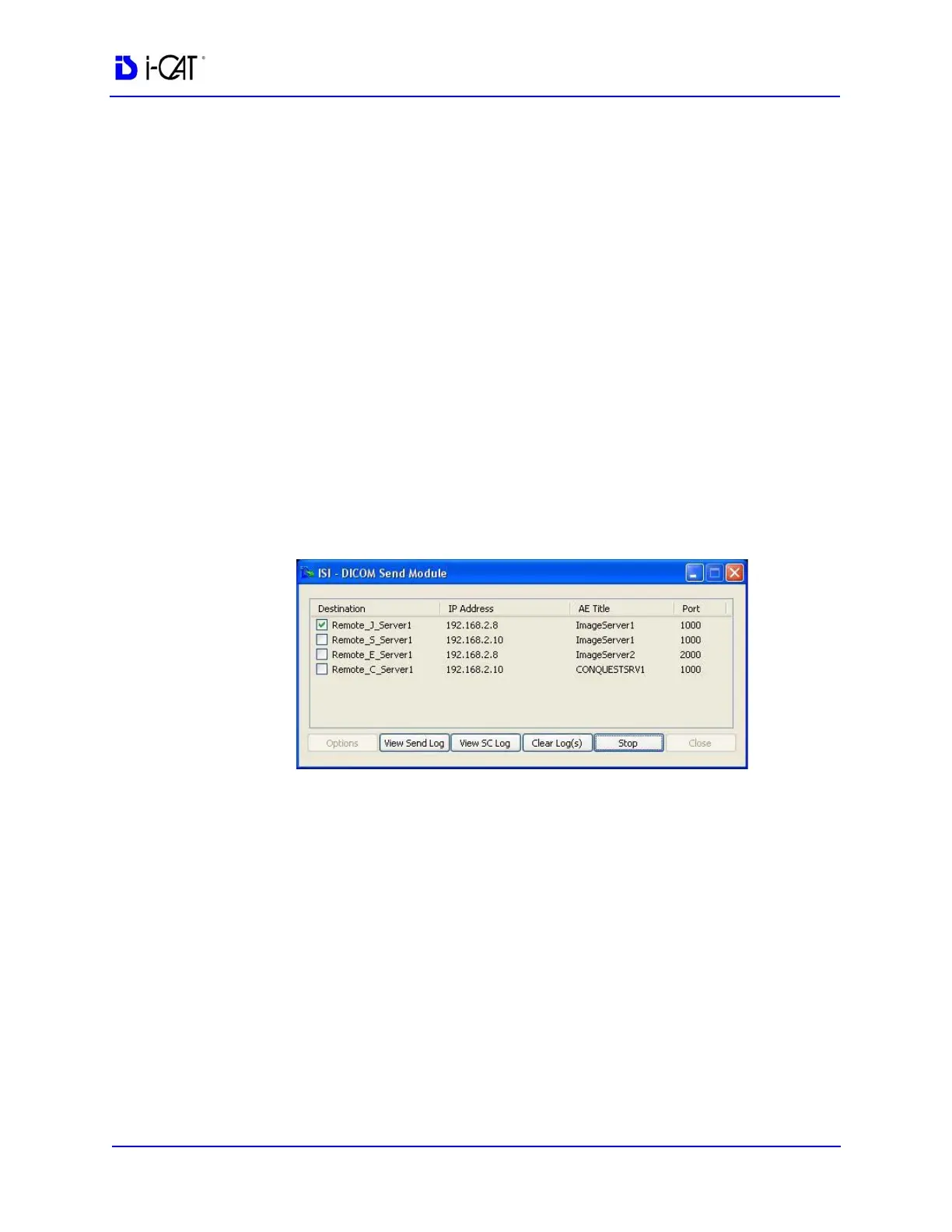
NOTE: If Storage Commitment is enabled, only one server can be
selected from the DICOM Send Module dialog for sending of
DICOM files. If you try to enable Storage Commitment with
multiple servers selected, a dialog is displayed informing you to
select only one server before enabling Storage Commitment.
10. In the Miscellaneous section, enter Local AE Title for the
VisionQ system.
11. Click OK.
12. Click Close on the DICOM Send Module.



 To Next Page