17-19 Operators’ Manual
990400 Rev C 2010 May 1
16-8
6. In On failure section, select the amount of time (in seconds) to
wait after a send operation fails before trying again. Also, enter
the number of times to retry a failed send operation. The status
of a send operation is displayed in the Study List under the
PACS heading.
7. In Transfer Syntax Negotiated section, select desired transfer
syntax to be used to send CT/PAN datasets to the selected PACS
server. Multiple options can be selected and at least one option
must be selected.
• JPEG Lossless
• Little Endian Explicit VR (Value Representation)
• Little Endian Implicit VR
The transfer syntax(es) selected should be based on the
compatibility and/or preference of the PACS configuration. For
example:
• A PACS may support JPEG Lossless, but not for 16-bit
data. Since the data generated from the scanner is 16-bit
data, JPEG Lossless would not be selected as an option, in
this case.
• A PACS configuration may prefer Little Endian Implicit, in
which case, this option should be selected.
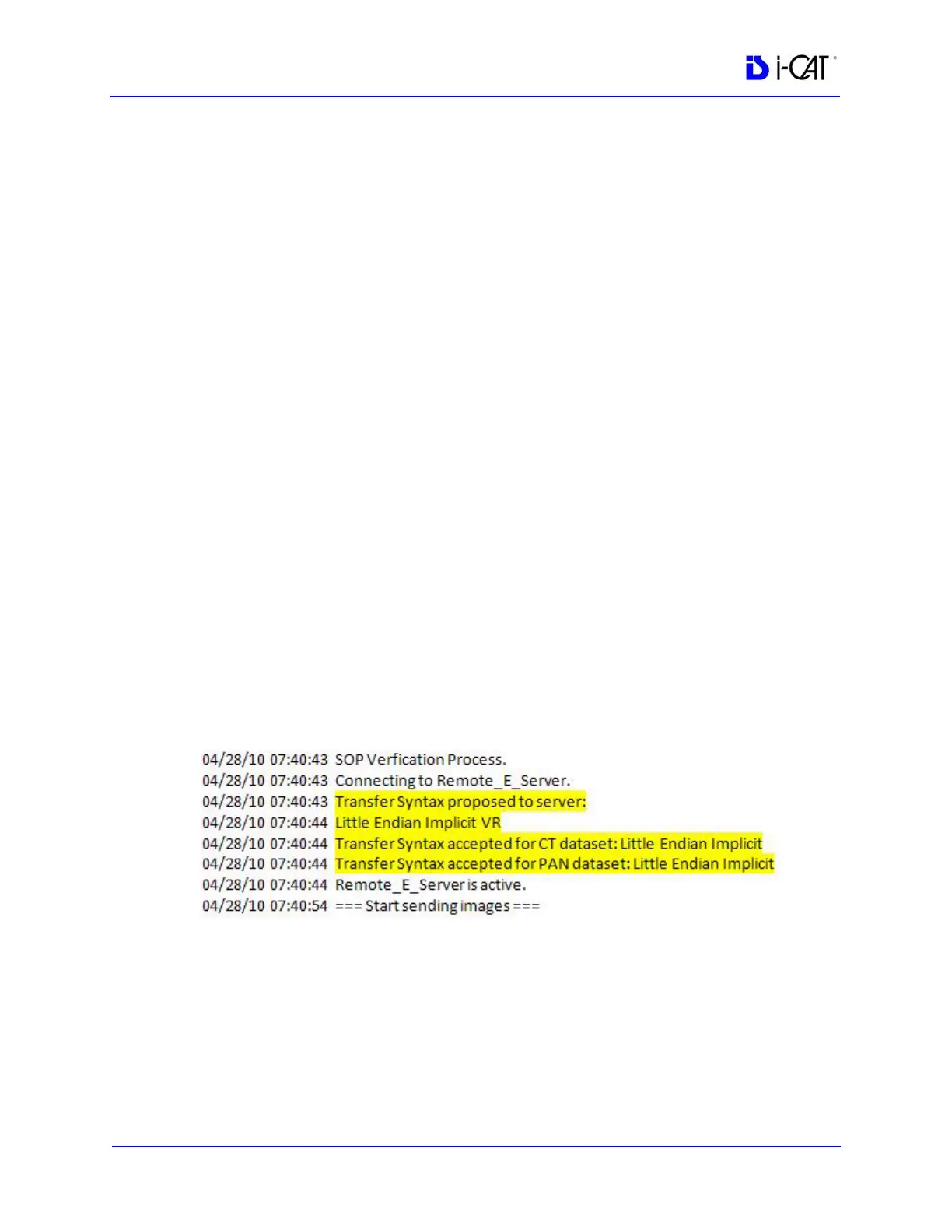
The RSSM log displays status as to whether a transfer syntax
was accepted or rejected by the PACS server, or if no transfer
syntax is accepted.
8. Click Browse in the Log file folder section and browse to the
folder where the RSSM log file is to reside.
9. In the Storage Commitment section, select the Perform Storage
Commitment checkbox if you want to enable storage
commitment of sent DICOM images. When selected, two radio
buttons become active:



 To Next Page