17-19 Operators’ Manual
990400 Rev C 2010 May 1
16-14
6. In Select Allowable Transfer Syntax(es) for Retrieving
Datasets section, select transfer syntax to be accepted by RSQM
for retrieving datasets from a PACS. Usually the transfer syntax
selected for sending datasets to a PACS should be selected for
retrieval as well. Multiple options can be selected and at least
one option must be selected.
• JPEG Lossless
• Little Endian Explicit VR (Value Representation)
• Little Endian Implicit VR
The transfer syntax(es) enabled should be based on the
compatibility and/or preference of the PACS configuration from
which the datasets are retrieved.
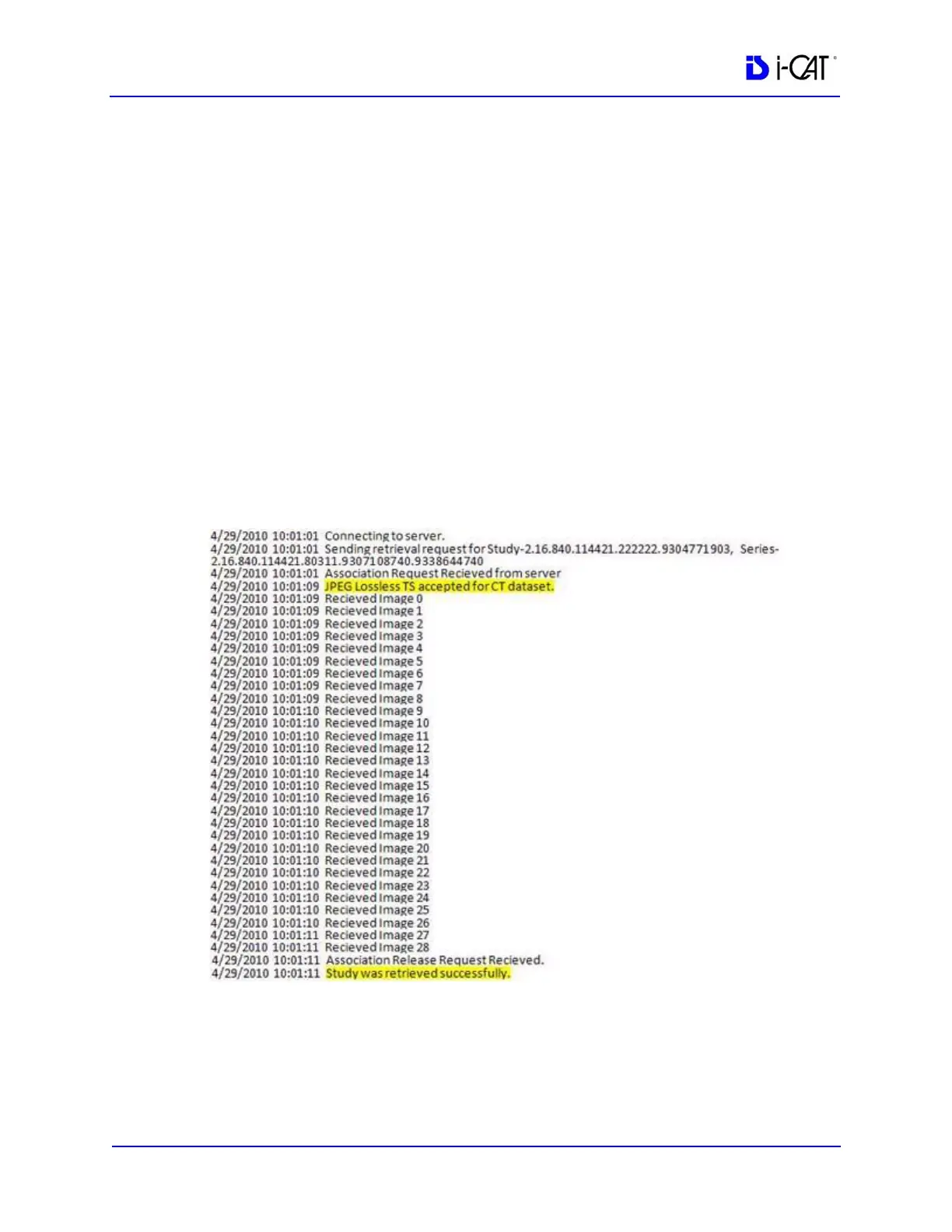
The RSQM log displays status as to which transfer syntax is
enabled and accepted by RSQM to retrieve datasets. It also
shows if a study was retrieved successfully.
7. In Misc. section, select the desired date format to be used. If you
want the RSQM window to close after retrieving a study, select
the Close after a successful retrieval checkbox.
8. Click Save.



 To Next Page