990400 Rev C 2010 May 1
Acquisitioning (Scanning)
7-11
10. When patient is positioned, close
head holder arms so temple pads fit to
patient’s temples. If necessary, loosen
Head Support Knob and adjust head
holder forward or backward as needed
to fit head holder to patient. Tighten
knob
11. From the Main menu select File >
New Patient.
12. In the Select Patient Pane, highlight patient and click OK or just
double-click the patient to be scanned.
The Acquire window is displayed.
13. If desired, enter any remarks in the Study Remarks text field.
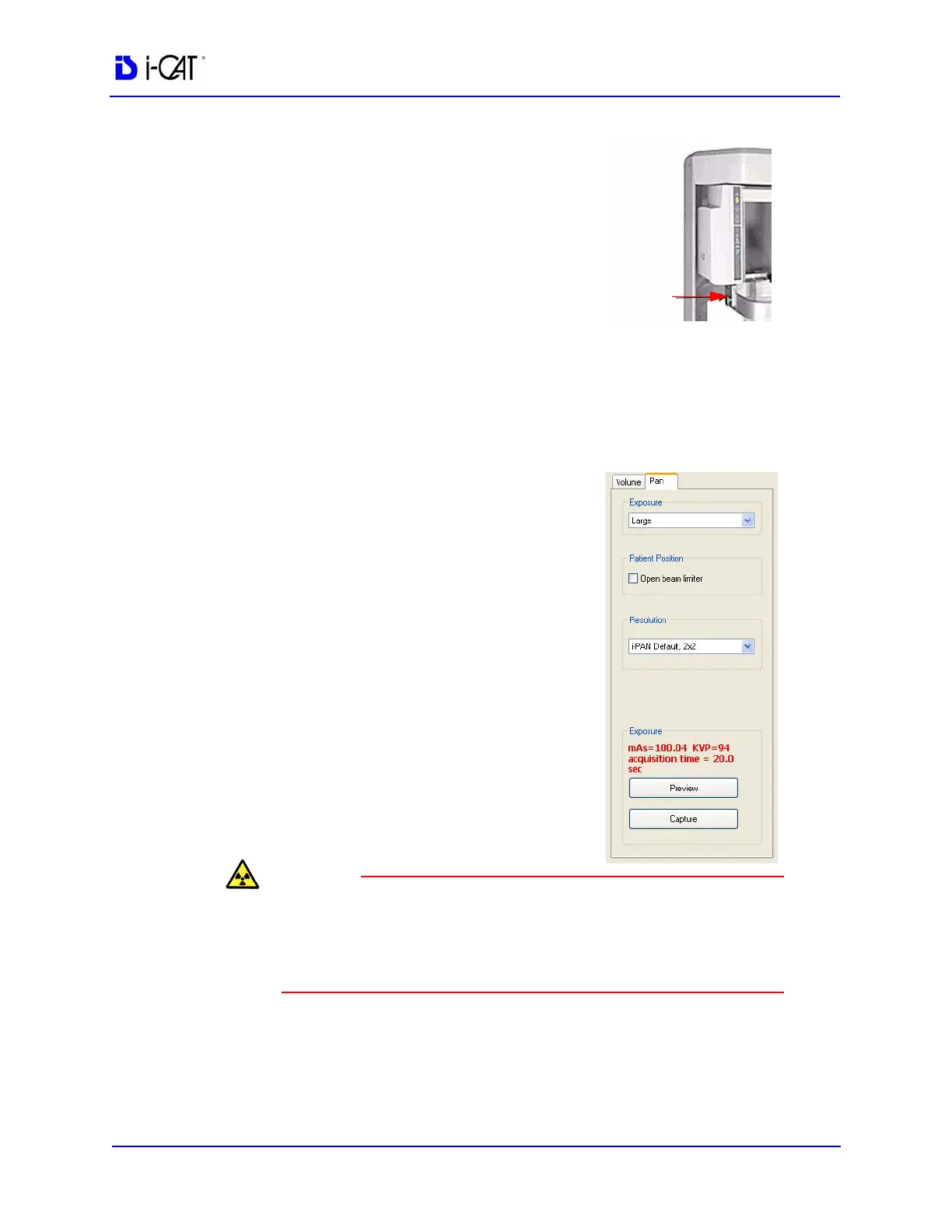
14. Click Pan tab. Select Exposure
setting.
15. Before capturing the image, instruct
Patient to swallow and hold, putting
the tongue to the roof of the mouth
and holding for the duration of the
exposure.
The X-ray device may be dangerous to the Patient and operator if
you do not observe and follow the operating instructions. Do not
operate this system unless you have received training to perform a
procedure.
16. Click the Preview button under Exposure. The sensor panel
moves to the front position. A dialog box is displayed with the
scan parameters.
17. Click OK to continue.



 To Next Page