990400 Rev C 2010 May 1
Acquisitioning (Scanning)
7-13
The X-ray device may be dangerous to the Patient and operator if
you do not observe and follow the operating instructions. Do not
operate this system unless you have received training to perform a
procedure.
21. Click the Capture button to start the scan. The system moves
approximately 1/4 rotation to the Home Position and then
displays the scan parameters on a dialog.
22. Click OK to start the scan process.
23. Press the Scan button on the Control Box when prompted. An
audible alarm is sounded and the X-ray ON light is illuminated
during radiation exposure.
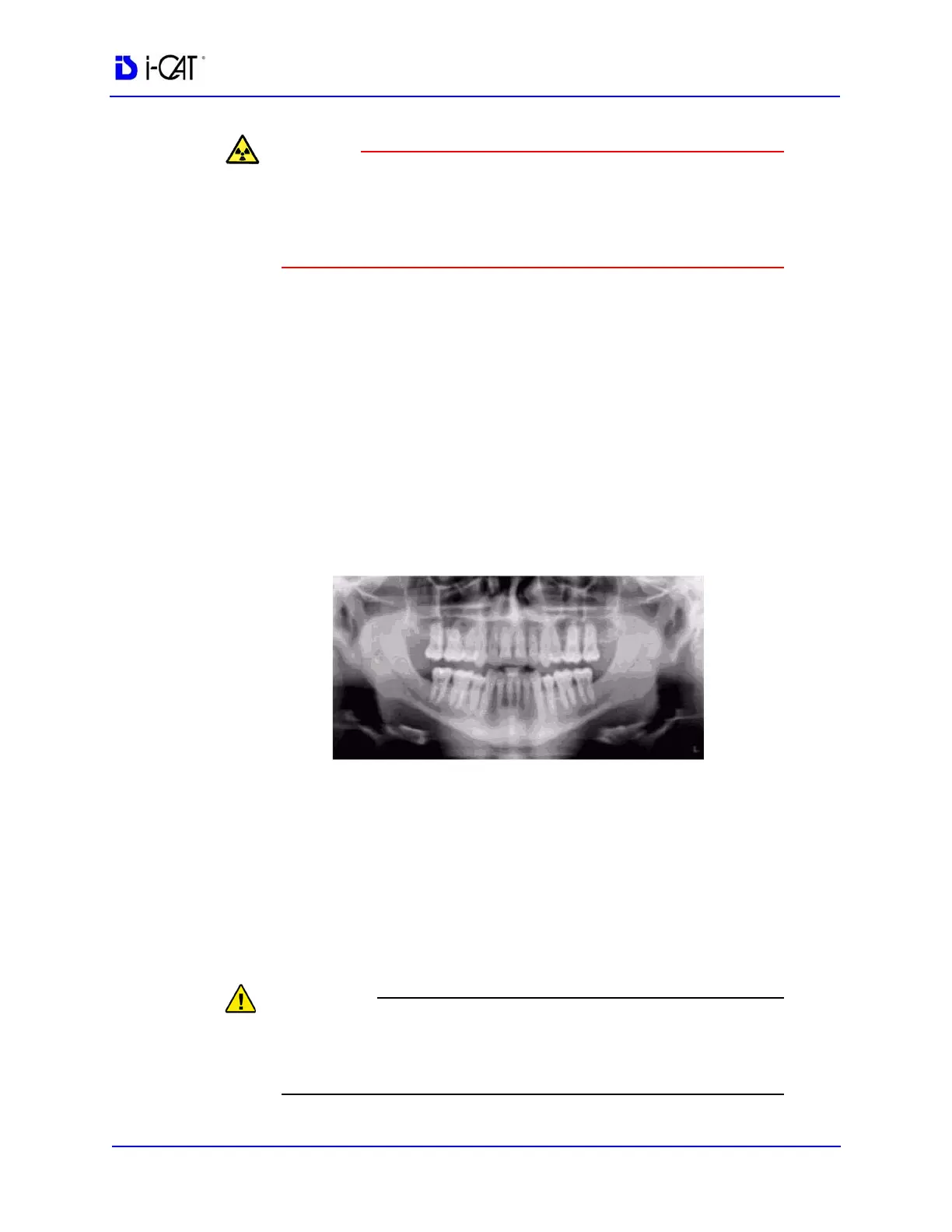
24. The PAN scan runs for about 20 seconds, and the reconstructed
image displays in less than one minute.
NOTE: If DAP is licensed on your system, see Dose Area Product
Feature
for more information.
25. Adjust the Brightness/Contrast by dragging the cursor across the
image (vertical/horizontal).
26. When a suitable PAN scan is acquired and the patient can be
released from the Scanner, press the Push to Release lever on
the head holder to open the arms. Do not manually force arms
open. Open gate.
27. If you are done performing PAN scans, remove head holder and
re-install the head support.
The head holder is to be used when obtaining PAN scans only. Do
not use for Volume scans as there is a collision hazard with the
head holder and the rotating panel.



 To Next Page