990400 Rev C 2010 May 1
Reconstruction of Anatomy
8-7
NOTE: The Automatic Arch Detection and Manual Arch Settings
options are legacy methods for displaying images in the
Panoramic View.
• Automatic Arch Detection - Automatically detects the
Maxilla and Mandible contourlines so that you can
manually adjust the Panoramic View. See Manually
Adjusting the Panoramic View
.
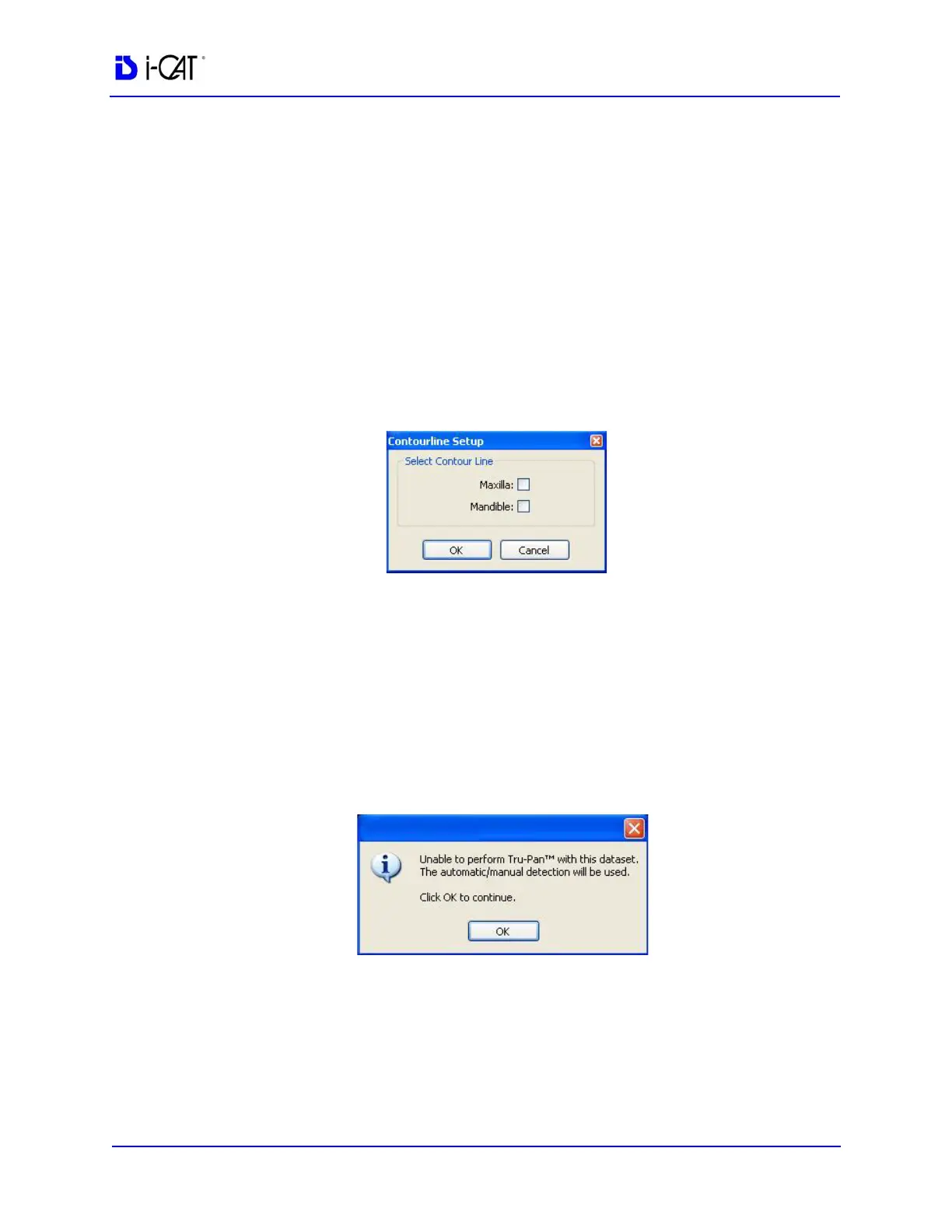
• Manual Arch Settings - Displays the Contourline Setup
dialog so you can select whether the Maxilla and/or
Mandible contourlines are displayed for use to manually
adjust the Panoramic View. See Manually Adjusting the
Panoramic View
.
• None - no method is used to compute the Panoramic View
and no image is displayed. This option is typically used
when imaging for QA phantoms or anytime a Panoramic
View is not needed.
Additional Information about Tru-Pan
If the Tru-Pan calculation is not able to complete for a dataset, the
following dialog is displayed.
When you click OK, Tru-Pan will try to automatically detect the
arches using the Automatic Arch Detection method. If that cannot be
completed, the Manual Arch Setting method will be used.
Additionally, be aware of the following:



 To Next Page