iZ Technology Corporation
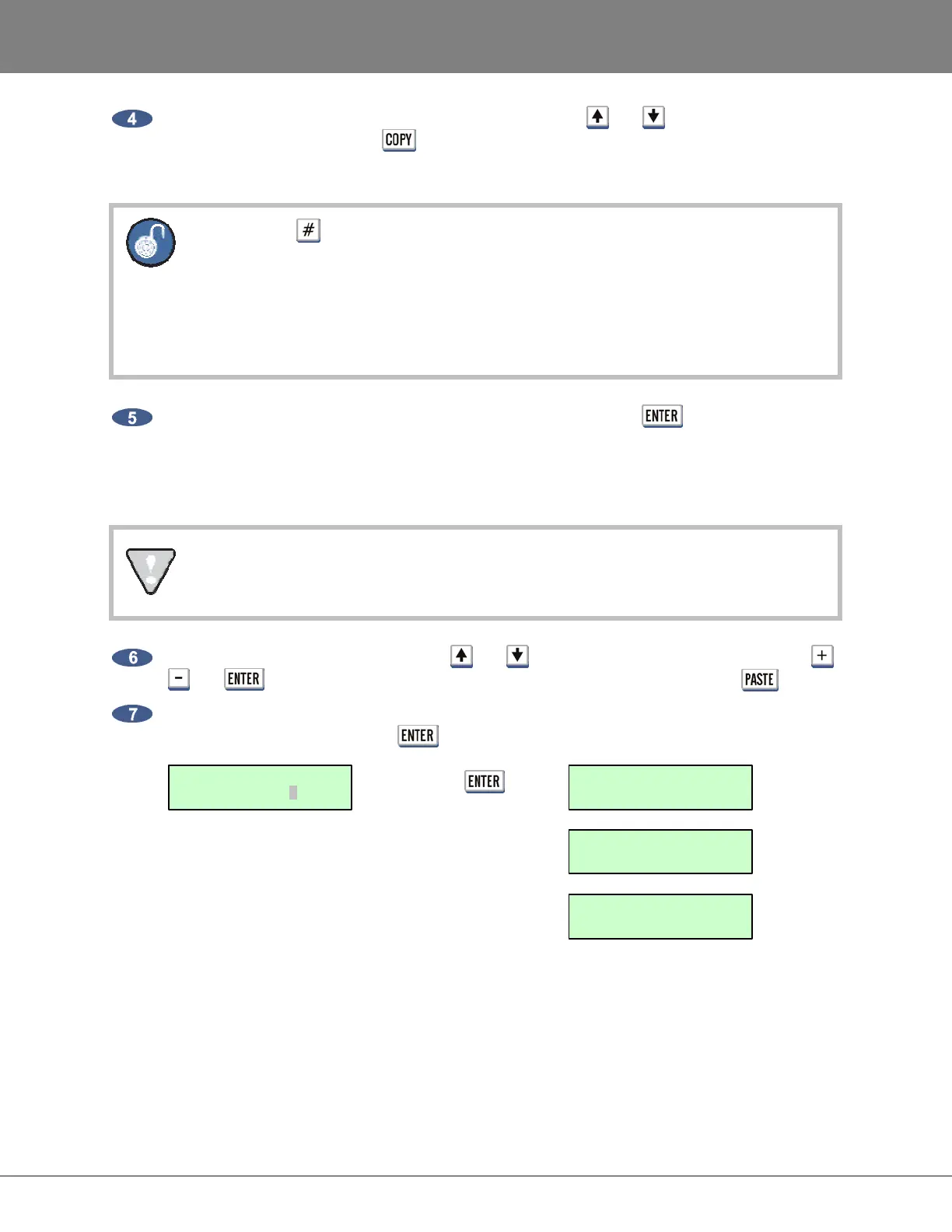
To add additional files and/or folders to the copy list, use the and keys to navigate to the
file and/or folder and press the
key. The additional files and/or folders must reside within
the current directory.
Pressing the key on the Session Controller or KC-24 will toggle between the
following:
a. number of files and size of the current folder or, file format, sample rate and bit
resolution of the current file
b. number of files/folders and size of the current copy selection(s)
When finished selecting the file(s) and/or folder(s) to copy, press the key to complete the
selection process. This will transfer the items to a clipboard at which point the display will show
the number of files and size along with the prompt BROWSE TO PASTE before returning to the
browse display.
If selecting only one folder with one file inside to copy, the display will indicate 2 FLS at the
PROCEED? dialogue since the folder and the file within are being copied.
Use the keyboard and numeric keys, the and keys, Jog/Shuttle Wheel as well as the ,
and keys to navigate to the drive/directory to paste to and then press the key.
A confirmation prompt will show the number of files/folders and the total size. Use the arrow keys
to select YES and then press the key to proceed. For example:
Press =
COPY COMPLETE
PRESS ANY BUTTON
COPY FILES: D
-
> D
+ WORKING +
COPY FILES: D
-
> D
+ 1 OF 1 +
1 FLS/108MB
PROCEED? NO YES



 To Next Page