iZ Technology Corporation
Shortcut keys (sets format and rate):
Session Controller + (TC PREF)
KC-24 +
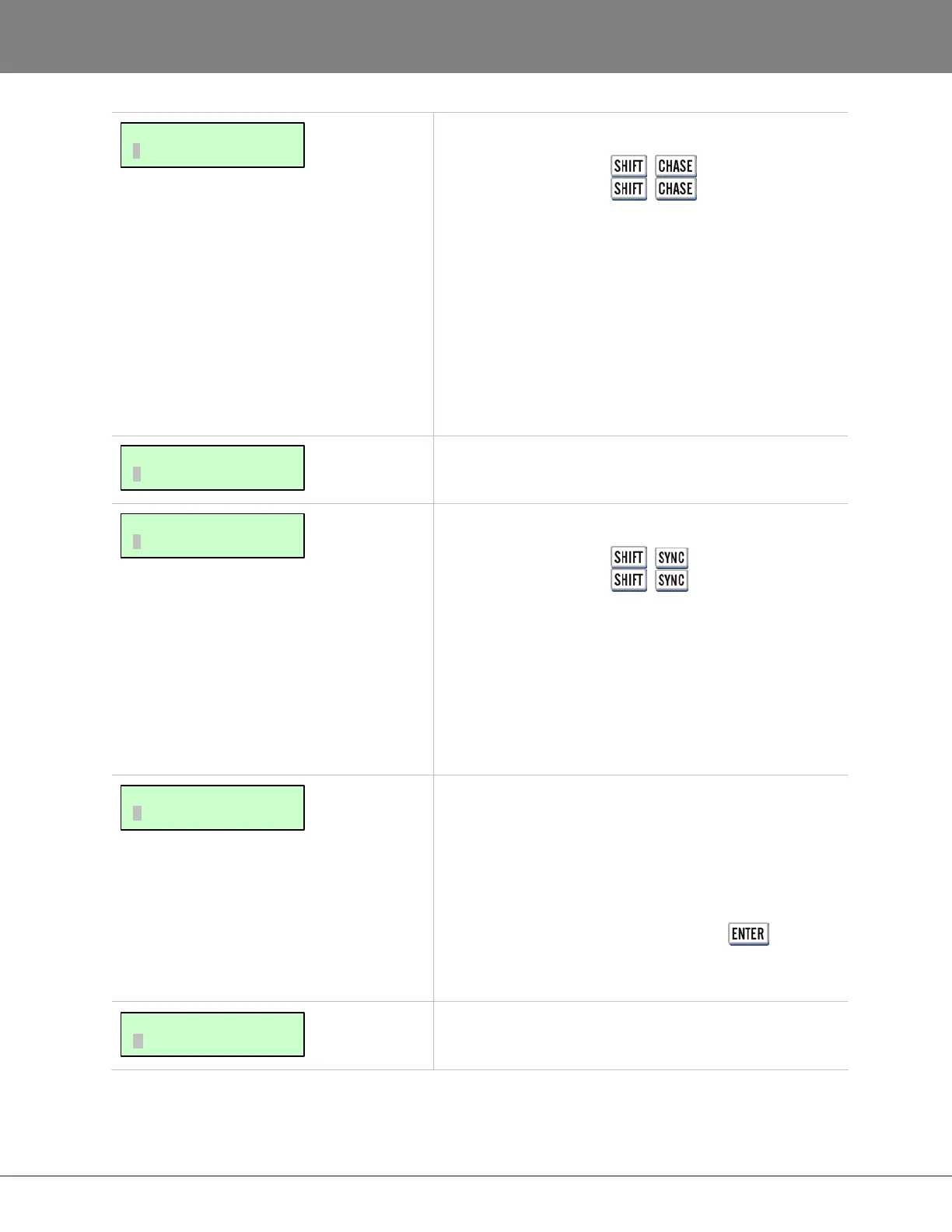
Use the TC RATE dialogue to select a frame rate for the
current project.
RADAR supports all standard timecode rates including:
• 30 fps
• 30 fps drop frame
• 29.97 fps
• 29.97 fps drop frame
• 25 fps
• 24 fps
• 23.976 fps
This dialogue is for entering a start time for the current
project.
Shortcut keys:
Session Controller +
(OFFSET)
KC-24 +
It is often necessary to set an offset between two
synchronized machines when timecodes differ. When the
two machines are parked at the appropriate location to be
synchronized, the offset can be calculated by subtracting
the master machines timecode from the slave machines
timecode. See CONFIGURATION: TIMECODE for information
on how RADAR can capture an offset automatically.
RADAR can display its current position in the following
units:
• FEET/FRAMES
• BARS/BEATS
• SMPTE
• INT/EXT SMPTE
Choose the desired format and press the key. For
bars and beats operation, set the reference tempo in the
MIDI TEMPO MAP (see the following menu reference).
Use this dialogue to set the reference tempo and time
signature for BARS/BEATS display mode.
MAIN/PROJ MENU:
MIDI TEMPO MAP
MAIN/PROJ MENU:
DISPLAY MODE
MAIN/PROJ MENU:
SYNC OFFSET
MAIN/PROJ MENU:
START TIME
MAIN/PROJ MENU:
TC RATE



 To Next Page