iZ Technology Corporation
Shortcut keys:
Session Controller
KC-24 N/A
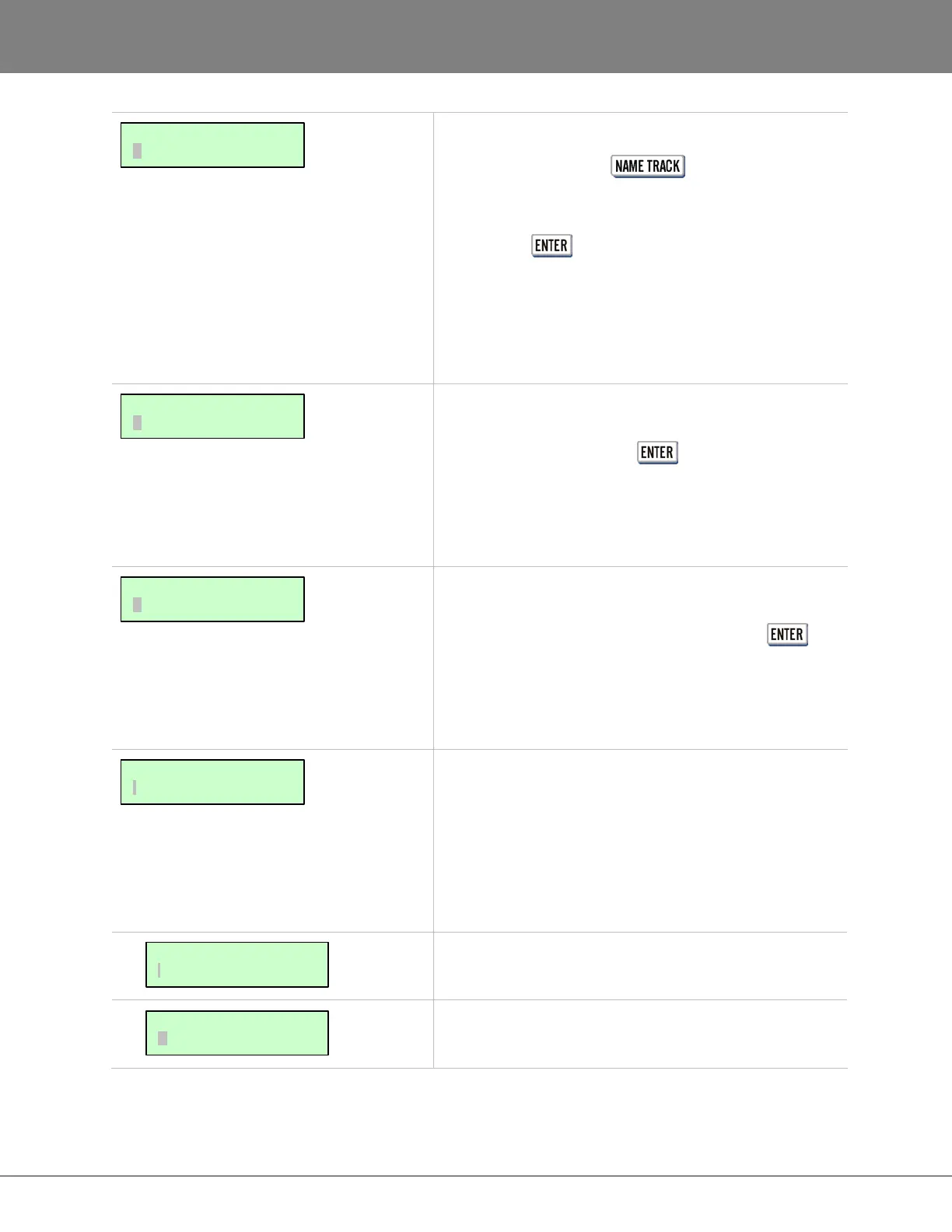
Enter a name using the QWERTY keyboard. Upon
pressing the key, the new track name will appear
to the left of the track numbers in the RADARView
display and the dialogue will automatically select the next
track number for naming. Track names can be 16
characters in length. For more information refer to
OPERATIONS: TRACK MANAGEMENT: NAMING TRACKS.
This dialogue allows automatic renumbering of locates
into chronological order. Selecting RENUMBER
LOCATES and pressing the key displays the
prompt: RENUMBER ALL? A YES response will
renumber locates sequentially from the beginning of the
project arranging them in chronological order. A NO
response will cancel the renumber function.
This dialogue allows waveforms to be rebuilt for a
particular project if the waveforms are missing or corrupt.
Selecting REBUILD WAVES and pressing the key
displays the prompt: REBUILD WAVES? A YES
response will rebuild all of the waveforms within the
current project. A NO response will cancel the rebuild
WAVES function.
This allows the analogue and digital input-track-output
routing assignment to be user defined. Aside from the
default routing of one to one, it is possible to route an
input to a different track or multiple tracks, as well as
route a specific track to a different output or multiple
outputs. The inputs can also be set to all analogue or
digital or a combination of both.
Select which track(s) to route the current input to.
Select which output to route the current track to. I/O ROUTING:
OUTPUT ROUTING
I/O ROUTING:
INPUT ROUTING
MAIN/ PROJ MENU:
I/O ROUTING
MAIN/PROJ MENU:
REBUILD WAVES
MAIN/PROJ MENU:
RENUMBER LOCATES
MAIN/PROJ MENU:
NAME TRACK



 To Next Page