www.izcorp.com • 1.800.776.1356
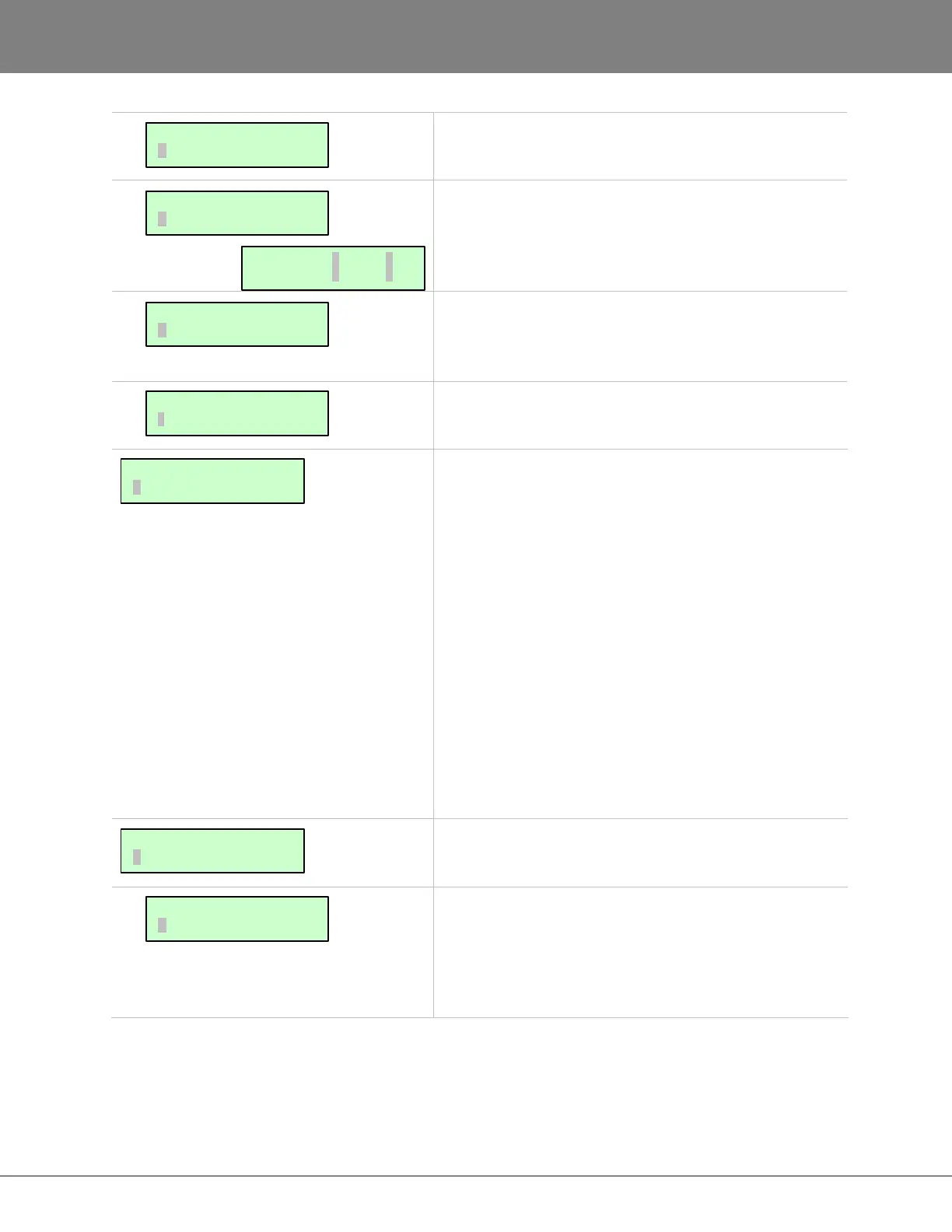
Resets input, output or both configurations to the
standard default of 1:1.
This dialogue allows the ins and outs of the 2-channel
digital I/O to be assigned on tracks 1 through 24. The
inputs do not have to be the same as the outputs.
This dialogue allows the ability to select which tracks will
be fed by the multi-channel digital I/O card defined in the
DIG IN FORMAT menu.
Disables inputs 9-24 and mirrors inputs 1-8 to tracks 9-16
and 17-24 while overriding the input routing option.
This option is used to edit, view and save information
about a particular project. The following information is
included in the Project Notes:
• RADAR TYPE
• SERIAL NUMBER
• SOFTWARE VERSION
• PROJECT NUMBER
• PROJECT NAME
• START TIME
• LAST RECORDING/EDIT DATE
• BIT DEPTH
• SAMPLE RATE
• SMPTE RATE
• SMPTE OFFSET
• VARI-SMPTE RATER
• TRACK NAME(S)
• MARK IN/OUT POINTS
• TEMPO AND TIME SIGNATURE
These project preferences define the parameters that will
be used every time a new project is created.
This preference has the following options:
TEMPLATE will use the settings of a selected template.
ASK will prompt the user to choose a template each time
a new project is created.
MAIN/PROJ MENU:
PROJECT NOTES
DIG IN L: 01 R:02
OUT L: 03 R:04
I/O ROUTING:
8-BUS MODE
I/O ROUTING:
DIGITAL INPUTS
I/O ROUTING:
DIG 2-CH ROUTING
I/O ROUTING:
RESET ROUTING
PROJ PREFS:
NEW PROJ SETTNGS
MAIN/PROJ MENU:
PROJECT PREFS



 To Next Page