www.izcorp.com • 1.800.776.1356
When importing files to a new project, the project start
time will be based on this setting.
This sets the preference for the export file format. The
choices are WAV, BWAV or ASK. When ASK is selected
as the preference the prompt will ask to choose a file
format each time files are exported.
During export and backup, FILL SILENCE pads blank
audio regions with zeros to create either one file per track
or one file per region. When ASK is selected as the
preference the prompt will ask to choose a fill silence
option each time files are exported.
This dialogue sets the default quality and speed of
sample rate and bit resolution conversion for importing
files as well as exporting STEREO CDAUDIO files.
This option is to ENABLE or DISABLE WRITE VERIFY
for various removable media. With this preference
enabled, the data writing ensures a more accurate
process however it also increases the overall completion
time.
BWAV files are created in the Audio Files sub-folder of
flat backups or exports. They are named according to the
FILE NAME FORMAT specified in the FILE PREFS. Two
options for file name format are: PRESET and CUSTOM.
If PRESET is selected, the following pre-defined naming
conventions are available:
• TRK-NAME-STAMP • TRK-PROJ-STAMP
• TRK-REGION-NAME • TRK-REGION-PROJ
• PROJ-TRK-REGION • TRK-REGION (DOS)
If CUSTOM is selected, use the following menu options to
create and manage custom file name templates.
• SELECT TEMPLATE • MAKE TEMPLATE
• IMPORT TEMPLATE • EXPORT TEMPLATE
• EDIT TEMPLATE • DELETE TEMPLATE
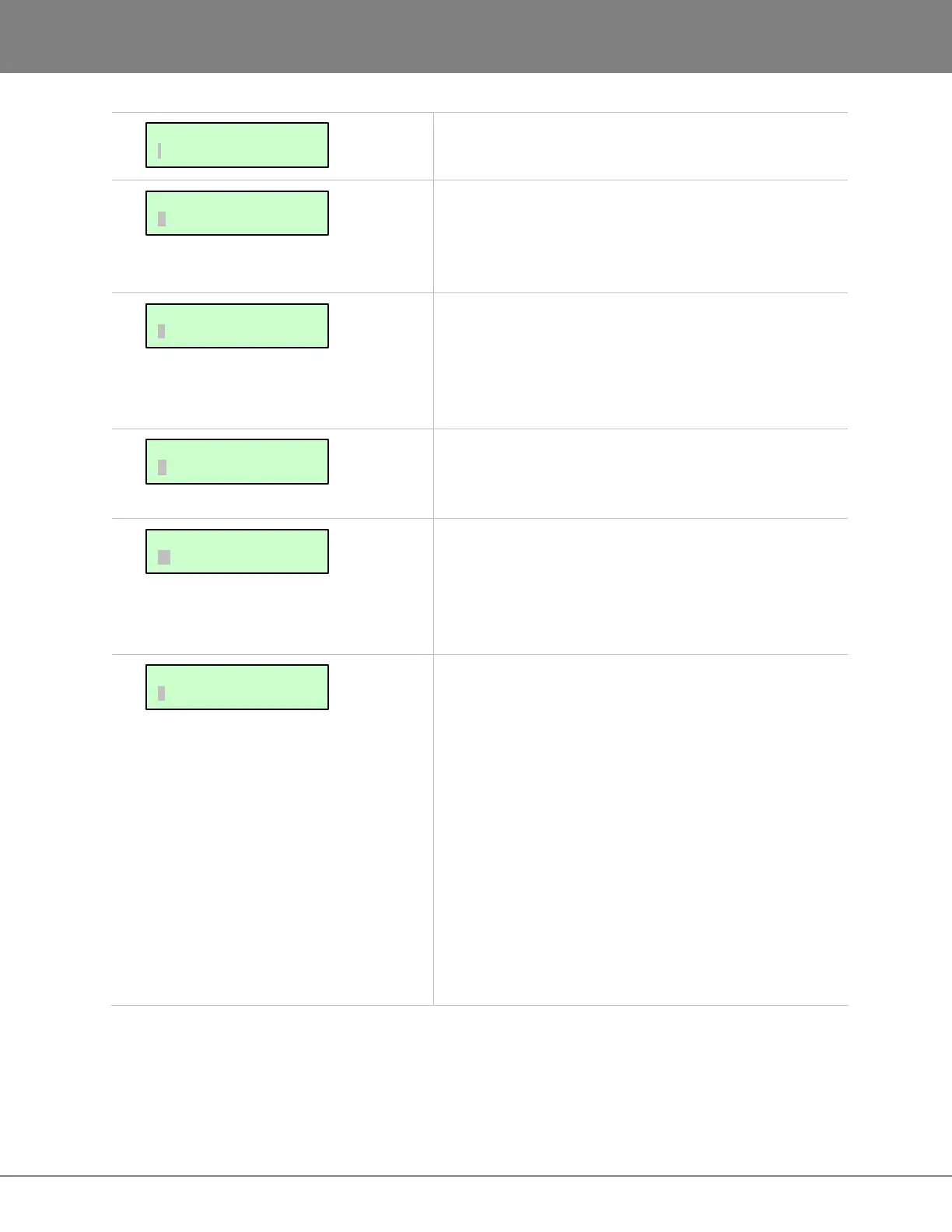
FILE PREFS:
IMPRT PROJ START
FILE PREFS:
FILE NAME FORMAT
FILE PREFS:
WRITE VERIFY
FILE PREFS:
REFORMAT QUALITY
FILE PREFS:
FILL SILENCE
FILE PREFS:
EXPORT FORMAT



 To Next Page