iZ Technology Corporation
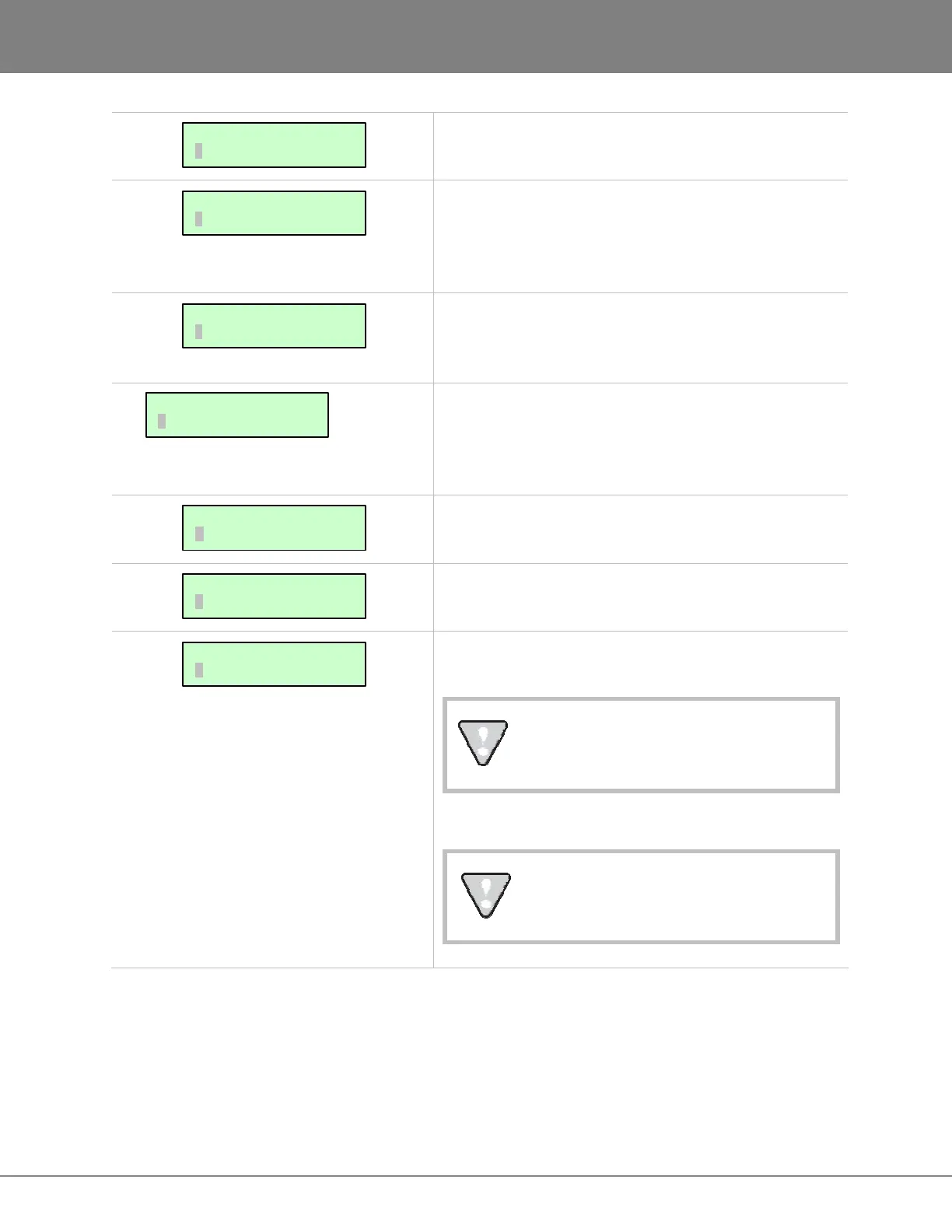
This enables the internal system drive (e.g.,
D:ARCHIVE) to act as an FTP server.
Create an FTP Login Name that will be required by any
FTP client software (Mac or Windows) to log on to the
internal system drive (e.g., D:ARCHIVE) once FTP is
enabled.
Create an FTP password that will be required by any FTP
client software (Mac or Windows) to log on to the internal
system drive (e.g., D:ARCHIVE) once FTP is enabled.
Before RADAR
can share files via Ethernet it must be
configured with information about the computer/server it
will be connected to. Use the following preferences to
input the required information.
Select the NETWORK PROTOCOL as either FTP or
CIFS.
Enter the unique IP address of the server/computer
RADAR is connecting to.
If Using FTP: Enter the unique computer name of the
server/computer.
This name is for indicative purposes only
and will not affect connectivity.
If using CIFS: Enter the unique computer name of the
server/computer RADAR is connecting to.
This is a case sensitive parameter.
SERVER PREFS:
NETWORK PROTOCOL
SERVER PREFS:
SERVER NAME
SERVER PREFS:
SERVER IP ADDR
NETWORK PREFS:
SERVER PREFS
INTERFACE PREFS:
FTP PASSWORD
INTERFACE PREFS:
FTP LOGIN NAME
INTERFACE PREFS:
FTP SERVER



 To Next Page