www.izcorp.com • 1.800.776.1356
BOTH (BWAV & RADAR)
Selecting BOTH at the BACKUP TYPE: prompt will perform 2
separate backups: BWAV and RADAR.
DSET (LEGACY)
Backup in RADAR’s legacy DSET format for compatibly with software
versions 3.35 - 3.39.
Selecting BOTH (BWAV & RADAR) will approximately double the size of the backup.
To backup one or more projects:
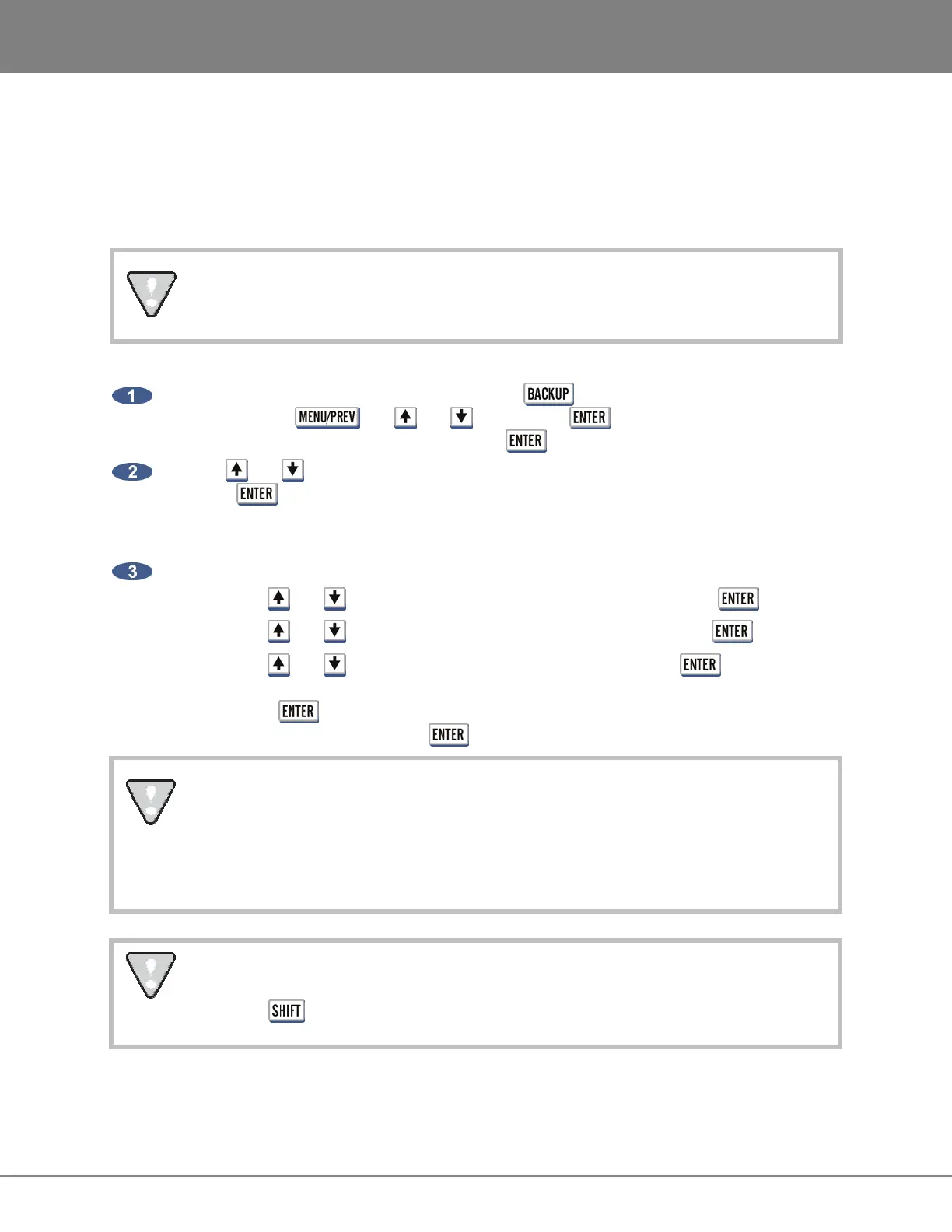
Insert the archive media if necessary and press the key on the Session Controller or
KC- 24 or use the , the and keys and the key to go to the MAIN MENU /
FILE MENU / BACKUP selection and press the key.
Use the and keys to select the device to use for backup in the BACKUP TO: dialogue and
press the key. This list will include D:ARCHIVE (RADAR internal system drive partition),
N:NETWORK, B: (DVD-RAM, DVD-R or CD-R, BD-RE), REV DISK, E:USB DRIVE and SCSI
backup drives connected to the RADAR.
Select a destination folder in the SELECT FOLDER dialogue using one of the following methods:
a. Use the and keys to select <ROOT DIRECTORY> and press the key.
b. Use the and keys to select an existing folder name and press the key.
c. Use the and keys to select <NEW FOLDER> and press the key. At the
FOLDER NAME dialogue use the QWERTY keyboard to type in a name for the folder and
press the key. The SELECT FOLDER: dialogue will display the new folder name as
the current selection. Press the key to accept this folder as the destination.
Backups of audio drives formatted as RADAR_BWAV cannot be restored on pre 3.40
software, unless a DSET (LEGACY) type of backup is done. However, the audio files
from BWAV backups can be imported using version 3.30 or later. Backups of audio drives
initialized as !RADAR! (32, 64 or 128K clusters) always use the DSET (LEGACY)
format and can be restored using any version of RADAR software.
After you have finished using a USB drive, make sure you unmount it before unplugging it
from RADAR. You can access the MOUNT/UNMOUNT dialog via the DISK MENU or by
pressing + UNMNT on the Session Controller.



 To Next Page