115
12 Configuration
12.10.5 Colors recording
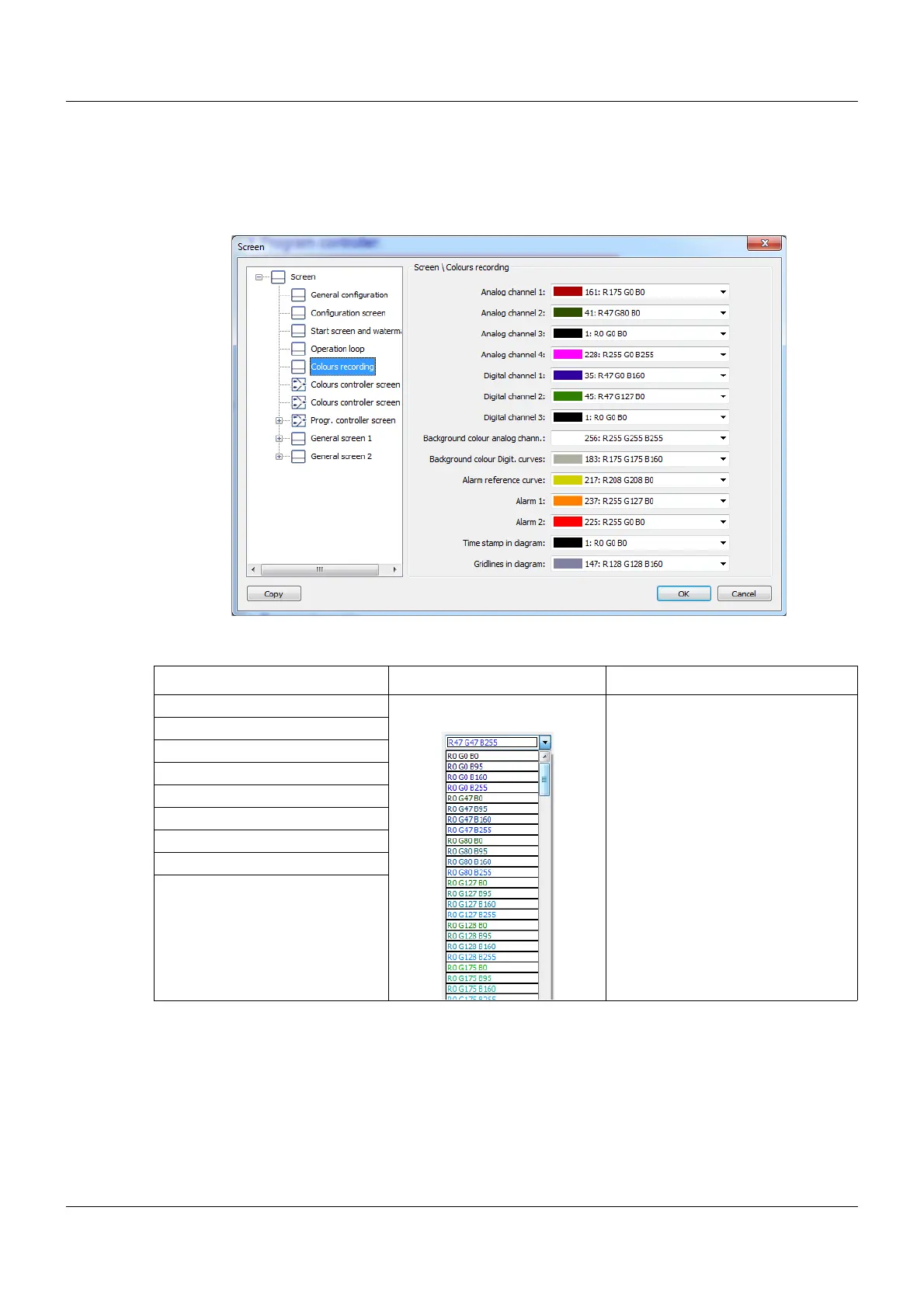
The colors for the channels and alarms displayed can be set using this function.
Setup dialog box
Parameters
Parameter Selection/settings Description
Analog channel 1 to 4 The color for the recording data
can be selected in the RGB color
selector.
Digital channel 1 to 3
Background color analog chann.
Background color Digit. curves
Alarm reference curve
Alarm 1
Alarm 2
Time stamp in diagram
Gridlines in diagram









 To Next Page