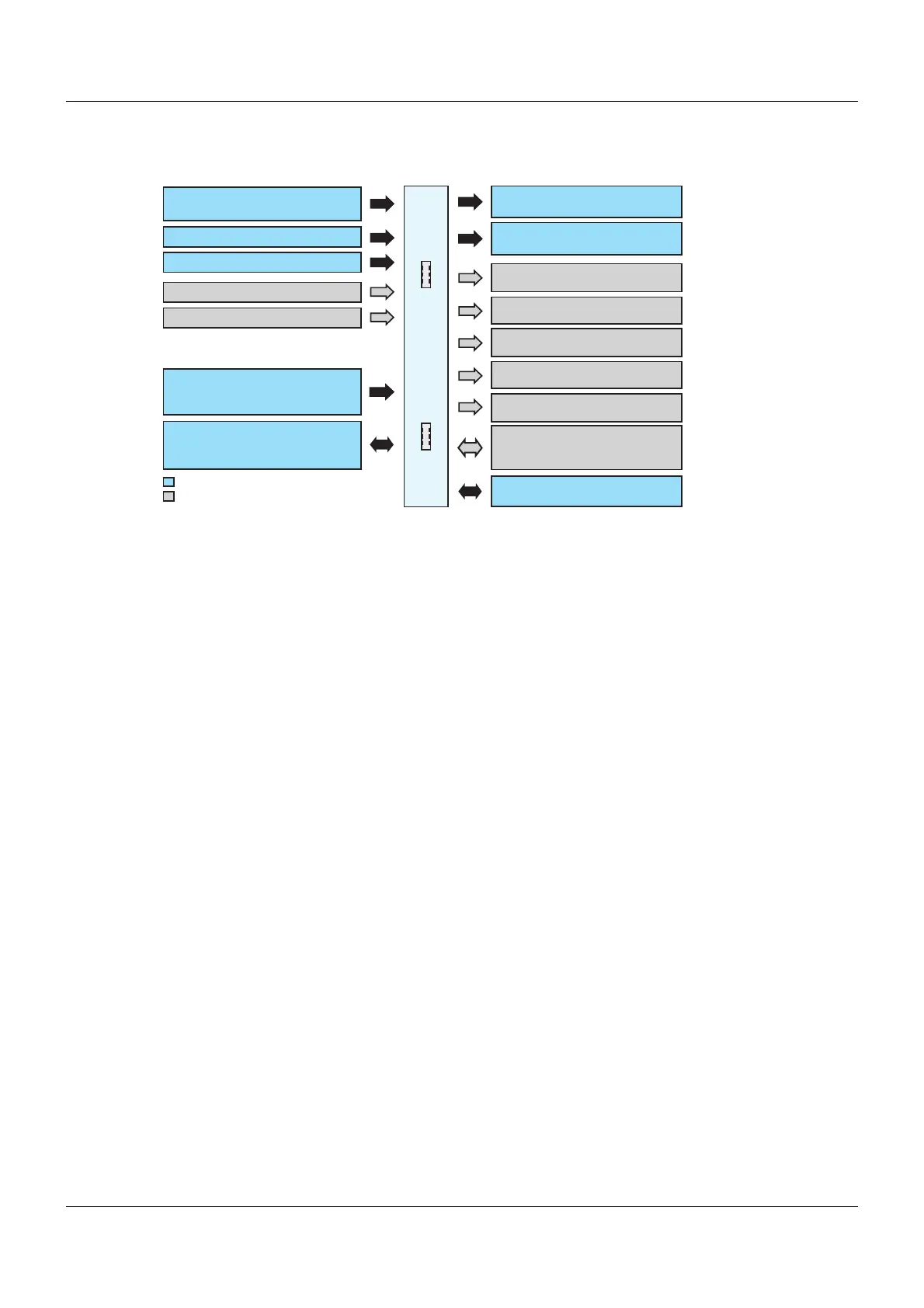
Analog input ( In8universal)
Analog input (universal) In10
Relay output OUT1
(changeover contact)
703571
8 expansion slots
Voltage supply
- AC 110 to 240 V, +10/-15 %
- AC/DC 24 V, +30/-25 %
Interface RS485)
Modbus master or slave
COM1 (
Relay output OUT2
(changeover contact)
Digital/analog outputs
OUT4
OUT3
Digital/analog outputs
OUT6
OUT5
Digital/analog outputs
OUT8
OUT7
Digital/analog outputs
OUT10
OUT9
Digital/analog outputs
OUT12
OUT11
Interface COM2 (
Modbus master or slave,
PROFIBUS-DP or PROFINET device
RS422/485)
Ethernet
USB interfaces
- USB device
- USB host
Available ex-works
Option
7 In1 to 7
(potential free contact)
Digital inputs
Analog input (universal) In9
Analog input (universal) In11









 To Next Page