129
12 Configuration
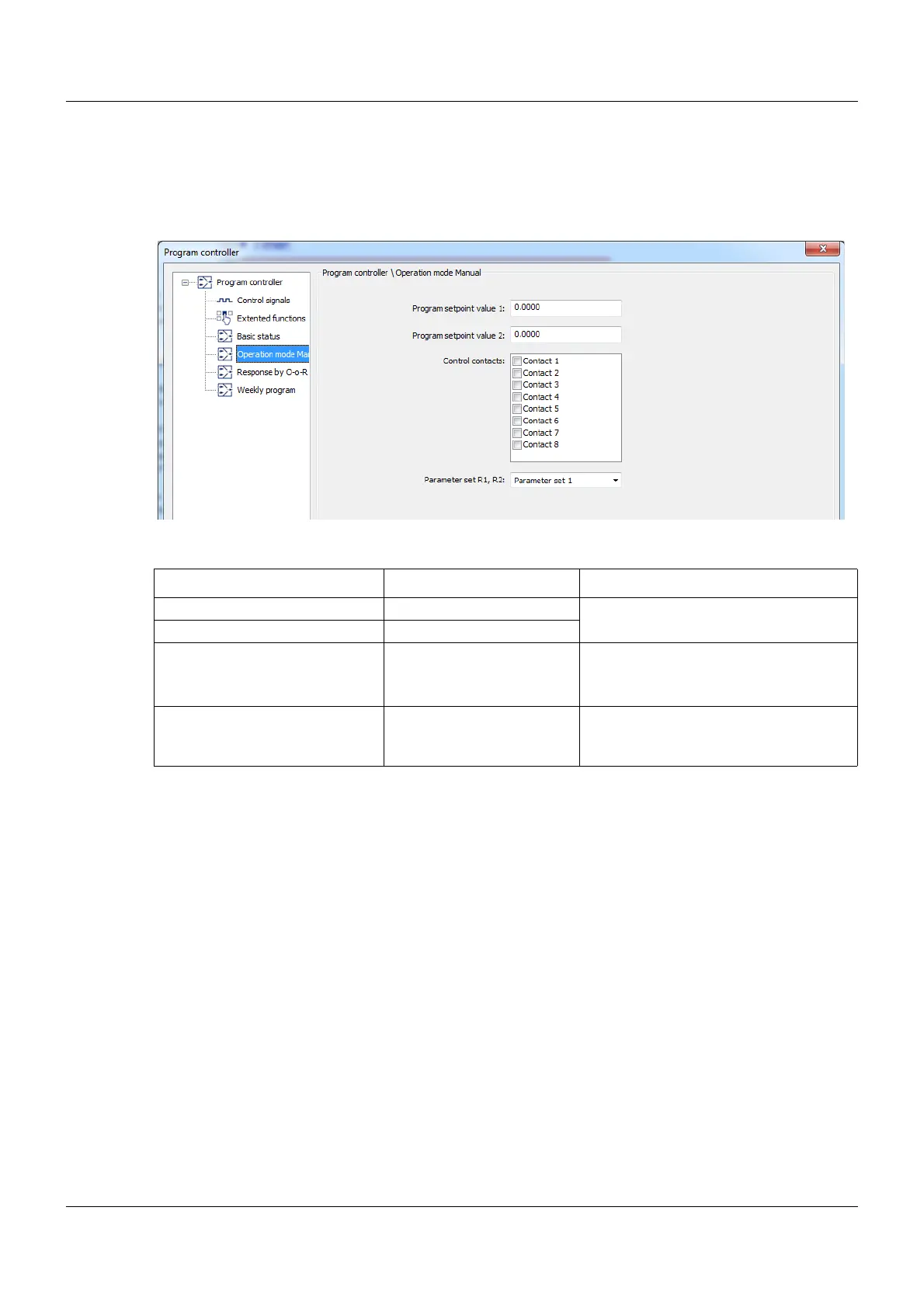
12.12.4 Operation mode Manual
You can set what is active in manual operating mode here.
Setup dialog box
Parameters
Parameter Selection/settings Description
Program setpoint value 1 0.00 to 99999 The value entered here is active in
manual operating mode.
Program setpoint value 2 0.00 to 99999
Control contacts Not selected (empty)
(⎫) Contact 1 to 8 Ticked operating contacts are active in
manual operating mode.
Parameter set R1/R2 Parameter block 1 to 4 The parameter block set here is active
for both controllers in manual operating
mode









 To Next Page