12 Configuration
140
12.16 Flags/service
12.16.1 Flags
8 analog flags and 8 digital flags are available. The settings can be copied to another flag using
the C
OPY button.
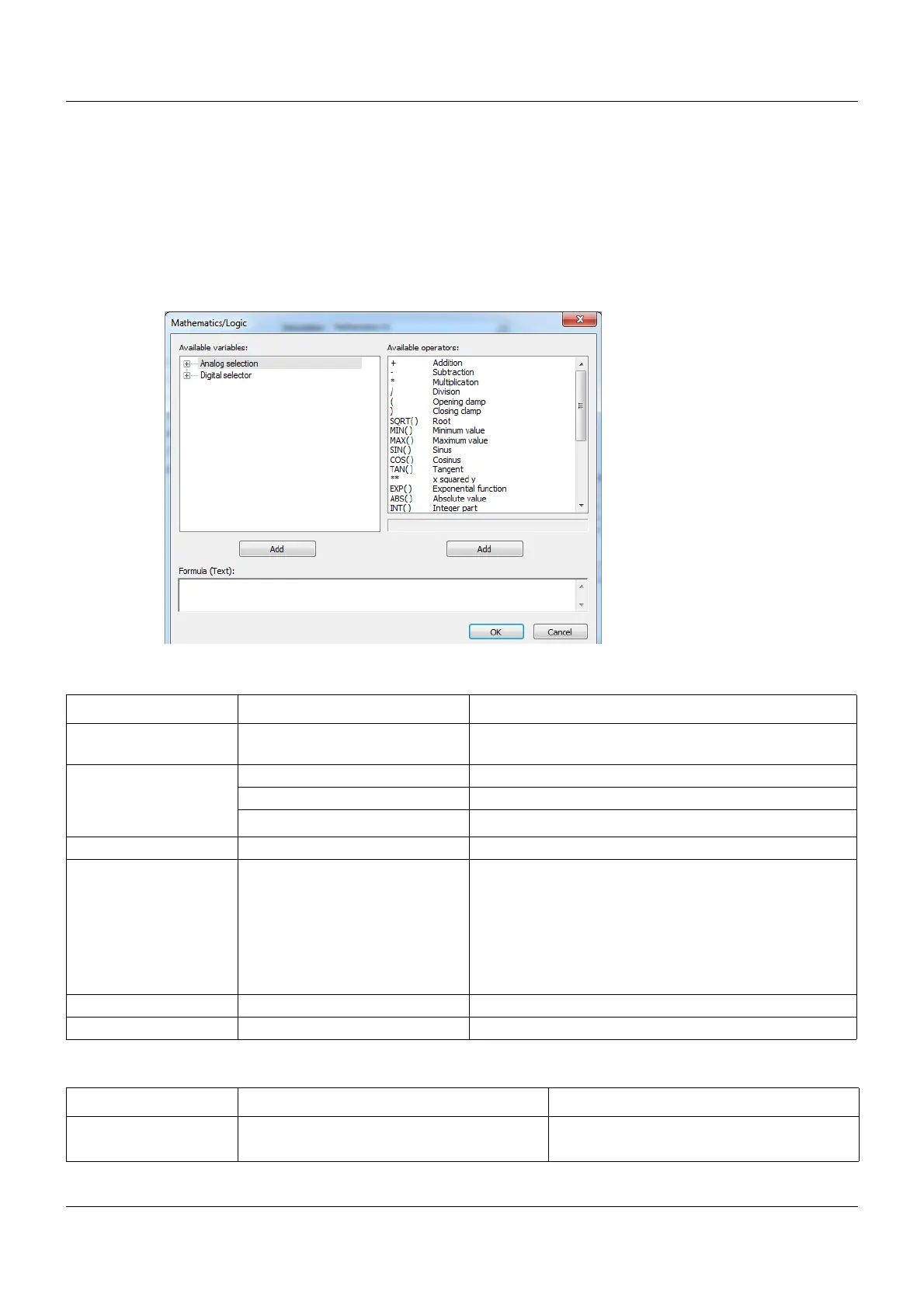
Setup dialog box
Analog flag parameters
Digital flag parameters
Parameter Selection/settings Description
Analog flag 0.0000 to 100 Can be set within the limits to any value with 4 decimal
places.
Temperature None
Relative
Absolute
Unit % Unit with up to 5 characters can be entered
Decimal place Auto Automatic switching
XXXXX. No decimal place
XXXX.X 1 decimal place
XXX.XX 2 decimal places
XX.XXX 3 decimal places
X.XXXX 4 decimal places
Measuring range start 0.0000 to 100
Measuring range end 0.0000 to 100
Parameter Selection/settings Description
Digital flags 1 to 8 Off Low (logic level 0)
On High (logic level 1)









 To Next Page