149
12 Configuration
12.23 PROFIBUS DP (option)
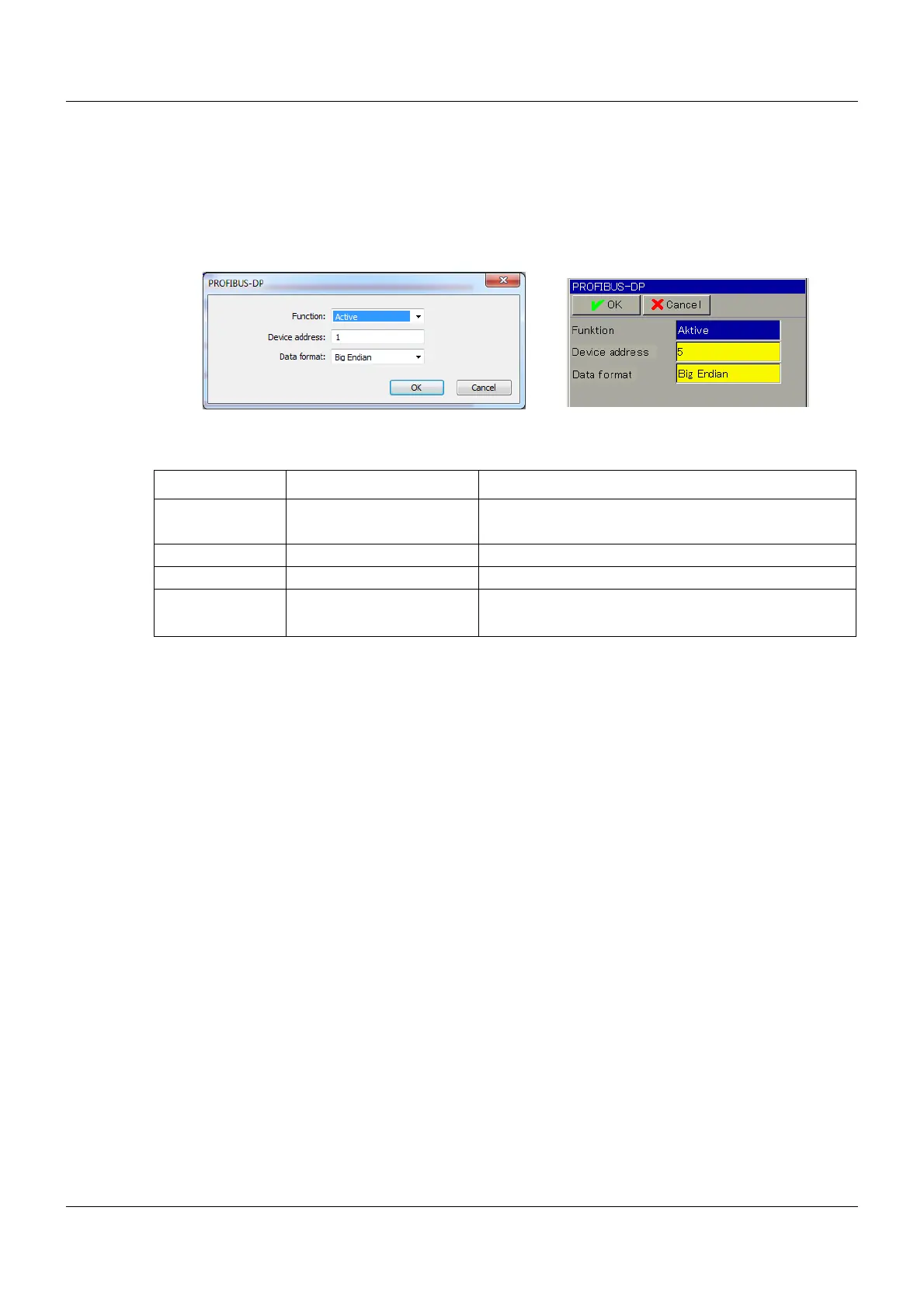
For a device with an integrated PROFIBUS DP optional board, the following settings can be
made:
Setup dialog box
Parameters
Parameter Selection/settings Description
Function Inactive PROFIBUS inactive (bus error message suppressed)
Active PROFIBUS active
Device address 0 to 127 -
Device address 1 to 125 May be used for the connected devices
Data format Big Endian
Little Endian
Also known as "Motorola format"
Also known as "Intel format"









 To Next Page