137
12 Configuration
12.14.1 Alarms
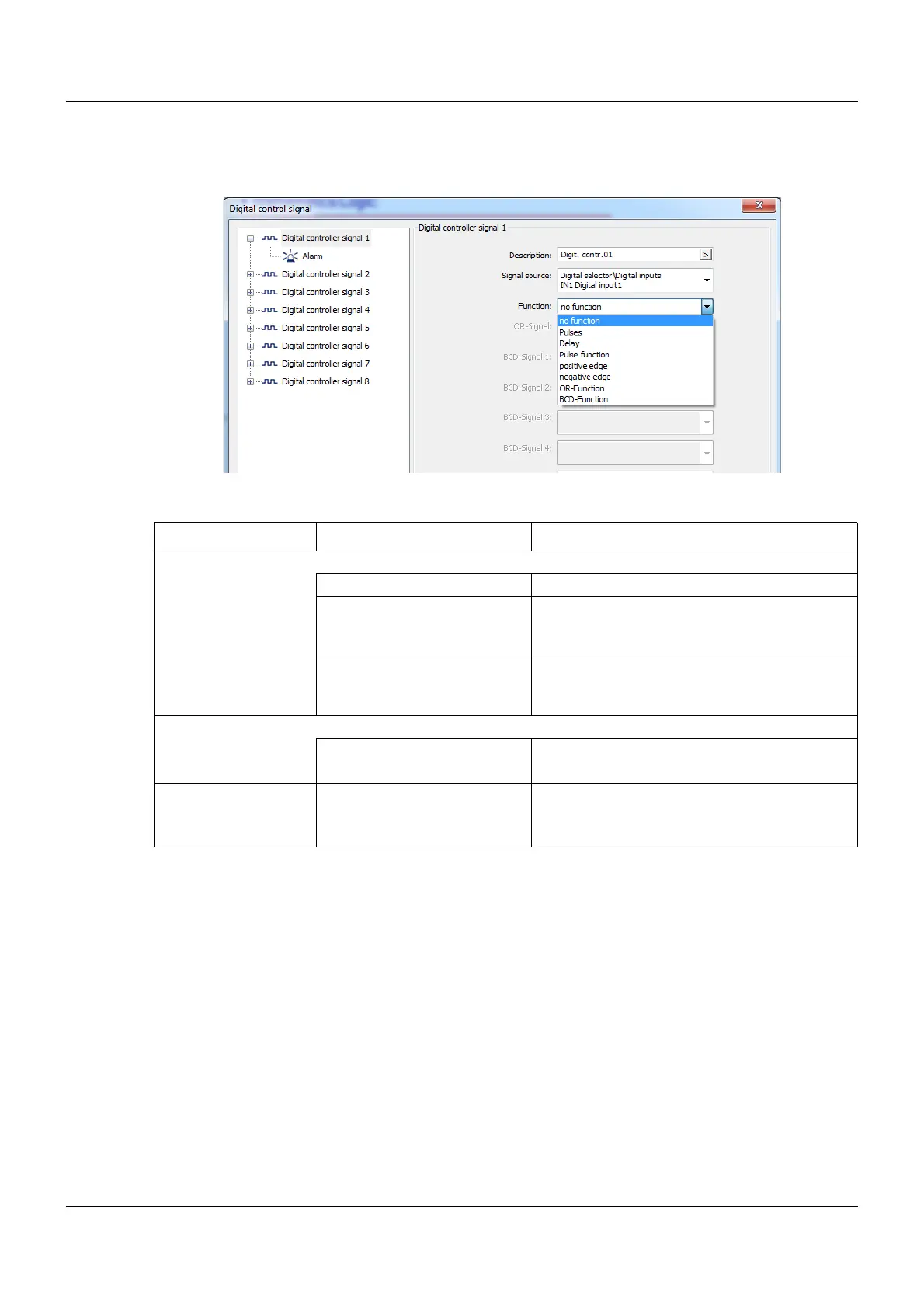
Setup dialog box
Parameters
Alarm active at
An alarm is only displayed for as long as the digital control signal is High (logic level 1). If the
signal level becomes Low (logic level 0), the alarm entry disappears automatically.
Alarm text
The setup program is required to view and edit the texts.
Parameter Selection/settings Description
Alarm type
Off Alarm switched off.
Alarm A message will be entered in the alarm list
depending on the signal level that has been
set.
Event A message will be entered in the event list
depending on the signal level that has been
set.
Alarm active at Signal level that triggers an alarm or event
High Digital control signal: High (logic level 1)
(setup only) Low Digital control signal: Low (logic level 0)
Alarm text (only
setup)
Alarm digital control 01 20 characters of editable text which is entered
into the alarm or event list.









 To Next Page