59
11 Parameterization
You must be logged in to change the parameters.
Ö Device menu section > Login
Ö Chapter 7 "User level (Log-In)", Page 47
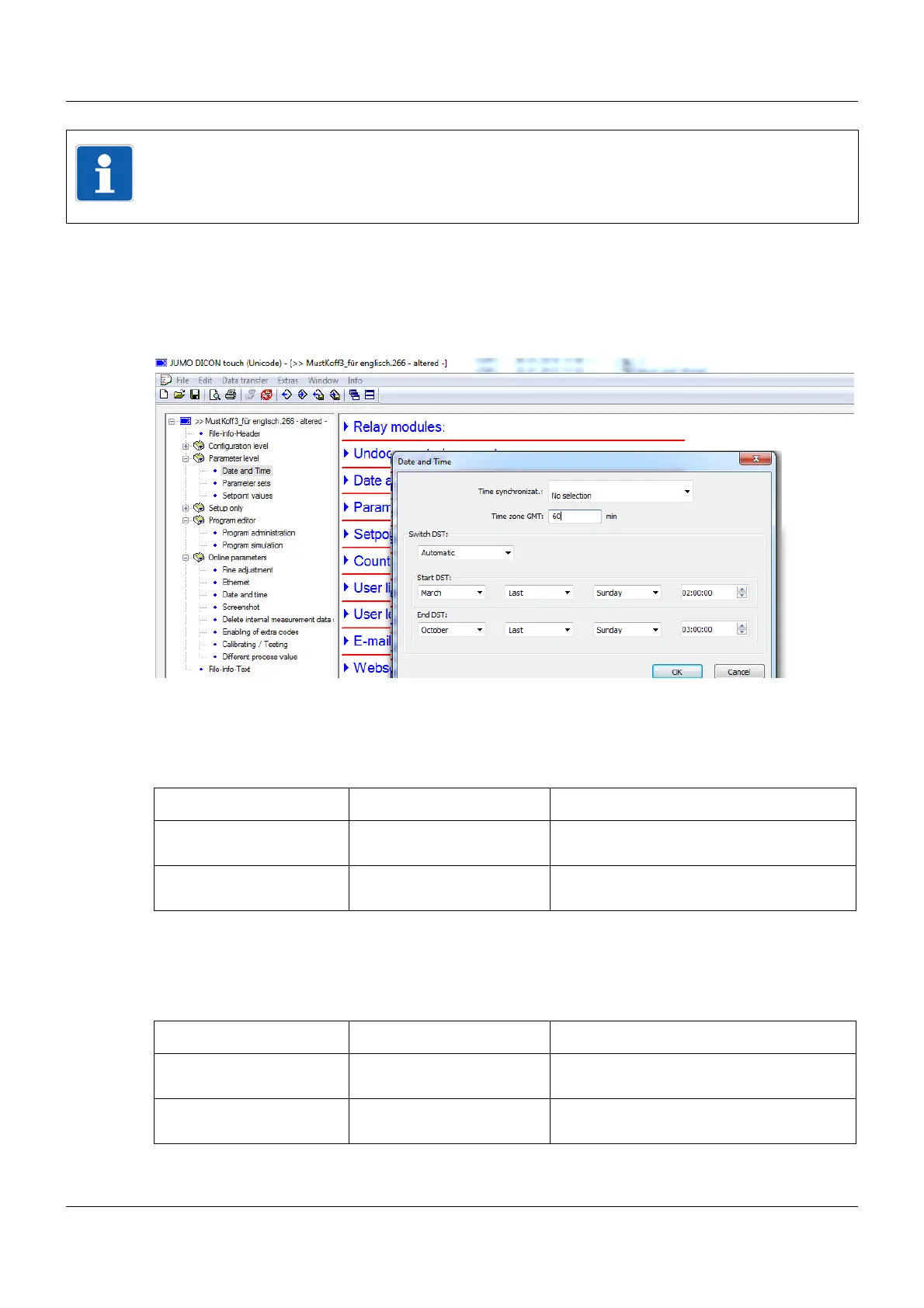
Setup dialog box
11.1 Date and time
The following table shows the time settings for the device.
11.2 Daylight saving time
The following table shows the settings for daylight saving time.
NOTE!
The parameters described in this section can be entered either using the setup program or on
the DICON touch. This area is for setting the parameters that relate directly to the process of
adjusting the controller to suit the control process, after the plant has been started up.
Parameter Setting Description
Current date 2011-01-01
2083-12-31
Enter the date here.
Current time 00:00:00
23:59:59
Enter the time here.
Parameter Setting Description
Time synchronizat. No function
Digital selector
A digital signal can be selected here to syn-
chronize the time.
Switch DST automatic
inactive
Enables you to set the time to change auto-
matically.









 To Next Page