153
13 Configuration – in setup program only
Via Ethernet interface
➥ LAN connection established
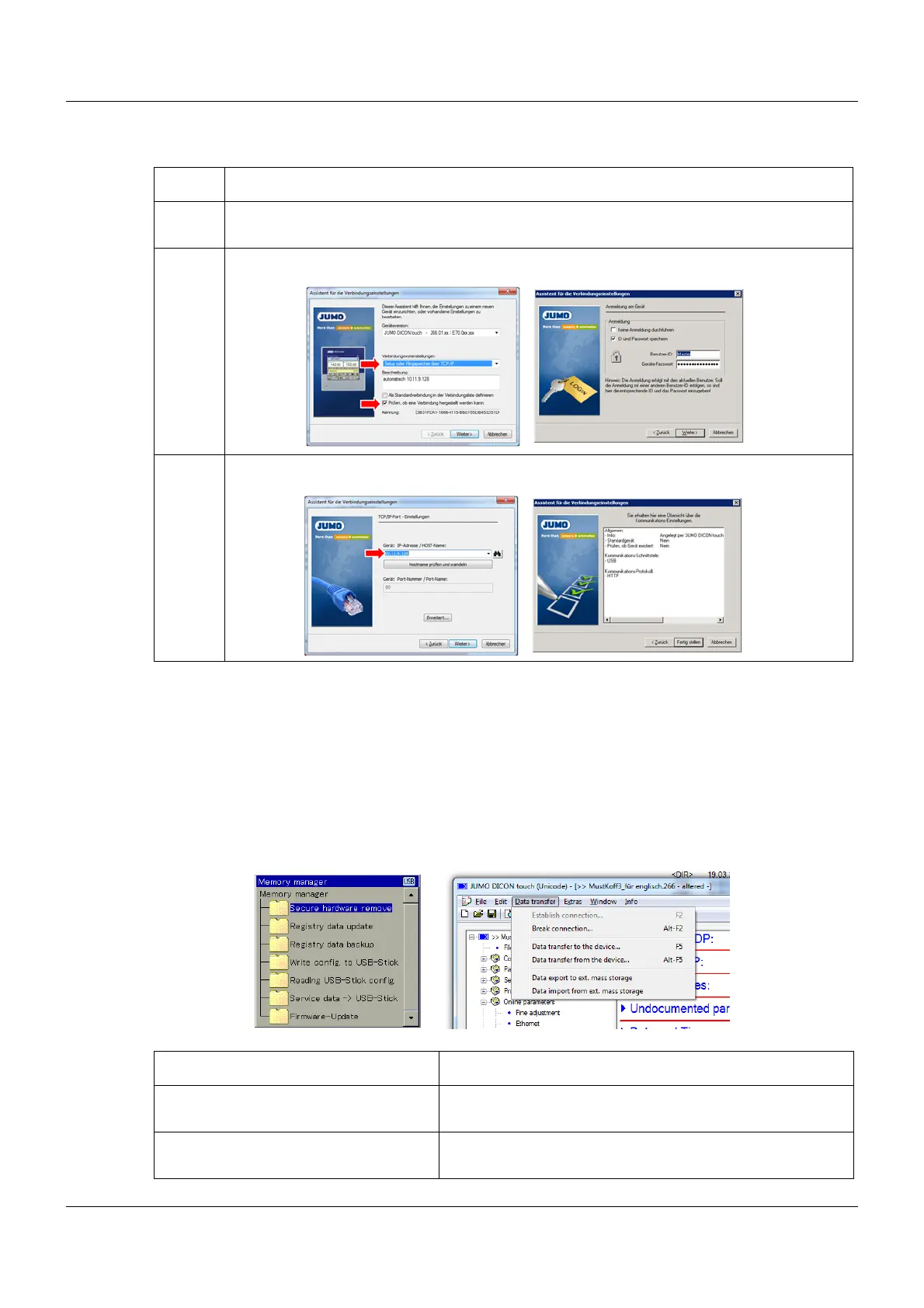
13.2.2 Setup data transfer to or from the external mass storage device
The setup program first saves the setup files on the internal hard disk drive, from which the set-
up program also runs.
However, setup files can also be exported/imported to/from a mass storage device from the de-
vice or with the setup program. The USB host socket is used for this purpose.
This means that devices with identical firmware versions can be easily duplicated.
Step Activity
1 Connect Ethernet socket on the device with LAN socket on the router or company network
and perform step 2 as with the USB interface
2 Select TCP/IP and click N
EXT (no login)
3 Enter IP address of the device and click Finish
From the device With the setup program
Write config. to USB-Stick Setup data transfer from the device to an external mass
storage device
Reading USB-Stick config. Setup data transfer from the external mass storage device
to the device









 To Next Page