43
5 Operation
5.5.4 Recording view 1, 2
Default setting
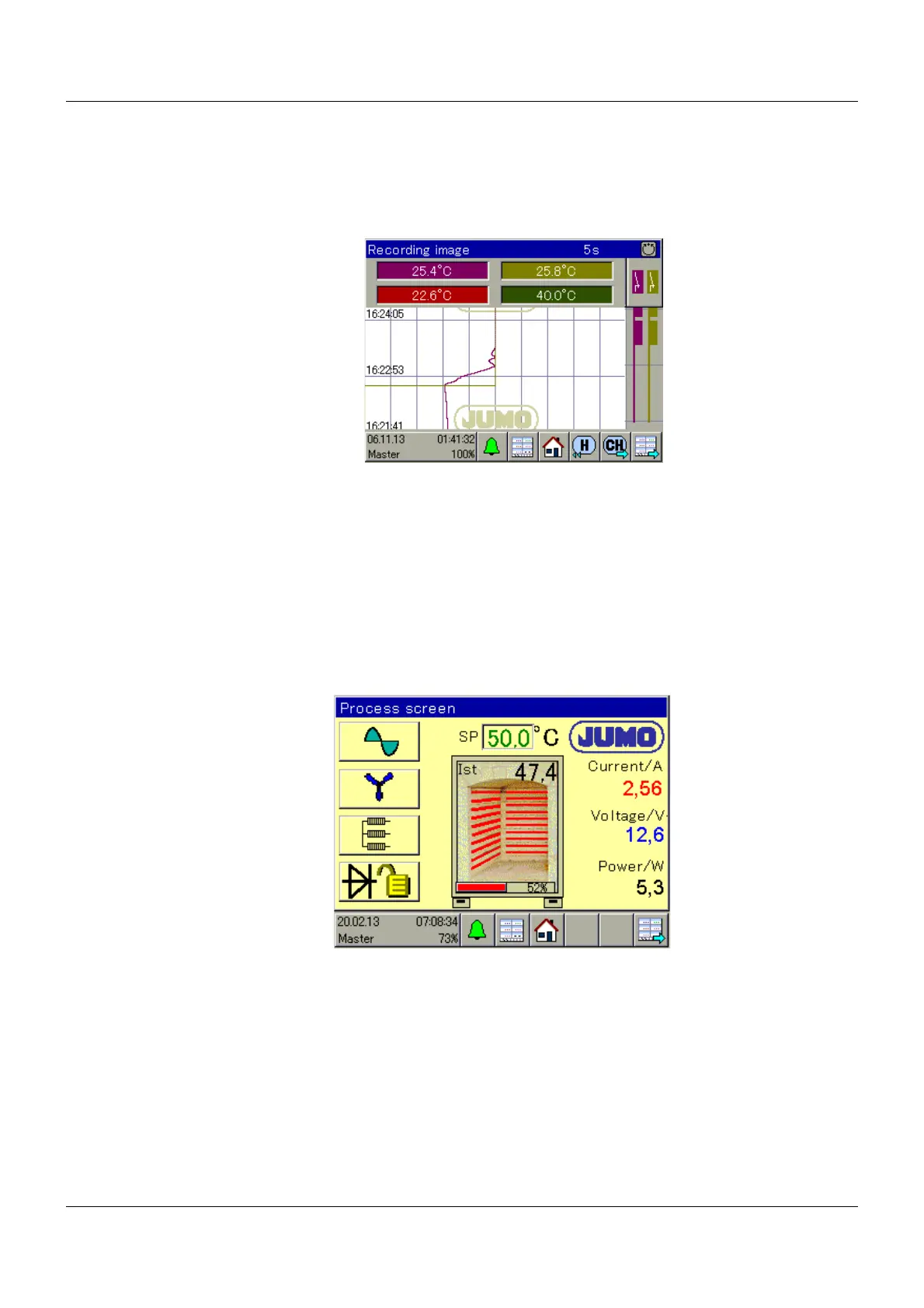
Here the device records up to 4 analog and 3 digital channels, like a line recorder.
Extra code 213 is required if data is to be recorded and evaluated.
You can view historical data (from previous recordings) with the H button and switch channels
with the CH button. If the channels to be displayed have been configured, the screen must be
activated for the display in the operating loop.
Ö Operating manual Chapter 12.11 "Recording 1, 2", Page 120
5.5.5 Process screen 1 to 4
Default setting
These screens can be freely configured and are blank per default. A background image of your
plant can be stored and animated with all the process values for the device.
The setup program is required to design the graphics.
Ö Operating manual Chapter 13.13 "Process screens 1 to 4", Page 163









 To Next Page