173
15 Online parameters
15.1 Fine adjustment
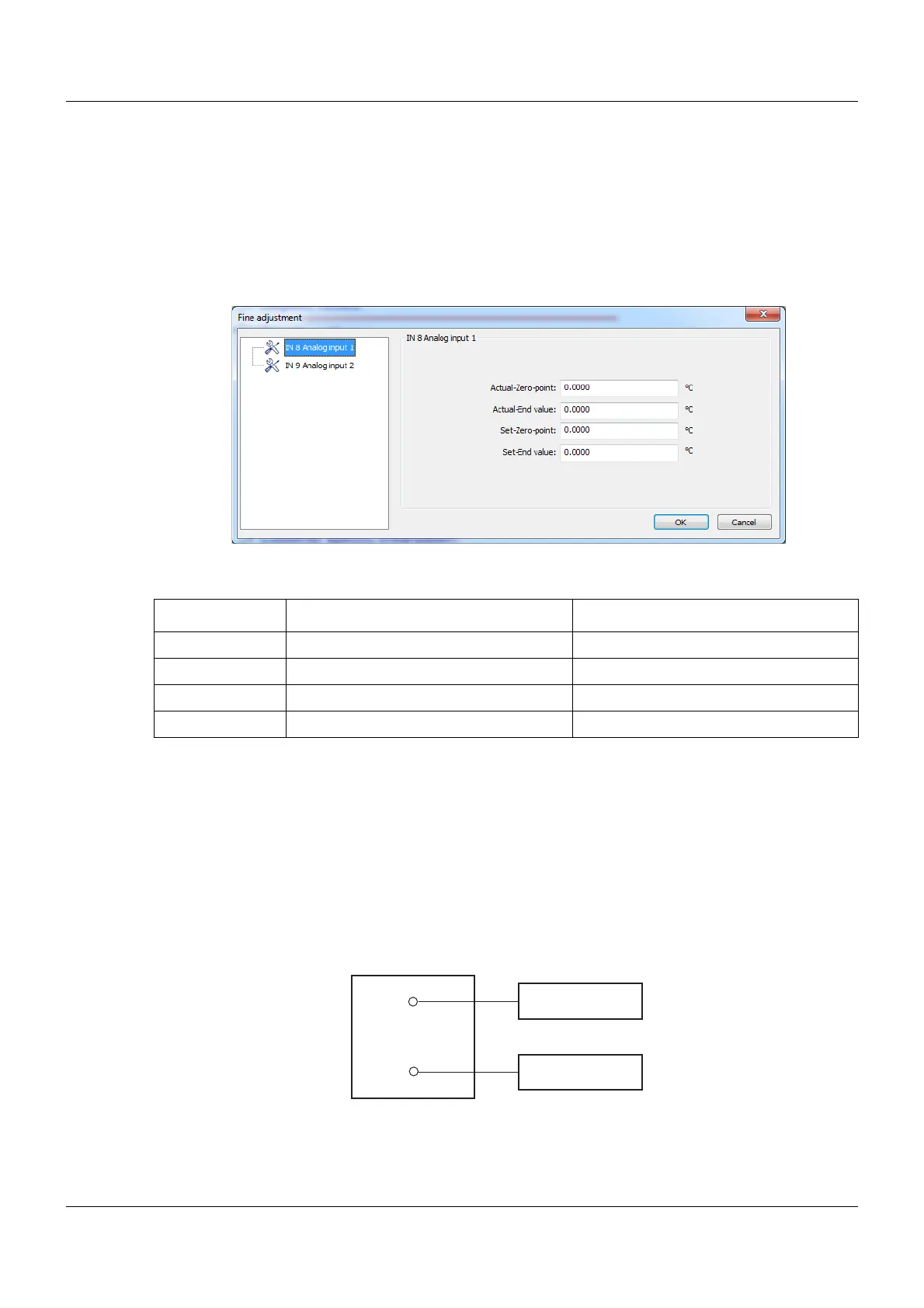
You can use customer-specific fine adjustment to correct the measured values of the analog
input. In contrast to offsetting, which is used to specify a constant correction value for the entire
characteristic line, fine adjustment can also be used to change the slope of the characteristic
line.
Setup dialog box
Parameters
Example
The temperature inside a furnace is measured with an RTD temperature probe and displayed.
Due to the temperature drift of the sensor, the true temperature (reference measurement) de-
viates from the displayed value. The amount of deviation is different at the upper and lower
measuring points, meaning that measured value offset is not suitable.
Actual zero point: 15 °C (lower displayed value)
Set zero point: 20 °C (lower reference value)
Actual end value: 70 °C (upper displayed value)
Set end value: 80 °C (upper reference value)
Parameter Selection/settings Description
Actual-Zero-point -99999 to 0 to +99999 Lower displayed value
Actual-End value -99999 to 0 to +99999 Upper displayed value
Set-Zero-point -99999 to 0 to +99999 Lower reference value
Set-End value -99999 to 0 to +99999 Upper reference value
20°C / 80°C
20°C / 80°C
15°C / 70°C
(4)
(3)
(1)
(2)
(1) Display values (2) Reference values
(3) Furnace (4) Sensor in RTD temperature probe









 To Next Page