171
14 Special functions
14.1 Calibrating the touchscreen
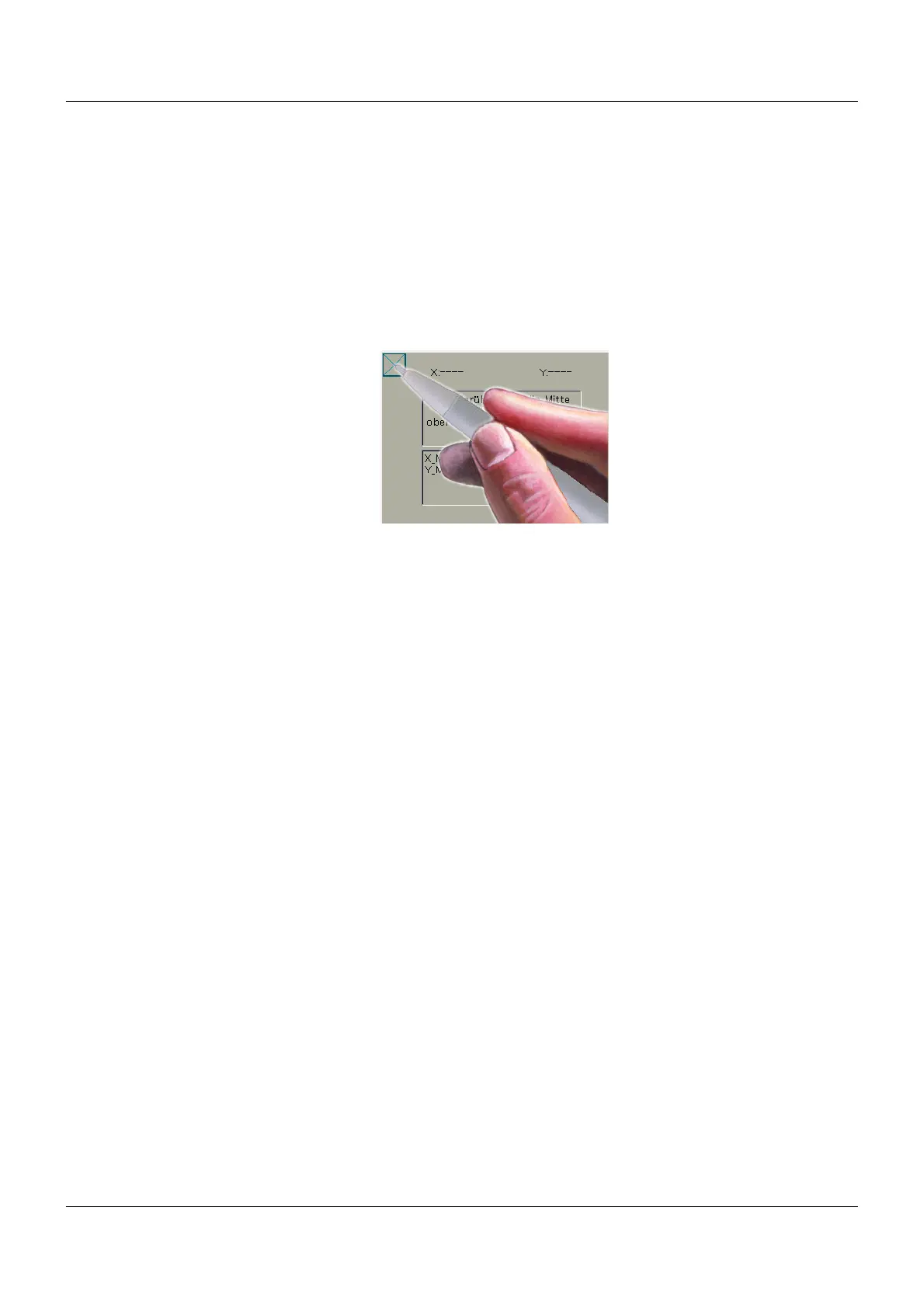
The display on the TFT screen may no longer correspond to the points of contact on the adhe-
sive touchscreen cover.
In this case, the touchscreen must be calibrated.
D
EVICE MENU>CALIBRATE TOUCHSCREEN
To do this, 4 points on the screen with an 'x' must alternately be tapped as accurately as pos-
sible with a pen.
The device saves these coordinates and this matches up the TFT screen and the touchscreen
again.









 To Next Page