167
13 Configuration – in setup program only
13.13.3 Signal types for process screens (overview)
The variables and icons are now entered in the list until the process screen is complete. The
first blue highlighted entry is highlighted with a border in the preview.
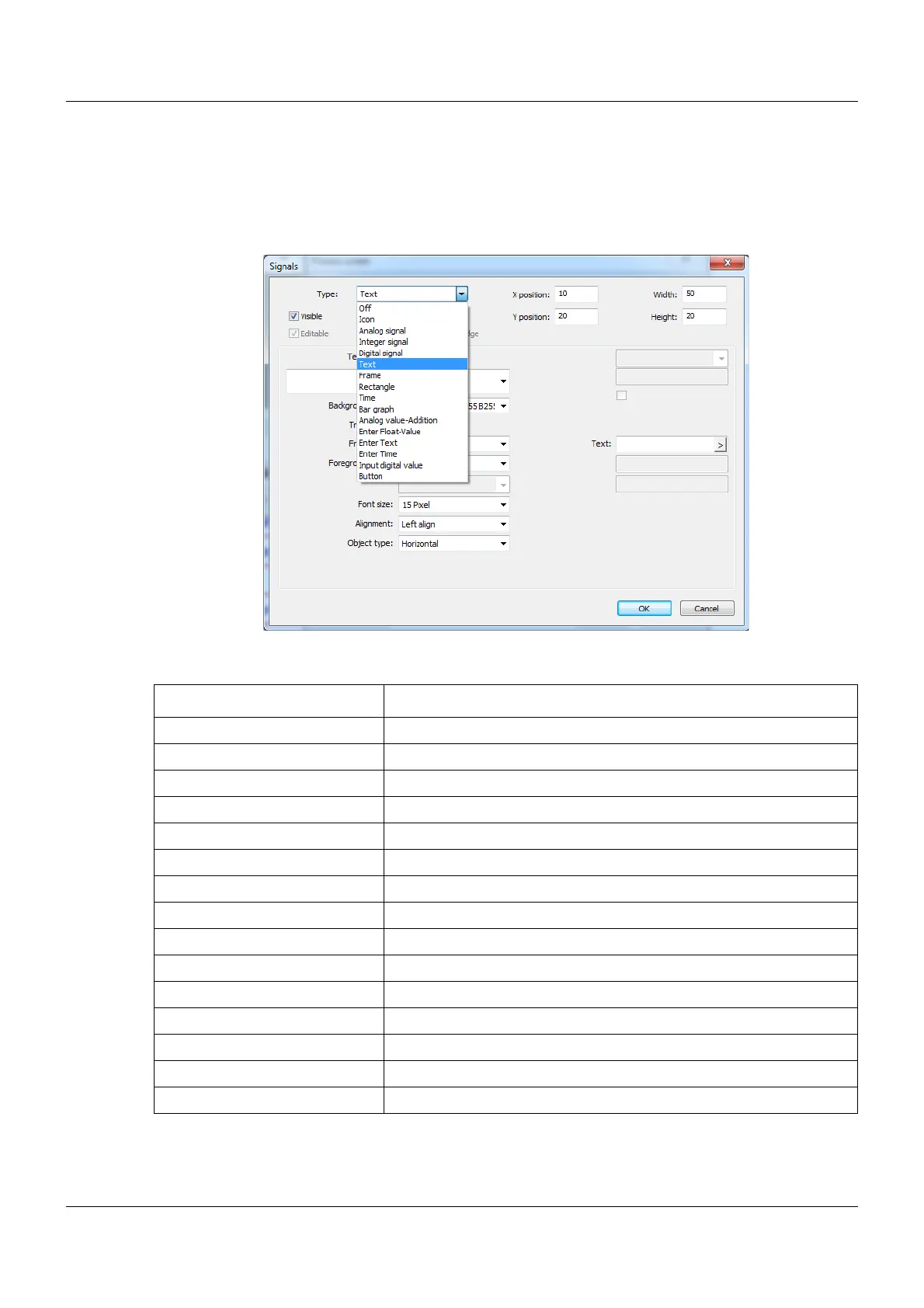
Setup dialog box
Signal types
Parameter Description
Pictogram Screwdriver, alarm bell...
Analog signal ...from the analog selector
Integer signal ...from the integer selector
Digital signal ...from the digital selector
Text Text from the process or configuration selector
Frame Transparent border
Rectangle Rectangle with color fill and border
Time Runtimes, timer times, service times
Bar graph ...from the analog selector
Analog value-Addition Unit, channel description, min or max limit value
Enter Float-Value Field for entering a floating point value
Enter Text Field for entering a text
Enter Time Field for entering the date or the time
Input digital value Field for binary value output
Button Button with touch function









 To Next Page