Group 6 Operation – Elements and procedures Page 47
Release R1.03e LEIBINGER JET3
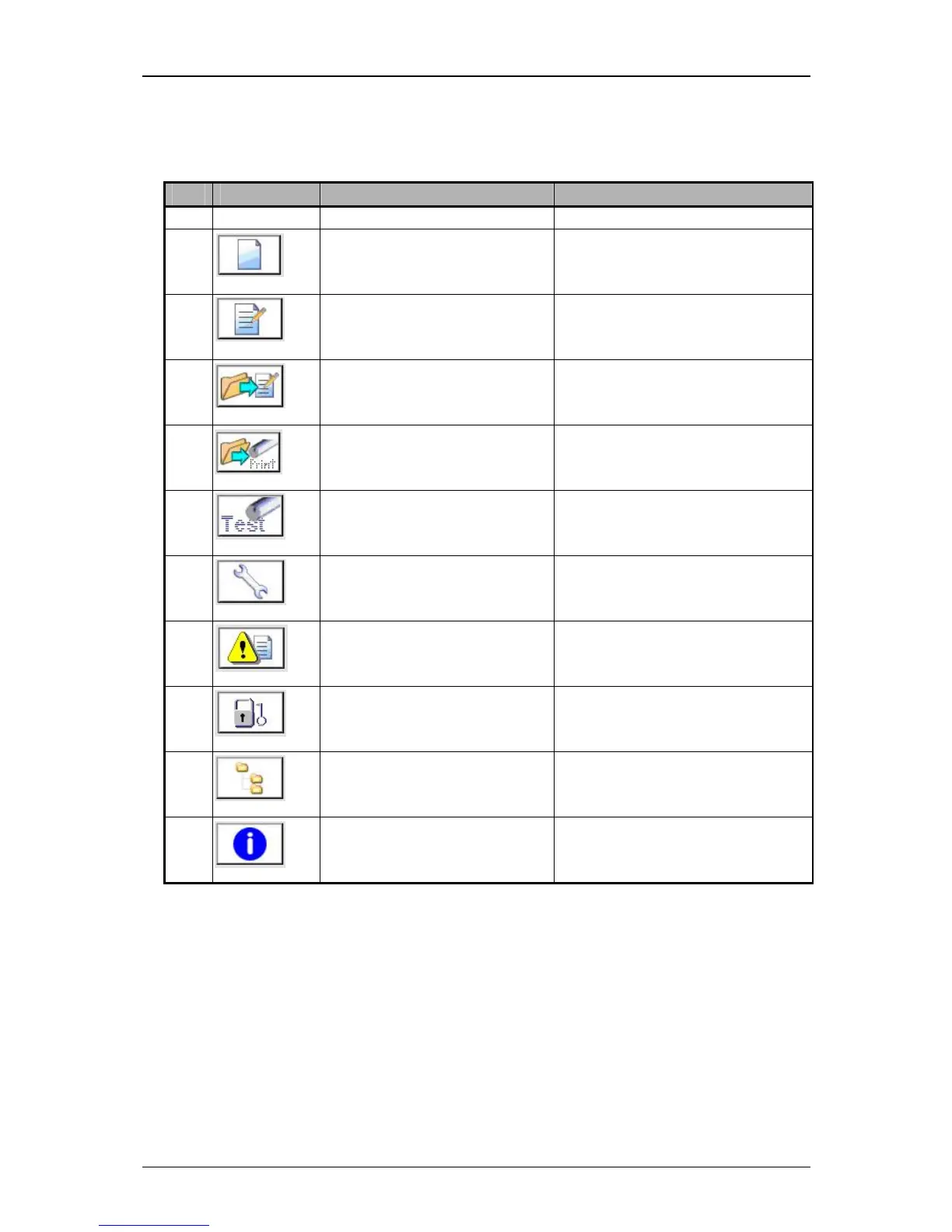
Direct buttons (3): Several menus or submenus of the JET3 can be called directly
with the direct buttons. The following direct buttons are available:
Pos. Button Function-/menu designation Comment
1.
Create new job Editor opens
2.
Edit current job Editor with the current loaded
job opens.
3.
Open job to edit Job selection menu opens.
4.
Open job to print Job selection menu opens.
5.
Test-print function Special appliance for a fast print
control and troubleshooting
6.
Hydraulic/Printhead test and
maintenance menu
7.
Data Logging
8.
Login
9.
Explorer Data file manager to import
jobs, graphics and fonts
10.
Info System information menu opens



 To Next Page