262334 91 Revision A
Setting Float – M2 Series Windrowers
The float can be set for windrowing with the cutterbar on the ground.
The optimum float setting lets the header follow the contour of the terrain.
1. Set the center-link to the mid-range position (5.0 on the HarvestTouch
™
Display). For instructions, refer to the
windrower operator’s manual.
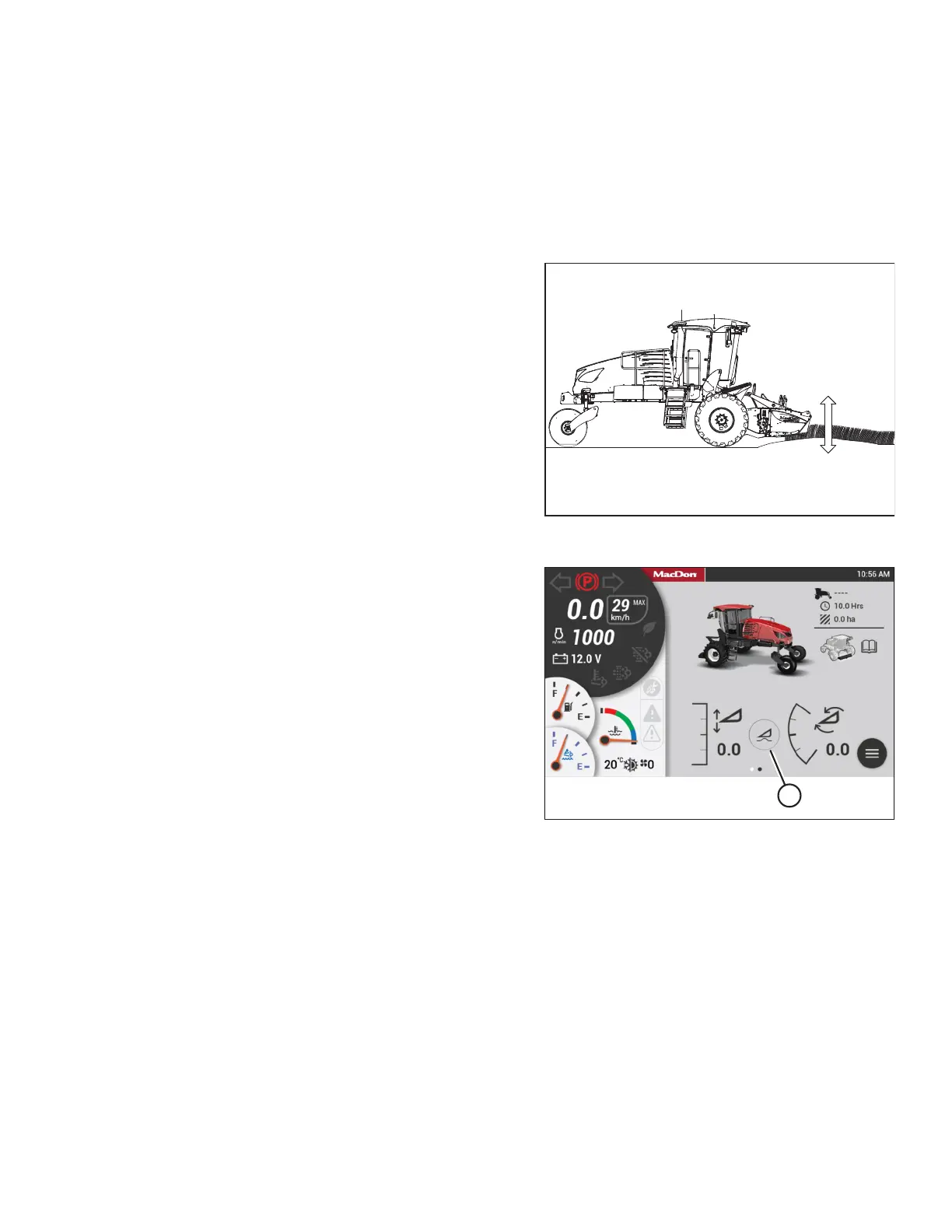
Figure 3.131: Header Float – Cutterbar on Ground
2. When cutting on the ground, lower the header until the
cutterbar is on the ground.
NOTE:
To minimize scooping rocks when operating at the flattest
header angle, lower the header skid shoes. For instructions,
refer to the header operator’s manual.
Figure 3.132: HarvestTouch
™
Display
3. Press FLOAT SETTINGS icon (A) on the HarvestTouch
™
Display to show the float setting page.
OPERATION



 To Next Page