262334 98 Revision A
Setting Float Options with Fixed Deck – M1 Series Windrowers
When an M1 Series Windrower not equipped with the deck shift feature is paired with an A40DX Auger Header, the DECK
SHIFT buttons can be used to store three different float settings. This is useful when cutting in varying ground conditions,
or when having one side lighter is desirable (such as cutting along wheel tracks or irrigation borders).
DANGER
Ensure that all bystanders have cleared the area.
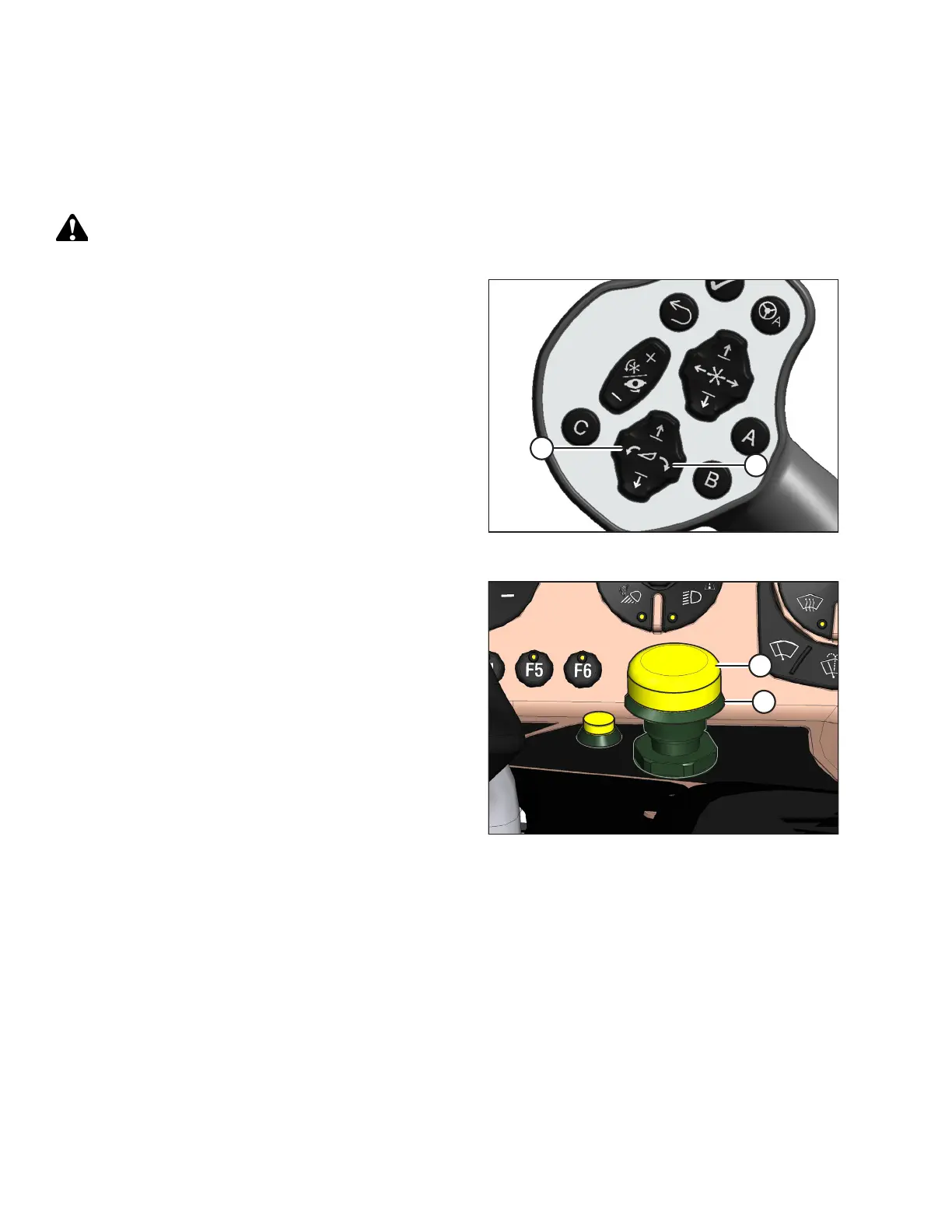
Figure 3.148: GSL
1. Start the engine and use HEADER TILT switches (A) and (B)
on the ground speed lever (GSL) to set header tilt to the
mid-range position.
Figure 3.149: Header Engage Switch
2. Engage the header by pushing and holding down HEADER
ENGAGE switch (A), and pulling up on collar (B).
OPERATION



 To Next Page