262334 191 Revision A
4.12 Replacing Rubber Fingers
Rubber fingers should be replaced if they are missing or damaged.
To replace a rubber finger, follow these steps:
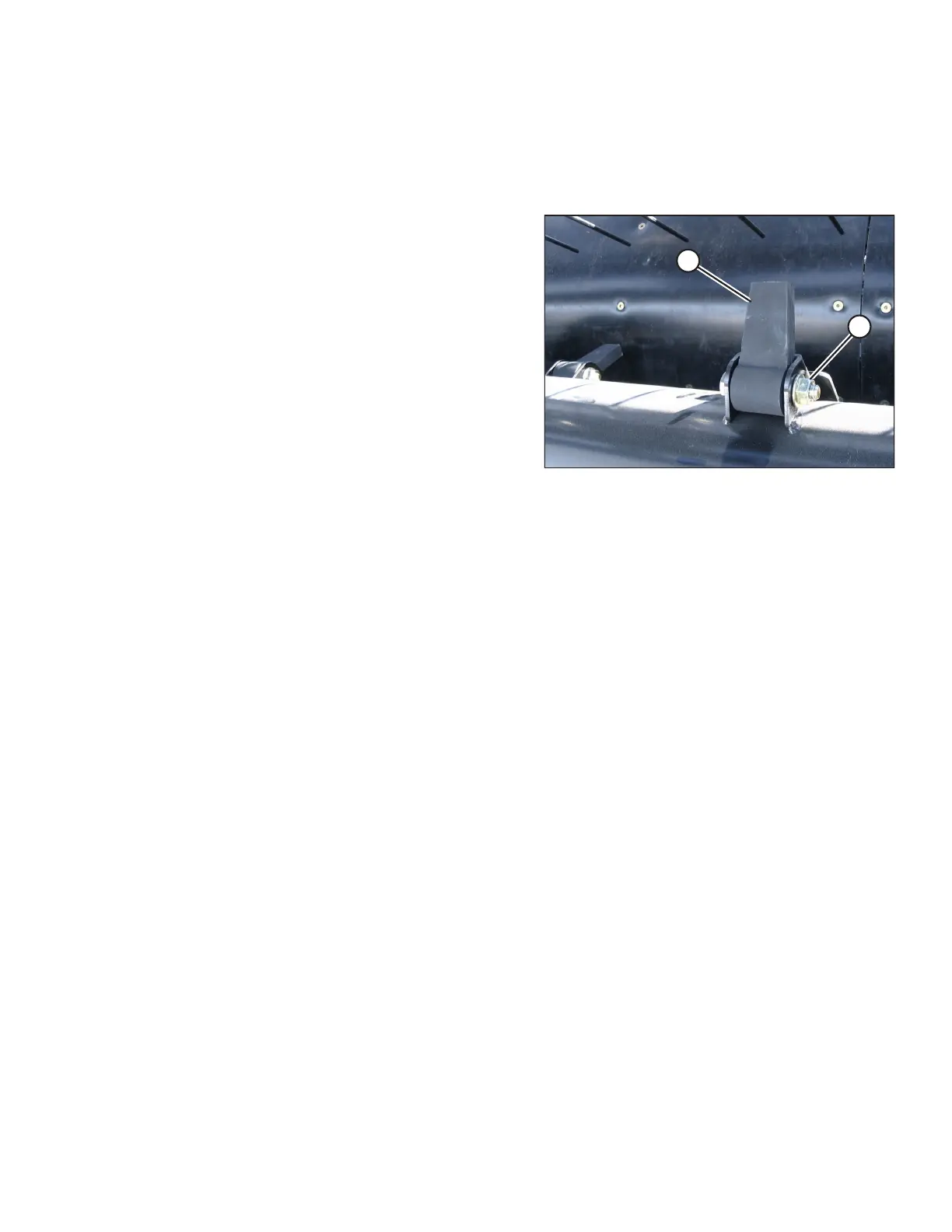
Figure 4.122: Auger Finger
1. Remove nut and bolt (A), and then remove finger (B).
2. Position the new finger in the holder, and then install the
bolt and nut. The rubber finger should be free to move
after the bolt is tightened.
MAINTENANCE AND SERVICING



 To Next Page