262334 176 Revision A
4.10 Reel Tines and Tine Bar Bearings
Separate procedures are required to replace reel tines, depending on their location on the reel.
Refer to the following topics for these procedures:
• 4.10.1 Replacing Tine and Bearing: Cam End – Disc #1, page 176
• 4.10.2 Replacing Tine and Bearing: Disc #2, page 180
• 4.10.3 Replacing Tine and Bearing: Center Section X, page 184
• 4.10.4 Replacing Tine and Bearing: Opposite Cam – Section Y, page 186
• 4.10.5 Replacing Tine: Tine Bar Extension – Section Z, page 188
IMPORTANT:
Keep the reel tines in good condition. Straighten or replace the reel tines as required.
4.10.1 Replacing Tine and Bearing: Cam End – Disc #1
Follow the provided procedure to properly replace the tines and bearings at cam-end reel disc sectors.
NOTE:
Apply a light coating of anti-seize compound to the tine tube connections and all bolts prior to reassembly.
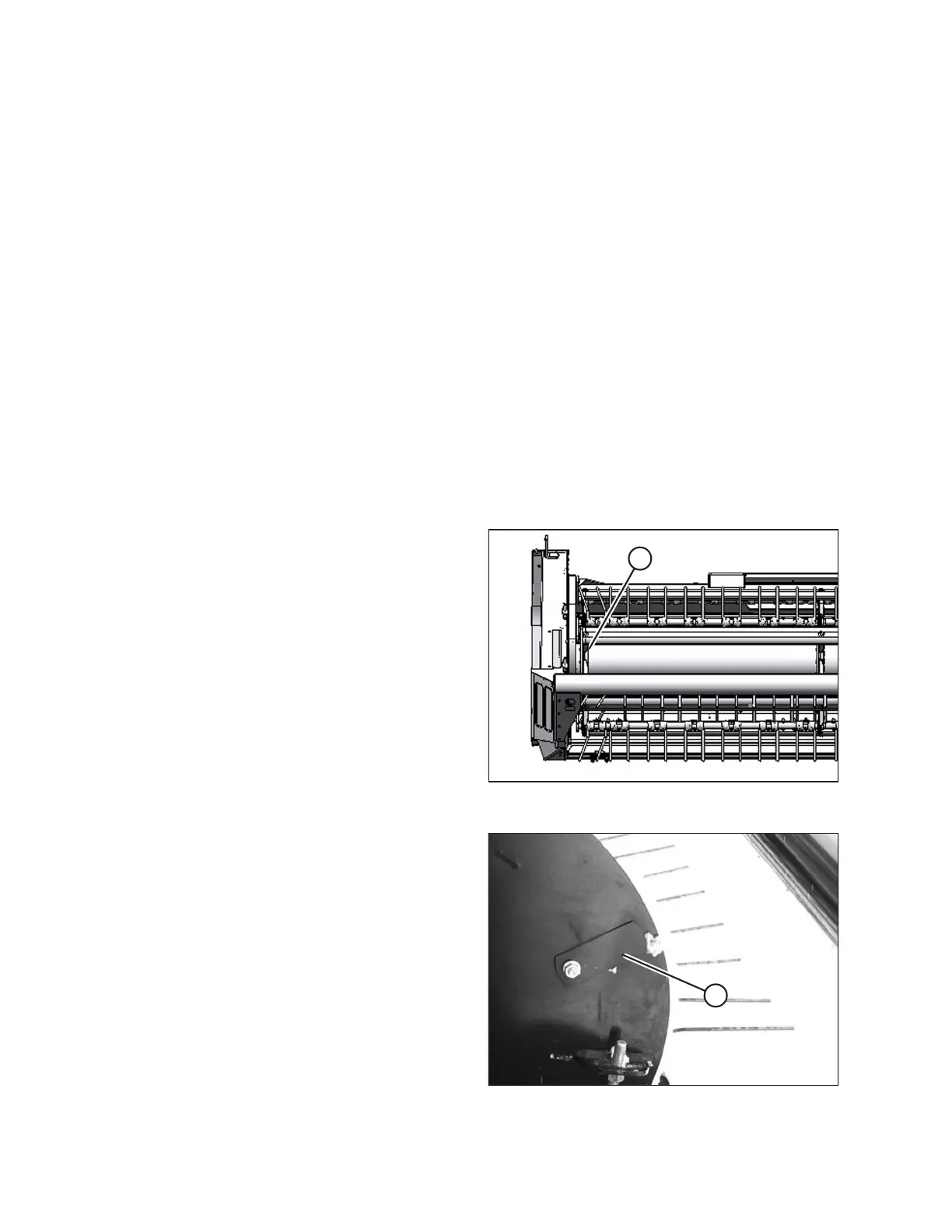
Figure 4.86: Cam End Disc
Replace the tines and the bearing at disc #1 (A) as follows:
Figure 4.87: Cam Disc
1. Loosen the bolt on cover (A), and slide the cover to expose
the hole in the cam disc. Rotate the reel, and align the
bearing with the hole.
MAINTENANCE AND SERVICING



 To Next Page