262334 152 Revision A
Replacing Pointed Center Guard on Double-Knife Header
Check daily that guards are firmly bolted to the cutterbar, and not worn or broken. Replace the guards as required. A worn
or broken guard can be replaced without removing knife from cutterbar. This procedure applies to the center guard where
the two knives overlap on a double-knife header.
IMPORTANT:
Replace adjacent guards when replacing center guard.
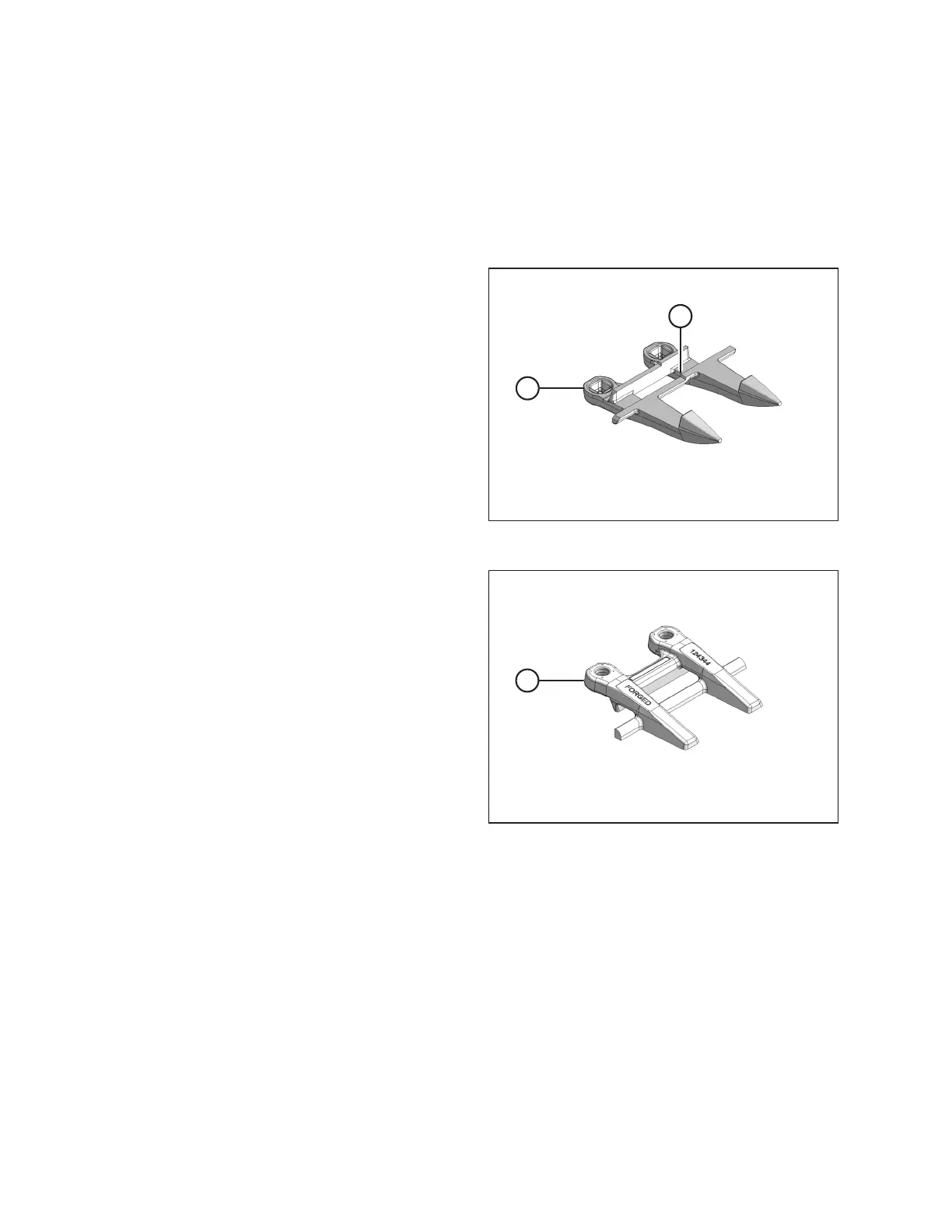
Figure 4.35: Center Guard – Double Knife
IMPORTANT:
Ensure center guard (A) has offset (B) cutting surface.
IMPORTANT:
Ledger surfaces of center and adjacent guards must be vertically
aligned to avoid interference with knife sections.
Figure 4.36: Center Hold-Down – Double Knife
IMPORTANT:
Hold-down (A) must accommodate the two overlapping knives at
center guard location on double-knife header. Ensure
replacement is the correct part.
MAINTENANCE AND SERVICING



 To Next Page