262334 153 Revision A
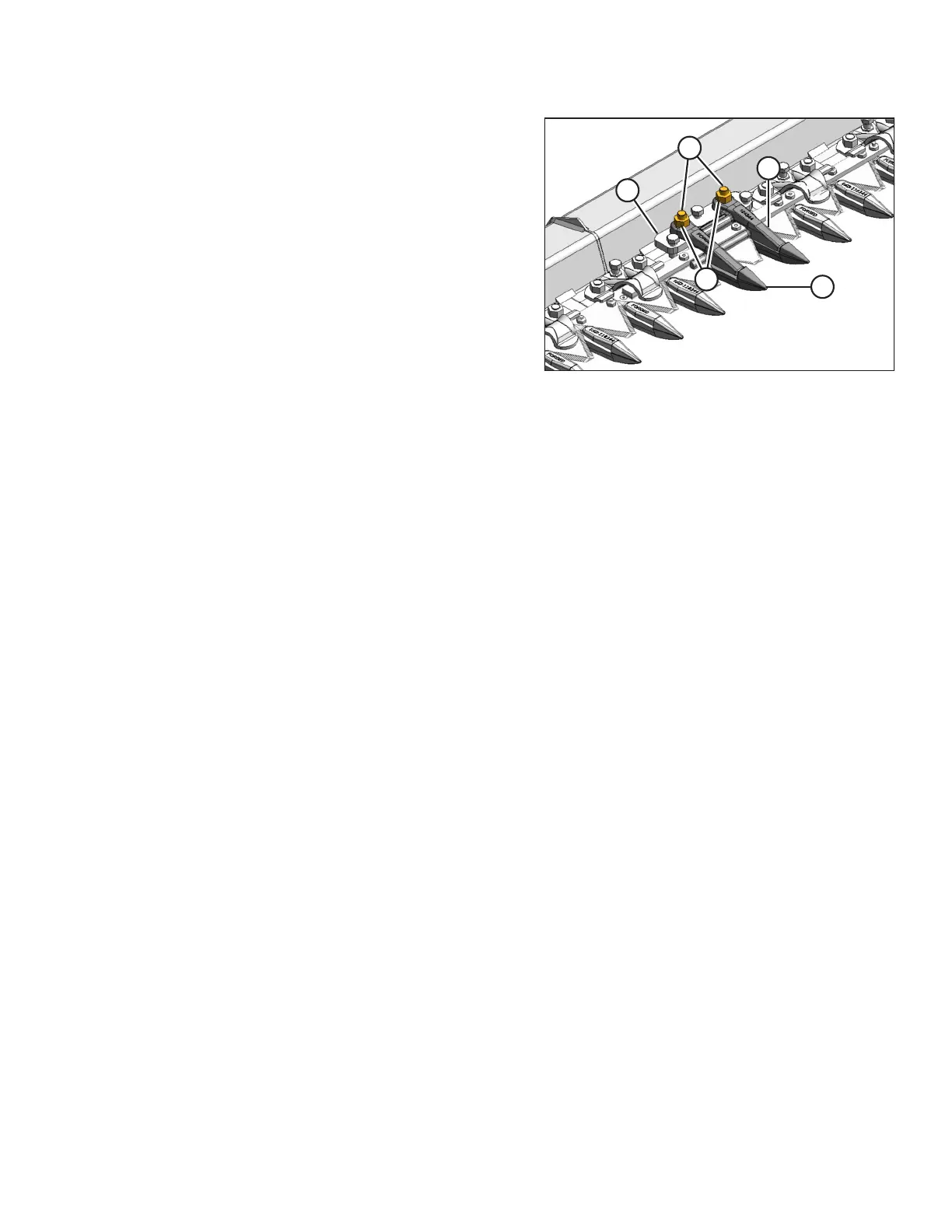
Figure 4.37: Pointed Center Guard
1. Stroke the knife so that knife sections are spaced midway
between the guards.
2. Remove two nuts (A) and bolts (B) that attach center
guard (C) and hold-down (D) to cutterbar.
3. Remove guard (C), hold-down (D), and adjuster bar (E).
4. Position new guard (C) on cutterbar and install two
7/16 x 2 3/4 in. carriage bolts (B).
5. Position adjuster bar (E) and hold-down (D) on cutterbar
and install nuts (A).
6. Torque nuts to 68–92 Nm (50–68 lbf·ft).
MAINTENANCE AND SERVICING



 To Next Page