262334 36 Revision A
3.3 Attaching A40DX Auger Header to M1 Series Windrowers
The header’s hydraulic multicoupler must be connected to the windrower before operation.
DANGER
To prevent injury or death from the unexpected start-up of the machine, always stop the engine and remove the key
from the ignition before leaving the operator’s seat for any reason.
This procedure also applies to A40D Series Headers equipped with the Auger Header Compatibility kit (B5998) or the A40D
SP Grass Seed Auger Conversion kit (B6384). Refer to your windrower operator’s manual for procedures to mechanically
attach an A40DX Auger Header to an M1 Series Windrower and for modifications to the windrower hydraulic connections
(if required).
IMPORTANT:
If attempting to attach an A40D Header to an M1170 or M1240 Windrower, the M1 Series Conversion kit (B5998) or the
A40D SP Grass Seed Auger Conversion kit (B6384) must first be installed. These kits include a new manifold and hose
bundle required for operation with an M1 Series Windrower, and effectively converts an A40D header into an A40DX
header.
Header drive hydraulic hoses and electrical harness are located on the left, cab-forward side of the windrower. To connect
the hydraulic and electrical bundle from an A40DX header to an M1 Series Windrower, follow these steps:
1. Shut down the engine, and remove the key from the ignition.
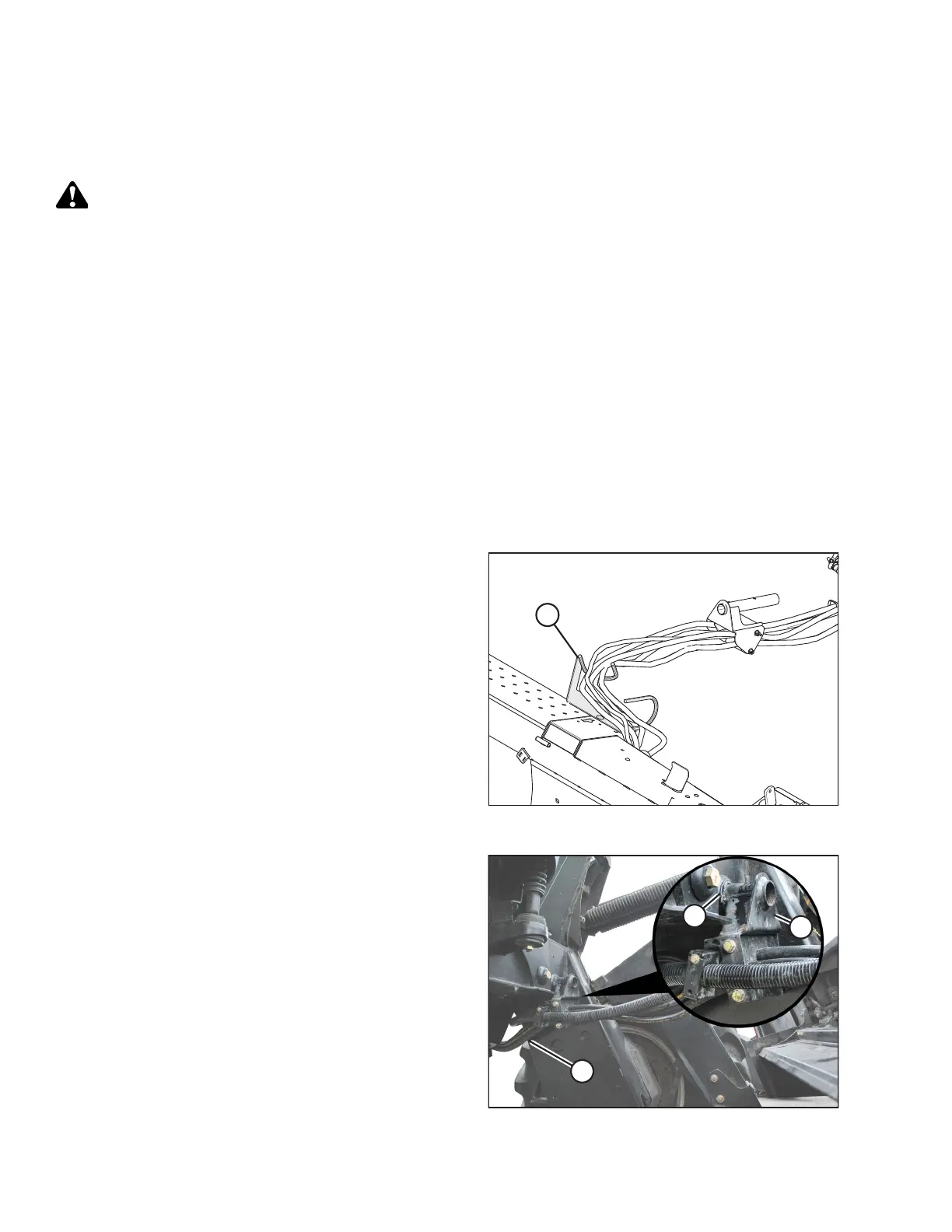
Figure 3.15: Hose Bundle
2. Route header hose bundle through hose guide (A) on
header as shown.
Figure 3.16: Hose Support
3. Insert hose support (B) into hole (A) in the windrower left
leg, and route header hose bundle (C) under the windrower
to the hydraulic and electrical couplers.
OPERATION



 To Next Page