262334 189 Revision A
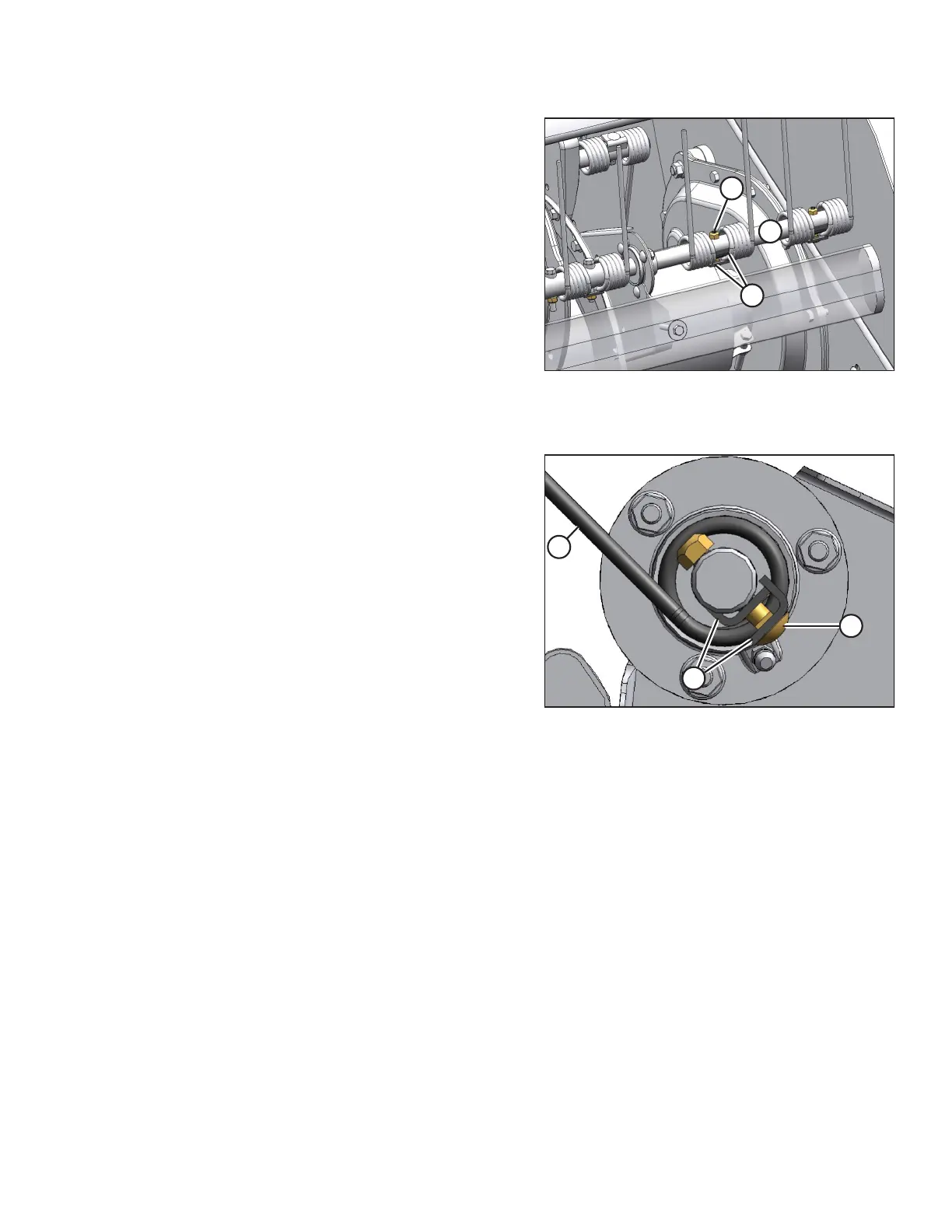
Figure 4.120: Disc #4
A - Bolt B - Keepers
Z - Section Z
1. Remove bolt (A) and keepers (B) on the tine to be replaced,
and slide the tines off the tine bar.
Figure 4.121: End View of Tine Bar
2. Install the tines on the tine bar, and secure them with
bolt (A) and two keepers (B). Tine (C) must be clamped
between keepers (B). Install the nut with the flat side
against the tine bar extension.
MAINTENANCE AND SERVICING



 To Next Page