Newtec Proprietary
Confidentiality: Unrestricted
V1.0
90/314
How to Manage the Device MDM6000 Satellite Modem
11.9 File Transfer Protocol (FTP)
This feature is used to download or upload files and is commonly used in combination with the CLI.
For example:
• Download files: (Diagnostics reports, Log files);
• Upload files: (Config files, software upgrades, license file, Equalink pre-correction files).
Enable or disable the FTP (File Transfer Protocol) server service and the FTP account on following
location:
MDM6000 >> Device Setup >> Access Control >> FTP
The FTP service (anonymous account) is activated by default.
For security reasons, it is advised to disable the anonymous FTP-account.
When this is done the FTP account can be consulted with the operator and expert
user login and password.
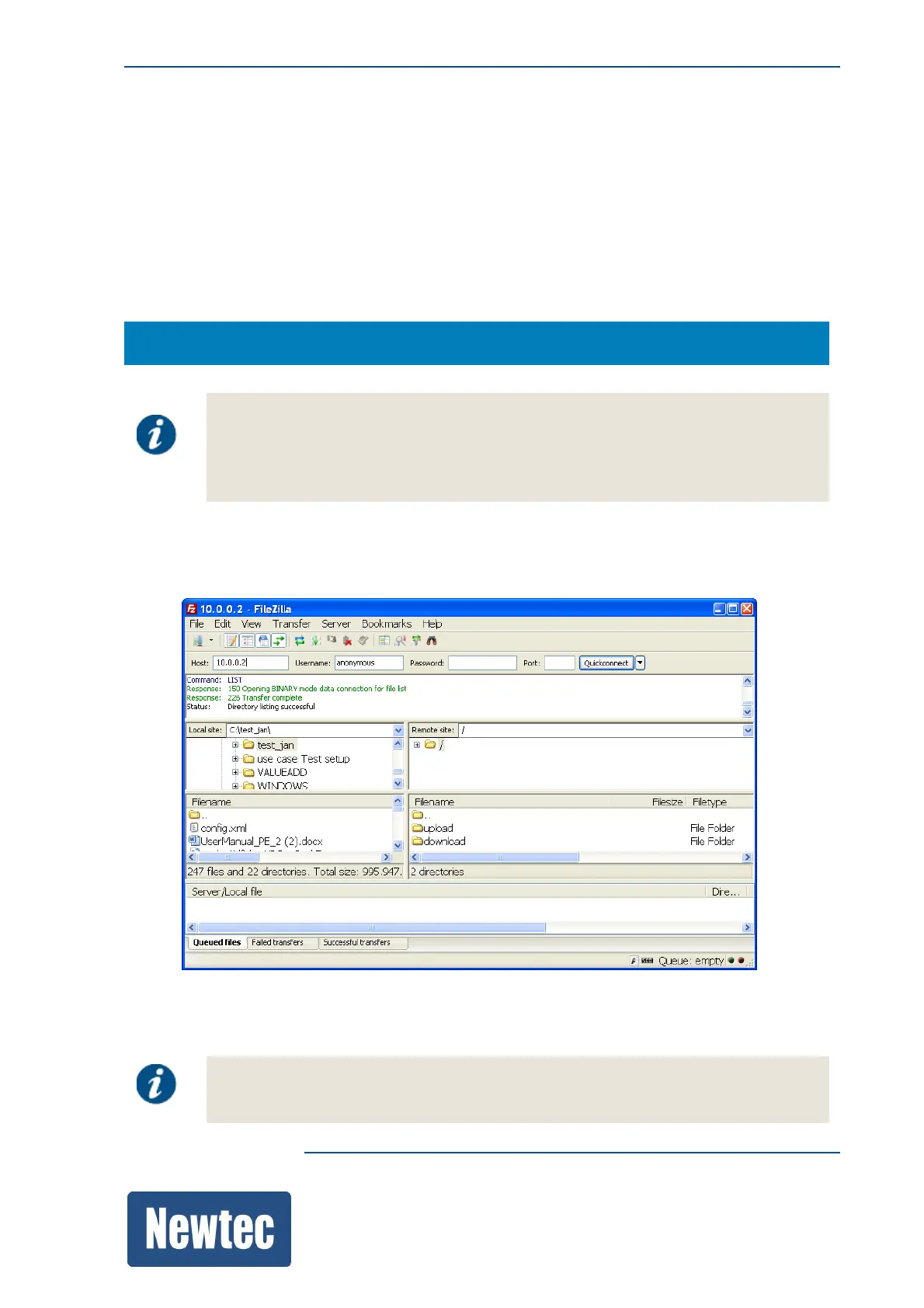
Use an FTP client application to connect to the device.
An example of such an application is FileZilla.
Downloaded or uploaded files can be consulted on the "Remote Site" in the download/upload
folders.
For security reasons, in order to avoid that the device will be used as a file server,
updated files cannot be downloaded again.



 To Next Page