Newtec Proprietary
Confidentiality: Unrestricted
V1.0
131/314
General Device Settings and Actions MDM6000 Satellite Modem
12.16.1 Configuration Table
Open the Device management block or navigate to:
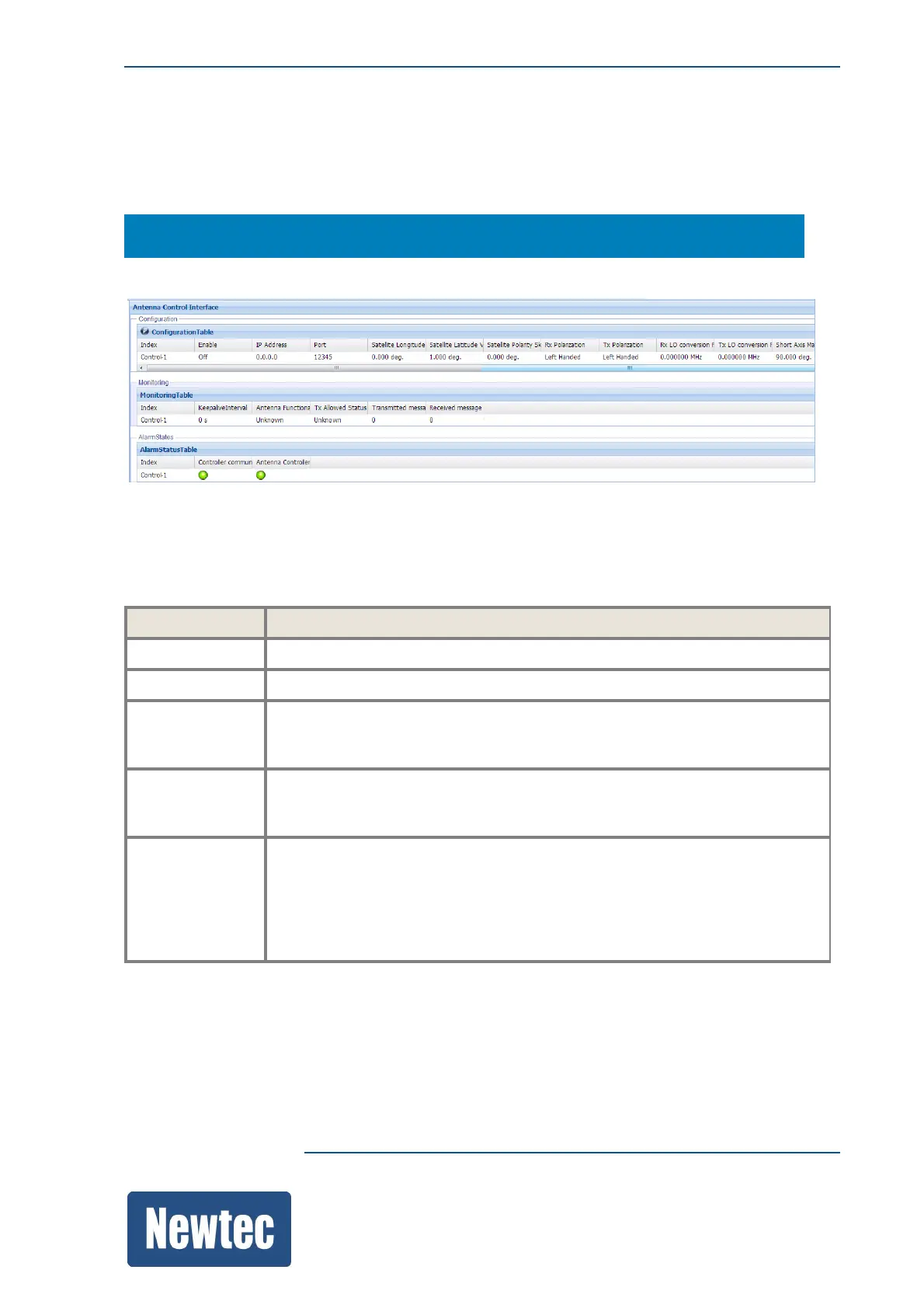
MDM6000 Satellite Modem> Device Setup >> Antenna Control Interface
The following parameters must be completed to setup the configuration.
IP Configuration and activate the antenna control interface.
Parameter Description
Index Indicates the Control IDs of the available antenna connections.
Enable Activate the interface controller.
IP Address Enter the destination IP address, IP address of the antenna control unit.
Make sure that the IP address of the antenna control unit is in the same
range as the MGMT IP address of the MDM6000.
Port Enter the TCP port of the destination IP address.
On what logical port is the antenna control unit listening to exchange control
messages.
Connection
Timeout
Tolerance
Define a connection time out.
How long is it allowed to indicate that the connection is alive while the
TCP/IP connection is already down.
This parameter works in combination with the keep alive interval parameter.
When the keep alive interval is reached and the TCP connection is down, the
controller communication alarm is triggered.



 To Next Page